Project
cortex-ide
Description
In the Copilot sign-in flow, a large button displays the device verification code (e.g., "ABCD-1234") with a copy icon. Clicking it copies the code to clipboard. The button has no aria-label, so screen readers announce the raw code text and the icon but not the action purpose ("Copy device code to clipboard"). Users also get no aria-live feedback when the copy succeeds and the icon changes to a checkmark.
Visual Evidence
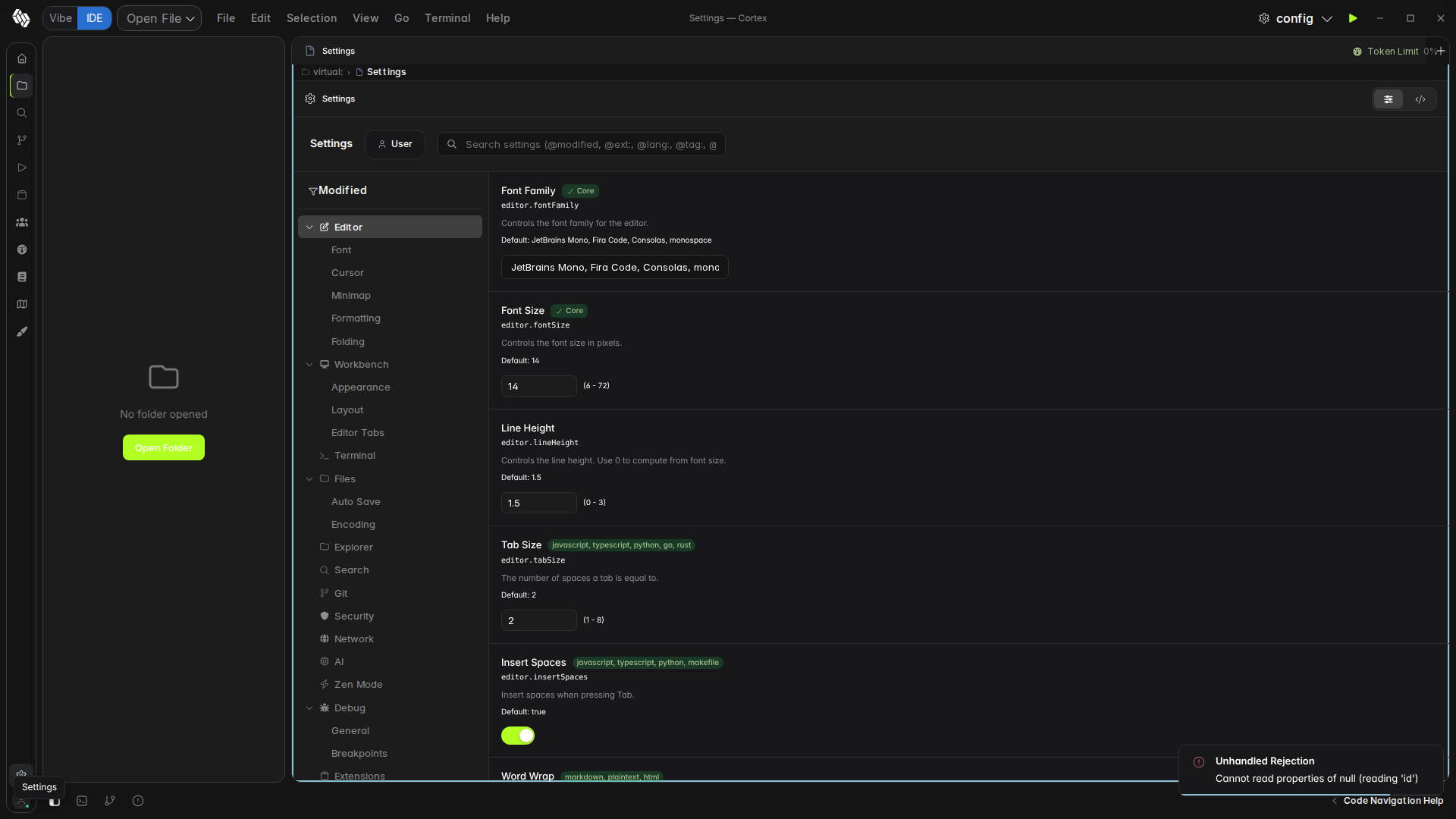
Accessible from Settings → Copilot → Sign In with GitHub.
Affected Element
CopilotStatus.tsx:299-311:
<button
  onClick={copyCode}
  class="w-full px-4 py-3 rounded-lg font-mono text-2xl tracking-widest flex items-center justify-center gap-3"
  style={{ background: "var(--surface-hover)", color: "var(--accent)" }}
>
  <span>{deviceCode()?.userCode}</span>
  <Show when={copied()} fallback={<Icon name="copy" class="w-5 h-5" />}>
    <Icon name="check" class="w-5 h-5" style={{ color: "var(--success)" }} />
  </Show>
</button>
No aria-label. The icon swap from "copy" to "check" after copying is purely visual — no aria-live region announces the success.
Steps to Reproduce
- Go to Settings → Copilot section → Sign In
- Device code appears with copy button
- Screen reader announces "ABCD-1234 button" — no "copy" context
- Click to copy — icon changes to checkmark but screen reader is silent
Expected Behavior
Button should have aria-label="Copy device code to clipboard". The copied state should be announced via aria-live (WCAG 4.1.2 + 4.1.3).
Actual Behavior
No aria-label, no aria-live on copy success. Raw code text used as accessible name.

Project
cortex-ide
Description
In the Copilot sign-in flow, a large button displays the device verification code (e.g., "ABCD-1234") with a copy icon. Clicking it copies the code to clipboard. The button has no
aria-label, so screen readers announce the raw code text and the icon but not the action purpose ("Copy device code to clipboard"). Users also get noaria-livefeedback when the copy succeeds and the icon changes to a checkmark.Visual Evidence
Accessible from Settings → Copilot → Sign In with GitHub.
Affected Element
CopilotStatus.tsx:299-311:
No
aria-label. The icon swap from "copy" to "check" after copying is purely visual — noaria-liveregion announces the success.Steps to Reproduce
Expected Behavior
Button should have
aria-label="Copy device code to clipboard". The copied state should be announced viaaria-live(WCAG 4.1.2 + 4.1.3).Actual Behavior
No aria-label, no aria-live on copy success. Raw code text used as accessible name.