 This is the repository for team "Tigers" in Mr. Mortensens Period 4 APCSP class.
Project Plan: https://docs.google.com/document/d/1_RzcbbgoZteTrCJo1qlfq6hrH7E3DM72hJp6yROmbOs/edit?usp=sharing
Project Board: https://github.com/TMarwah/P4Tigers/projects/1
Charlie Zhu, Eshaan Parlikar, Rohan Nallapati, Tanmay Marwah
Our project is going to be a website that sells merchandise to the user, much like Amazon, eBay, or any other online shop.
- Login system that allows user to create accounts
- Clothing options, such as sweaters and shoes that the user can purchase
- Options for users with accounts to set default addresses and card information
- Having a database that tracks what certain users buy
- Having a Checkout Feature
- Adding items to a cart and having the program save those items in the cart
- Navbar with Bootstrap that will contain different tabs for the site
- successfully used HTML code to program the shop homepage, along with the index and resolution tabs; currently ready to deploy on Raspberry Pi in Scrum Board. Next step is to start creating items for purchase and add cart management features.
- Folder containing HTML
- Integrated shop site
- Can be evaluated via runtime by using the home navbar to visit the shop homepage and seeing the successfully integrated HTML.
- Link to Ticket
- successfully integrated the home page as well as adding a navbar using Bootstrap that contains different tabs of possible items; currently ready to deploy on Raspberry Pi in Scrum Board
- file containing Bootstrap
- Can be evaluated via runtime by running the project and checking if the navbar does lead to the different tabs on our website.
- Link to Ticket
- successfully made a completed about us page with visuals and bootstrap buttons to scroll through the team, as well as a carousel on the bottom in which individual slides can be picked by the viewer; currently ready to deploy.
- file containing bootstrap and visual code
- Can be evaluated via runtime by checking if the bootstrap carousel and buttons successfully scroll through the different profiles in the about us page.
- Link To Ticket
- This is a main feature for our website. Our database shows all user information and works in tandem with the signup page.
- Can only be accessed by users are logged in because of this feature.
- table takes values from database in order to be displayed.
- Link to Ticket
- all successfully work with eachother in order to create a login page that aids the user
- Link to Login and Logout Ticket
- link to Signup Ticket -runtime: http://104.63.255.27/
- Created an input terminal under the easter egg path that can allow people to add items and then view them on the corresponding shop site.
- file containing bootstrap and visual code
- User can enter various attributes such as item name, item ID, item quantity, and item cost.
- Link To Ticket
- Created functioning customer sevice feature that prompts the user for a response and redirects them depending on what response they enter.
- Approute code
- Funtion that returns an error if the user didn't input a valid option
- Customer can choose from reading terms and conditions, getting in contact with a representative, reporting a missing package, or seeing a tiger animation.
- Link To Ticket
-Created a functioning checkout layout used for the site in order to purchase products from the Shop (e-commerce API needed to fully function)
- HTML code for the layout; includes accepted cards, input boxes for card info and fill-in examples just in case user gets confused
- Link to Ticket
- Created a coupon feature that allows the user to browse through a list of coupons that have certain discounts on items
- The coupons are in the form of buttons that prompt the user with a copyable code when clicked
- HTML code; uses a class based button system that prompts the user with codes
- Link to Ticket
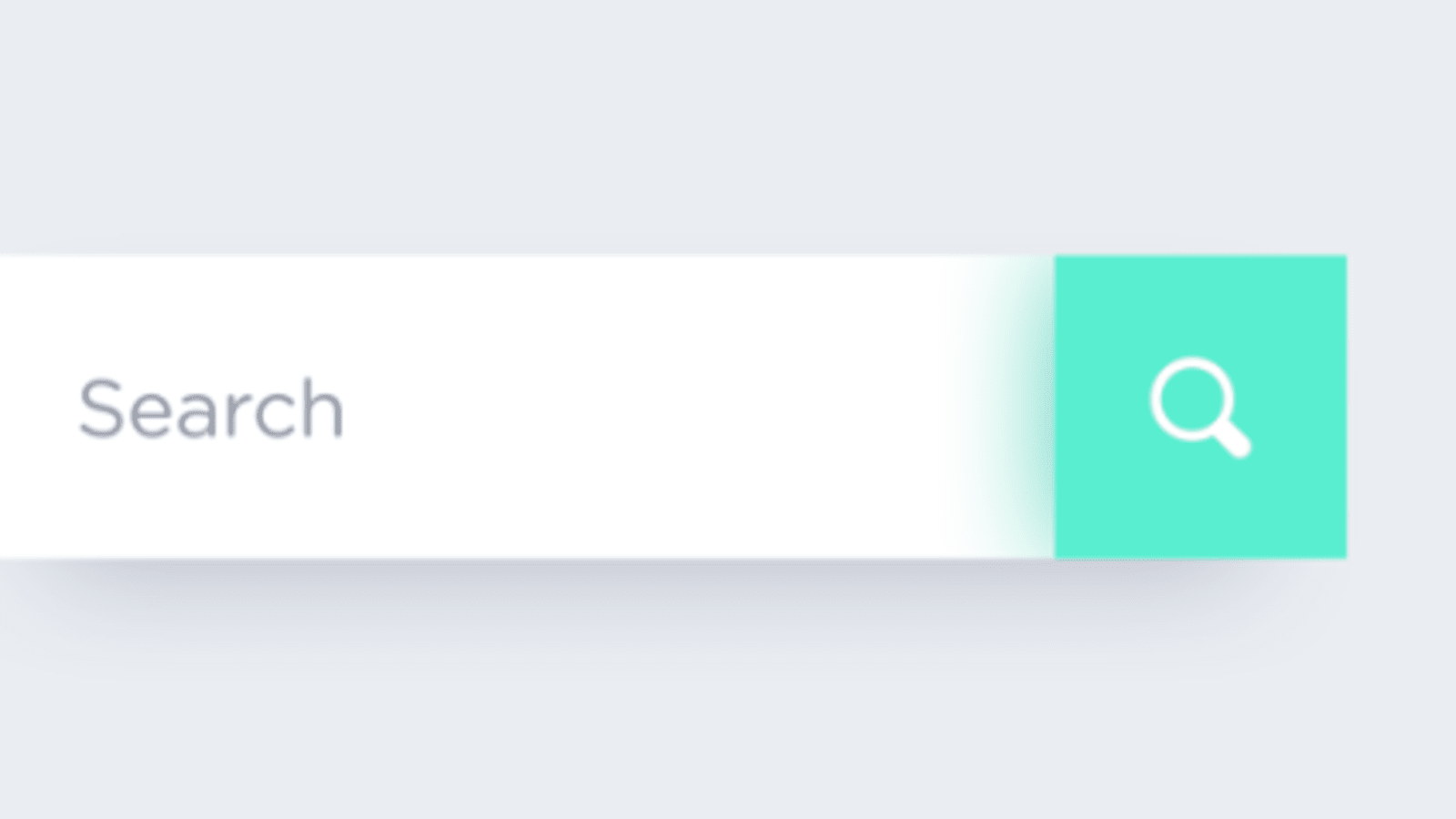
- From last week, a notable suggestion was adding a search feature that would be able to filter through certain users and their emails
- This is a rough idea of what we want our search bar to look like
- At the moment we are still trying to look into the front end of implementing such a feature
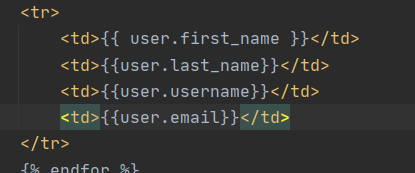
- This was an example of what we pulled from this week's tech talk
- We saw how Trish modeled how her data was being displayed in her Pacman site, and decided to play around with it
- Overall it made it so that we could smoothly display to the user all the other users logged in the database
- We were also able to further learn about transferring variables from python into HTML with the help of code similar to Jhinja.
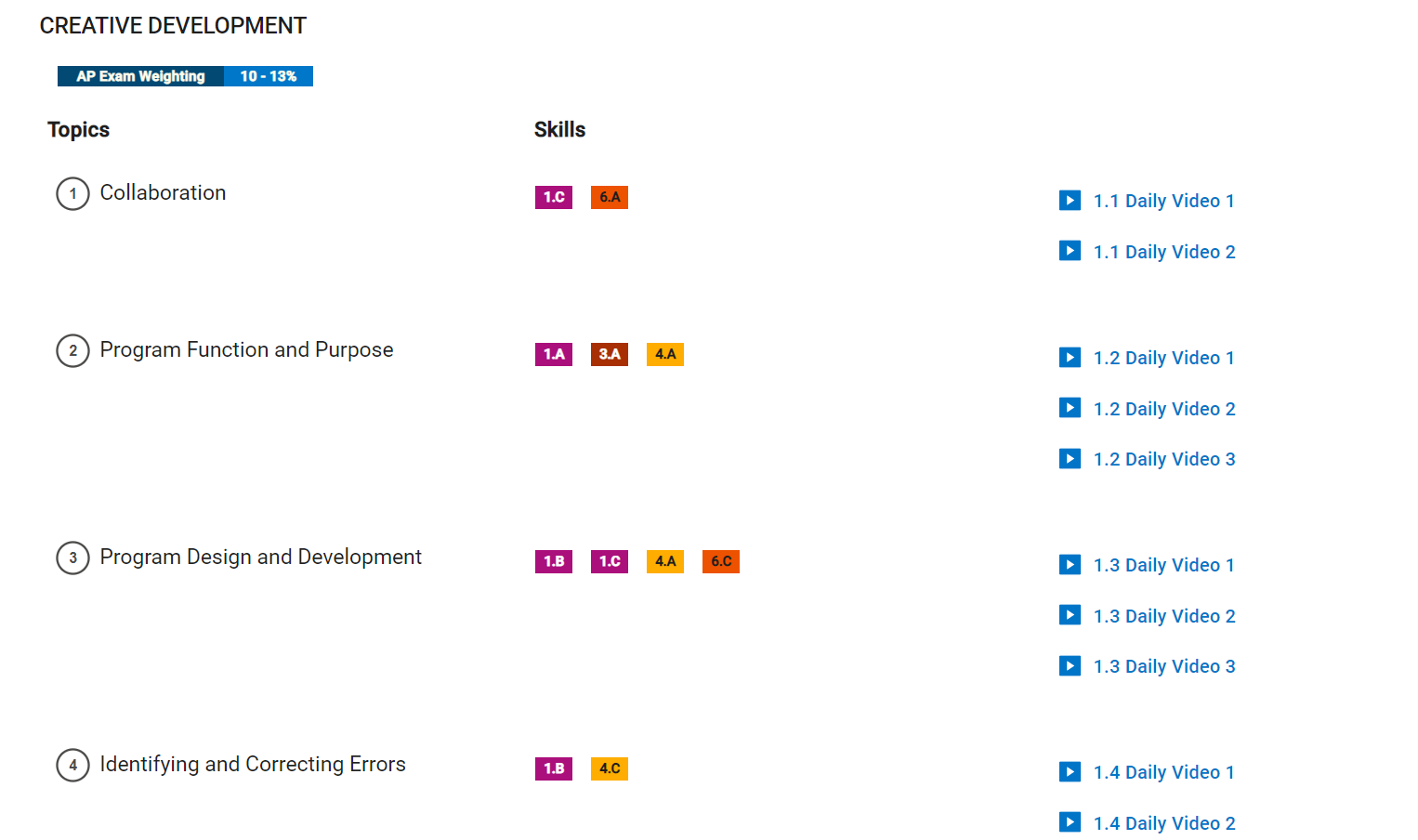
- Creative developement is furthered throughout this project because of the constant need of collaboration, without working together, the project would never function.
- Program Function, Purpose, Design, and Developement are also achieved because this project shows our competence in being able to achieve a shopping website that showcases our knowledge in design(visuals), having a database for function and purpose, and it all being achieved through trial and error developement.
- As said before, correcting errors is integrated into our trial and error process of making the website, as it requires us to tirelessly identify bugs and fix them.
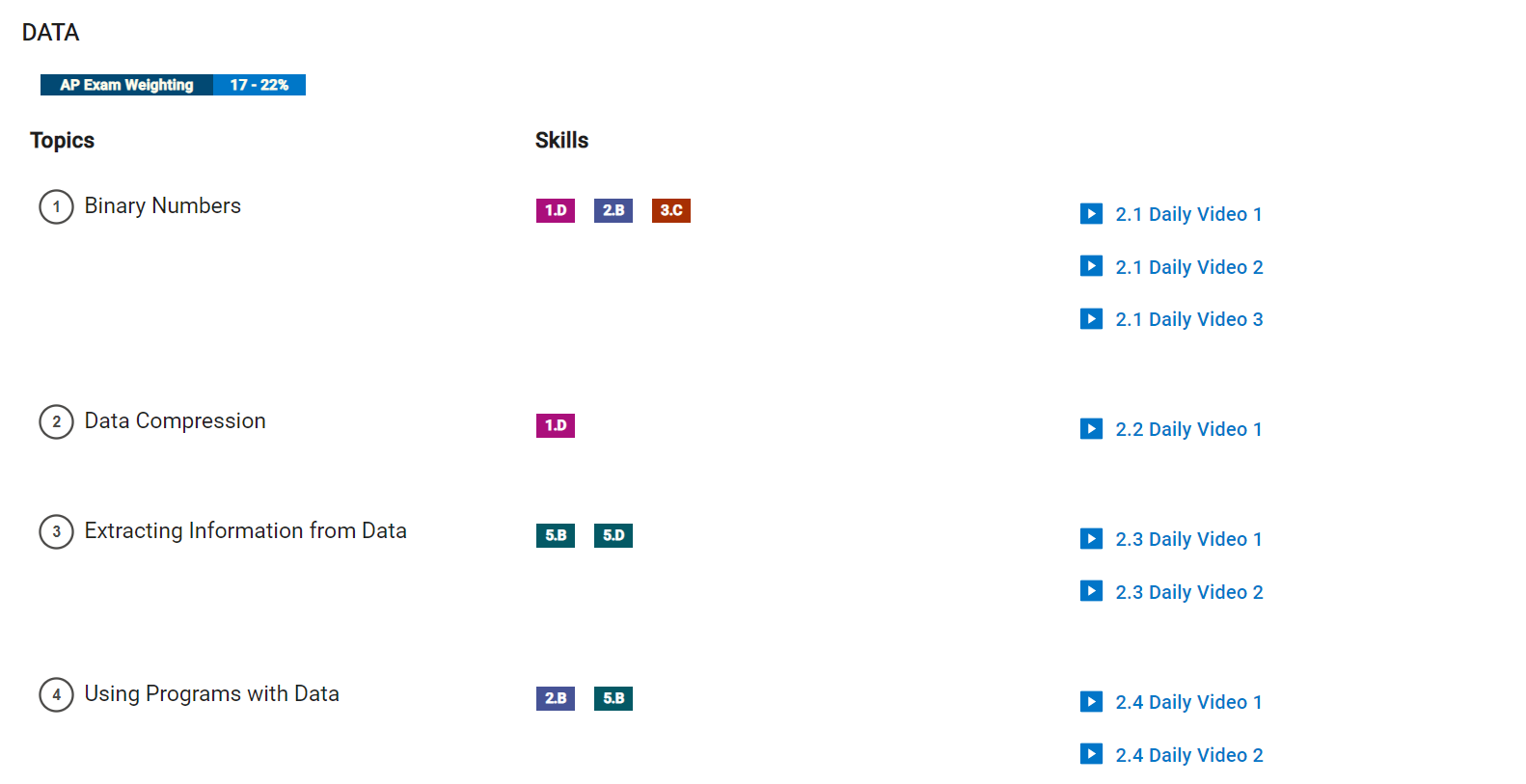
- Data values are stored in a database that is presented as a table when seen on website
- Metadata is also presented on the database table, as it is data on data of each user that logs onto the website
- Password hashing is also metadata, as the hashed text is considered data, and it stores data, which is the password
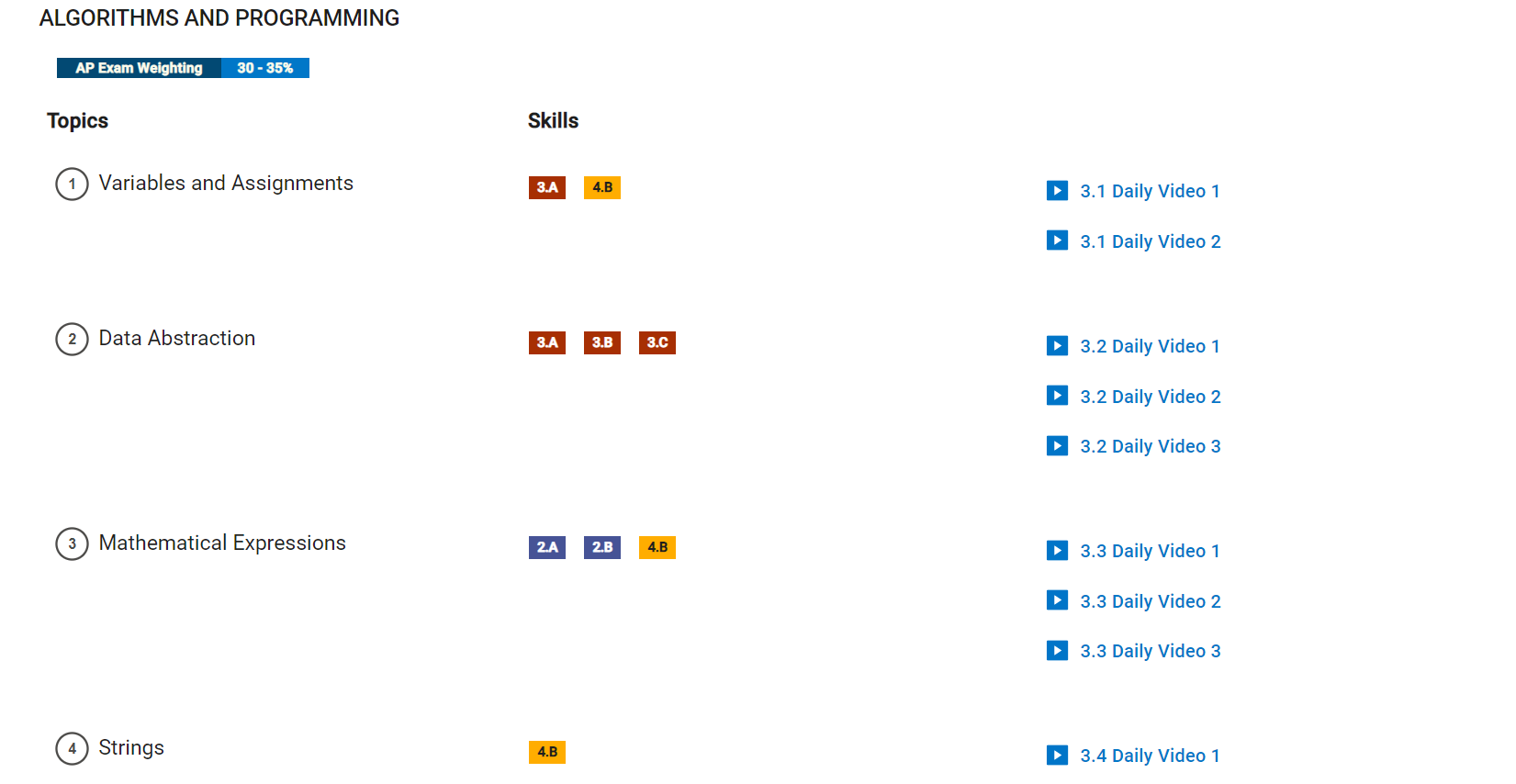
- A multitude of these concepts are covered through the developing of our web server, such as variables and assignments being essential for our database as well data abstraction being an absolute must for the signup page to work in tandem with the database in storing users.
- To go even further, our project is utilizing multiple nested conditionals as well as for loops which address iteration.
- If statements are also utilized within the app routes to show our knowledge of conditionals
- Booleans and string knowledge are also utilized in order to allow users to input strings as their usernames as well as allowing booleans being used in order to detect whether a login is valid or invalid.
- Functions are also called throughout our main.py in order to make the program cleaner, with functions being defined elsewhere.
- Mathematical expressions can also be utilized to calculate the total of a certain user's cart when they decide on what items they want.
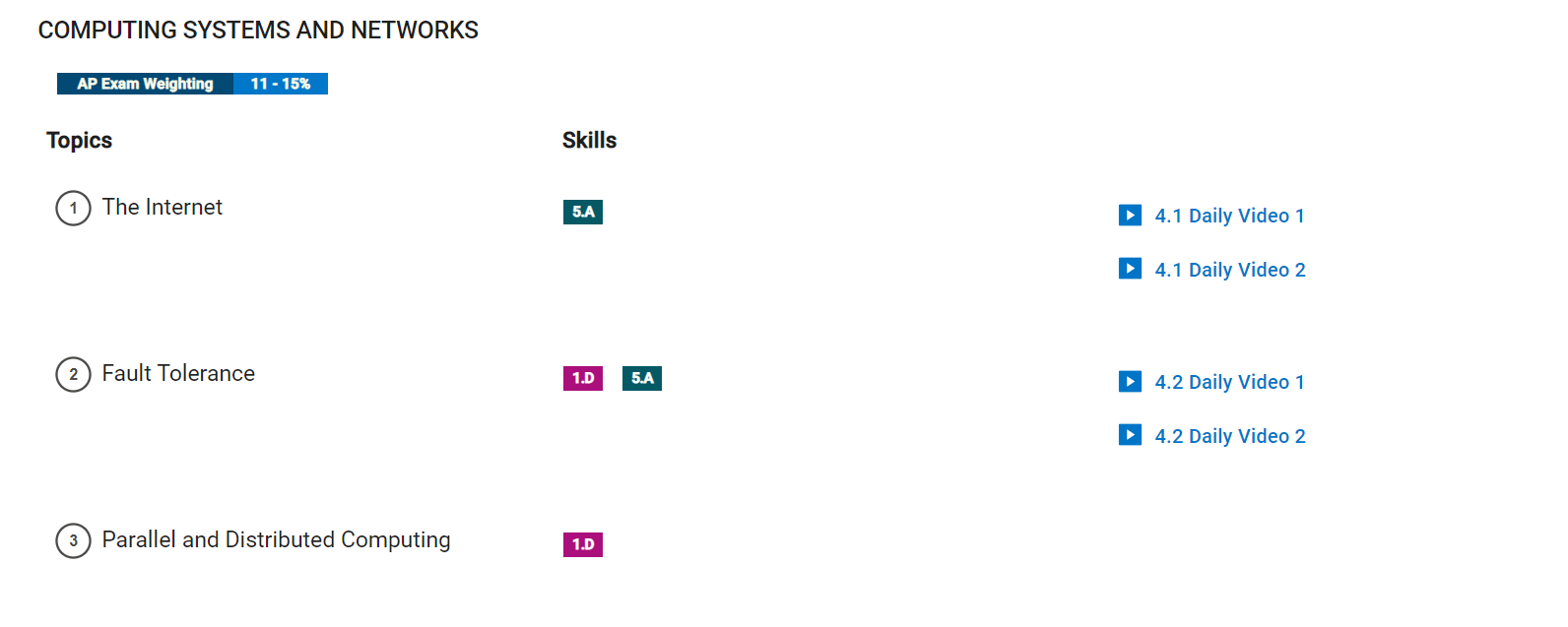
- The significance of the internet in our project is that we us RPi as a way to connect the website with the web so it can be viewed by anyone
- The routes in the main.py folder are what allows this to be achieved as they help to find a path from the sender to receiver in order to be viewed
- Fault tolerance means there are multiple routes in order to avoid errors, but this may be something we can improve on by adding more than one path between devices
- Parallel and distributed computing means the processes are split into parts in order to improve efficiency of getting solutions
- We could improve our website by using mutliple devices which will allow us to scale solutions more effectively for the website's data or anything of the sort
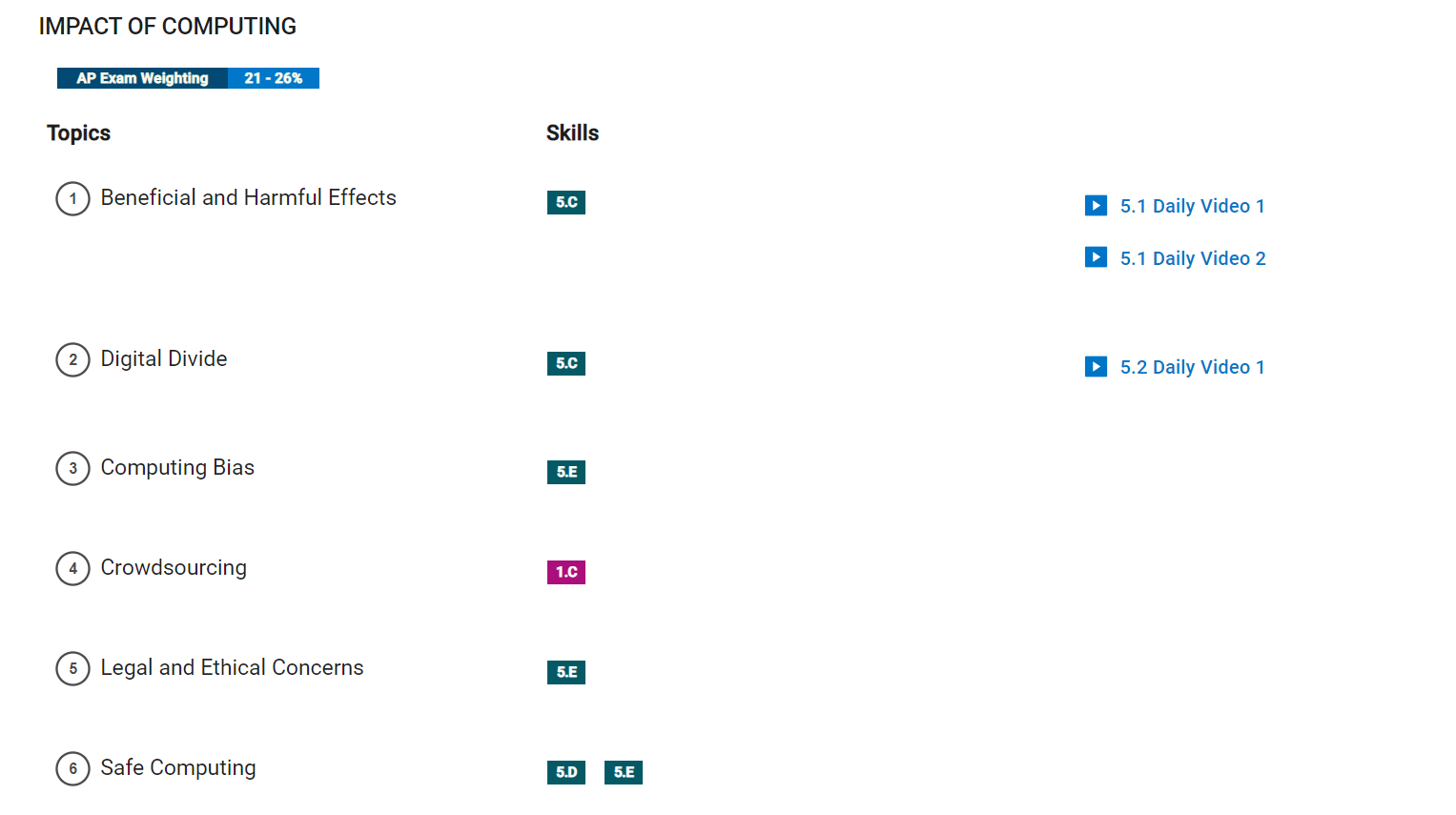
- Our small scale project does not have much to gain from methods like crowdsourcing, but if we were to implement this system we could create a mebership system for the site where people can sign up for a monthly account and in return they can get coupons and other perks for the site
- We took into account ethical computer and safety when we created our login system. Account passwords are automatically encrypted which ensures that packets containing passwords are not easily readable and accounts can stay secure
- Our website is on the positive end of impacting the internet as it is a method by which people can view and purchase products without needing to go to a store, which is convenient for the user
Charlie: This week, my main focus was making an about us page that utilized bootstrap. I also helped with integrating the HTML template. My evidence can be seen on January 15th in the commit history.
- Scrum Master Evaluation: Charlie did a lot of work on the about us page and worked with Tanmay on integratign the HTML Template(20/20)
Tanmay: Throughout the week, I was working on integrating the HTML template for our shop site. I also helped with resizing images and adding some animations. Evidence can be seen on January 14th as well as some of this work being done previously on January 7th.
- Scrum Master Evaluation: Tanmay was the main factor in integrating the html page and did lots of work on images and animations(20/20)
Rohan: I mostly worked on helping with the images and gifs and I recently added the login page which you can find as the LOGIN ADDITIONS in the commit history for January 16th. The images and gifs are part of Tanmay's commits on the 14th and such.
- Scrum Master Evaluation: Rohan helped to integrate the images and gifs and was mostly focused on front end such as the base login page(18/20)
Eshaan: I deployed the website on the Raspberry Pi and assisted Charlie with help on the HTML. Evidence can be seen with commits in January 15th and from last week on January 6th.
- Scrum Master Evaluation: Eshaan deployed the website onto the Raspberry Pi and assisted Charlie with the HTML(18/20)
*Scrum Master grading in accordance with their code commits in the history on github repo
Tanmay: integrate HTML template, link API, have a login feature
Charlie: add images (pngs), checkout feature, integrate HTML template, set up nav bar with Bootstrap
Rohan: front end, make website look nice plus about us page
Eshaan: create database to track users, create a program that adds and saves items in a virtual cart
-updated RPi
-began planning on incorporating search bar and lists into website
-fixed gunicorn and nginx
-pushed all changes to RPi
-cleaned up database issue
-built the login and sign-up system
-finished the database for tracking the users
-implememented Easter Egg
-fixed API
-deployed the website on the Raspberry Pi
-did the "About Us" section for our website
-continued working on figuring out login system with database
-developed website's aesthetic to make it visually pleasing
-continued working with 5 hour challenges
-Charlie and Rohan implemented 5 hour challenge onto website
-Presented 5 hour projects on Friday
Began working on components that will be used in the project through the 5 hour coding challenge assigned.
-Eshaan: began working with SQLite to create lists to save information for accounts and logins
-Tanmay: programmed the homepage file to get a start on our website design
-Charlie: studied SQLAlchemy and started to figure out how to apply it to our website
-Rohan: started to look into APIs and how to apply them to our website
We began to truly brainstorm on what our project would become. After some time, we decided on the idea to make a merchandising website and started to get to work on the project plan document.
We formed our scrum team and created an introduction video. We also created this Readme format.