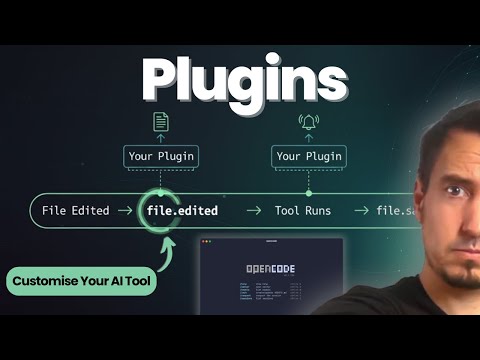
This repository is a comprehensive starter kit and demonstration of OpenCode's extensibility. It includes a modular demo plugin and a structured library of context files for AI-assisted development.
my-little-ui/: A fully functional, modular OpenCode plugin.- Custom tools, agents, lifecycle hooks, and tool interception.
context/: A library of Markdown files designed to provide LLMs with the knowledge needed to build OpenCode plugins..opencode/: OpenCode configuration and custom agents for this repository.opencode.json: Project-level configuration.agent/codebase-agent.md: A specialized agent for building and maintaining this plugin, pre-configured with access to thecontext/library.
config.json: Example OpenCode configuration for local plugin development.package.json: Root configuration referencing the local plugin.
OpenCode makes local plugin development easy. This repo is set up so you can work on my-little-ui and see changes immediately.
- Build the plugin:
Or using the root script:
bun build my-little-ui/src/index.ts --outdir my-little-ui/dist --target bun --format esm
This bundles everything into a single file (e.g.,bun run build:plugin
my-little-ui/dist/index.js) that OpenCode can execute. - Configure OpenCode:
The root
config.jsontells OpenCode to load themy-little-uiplugin. - Reference local plugin:
The root
package.jsonuses a local file reference:"my-little-ui": "file:./my-little-ui".
The context/ folder is organized as a library. You can provide these files to an AI coding assistant to help it build features for you:
- Context Overview - Start here!
- Architecture: Overview, Lifecycle
- Capabilities: Events, Tools, Agents
- Reference: Best Practices
- Interception Hooks: Log or block tool executions before/after they happen.
- Custom Agents: Register specialized AI personalities with scoped toolsets.
- Autonomous Tools: Add logic (shell scripts, API calls) that agents can call.
- Session Logging: Isolated logging for every conversation.
Happy building! 🚀