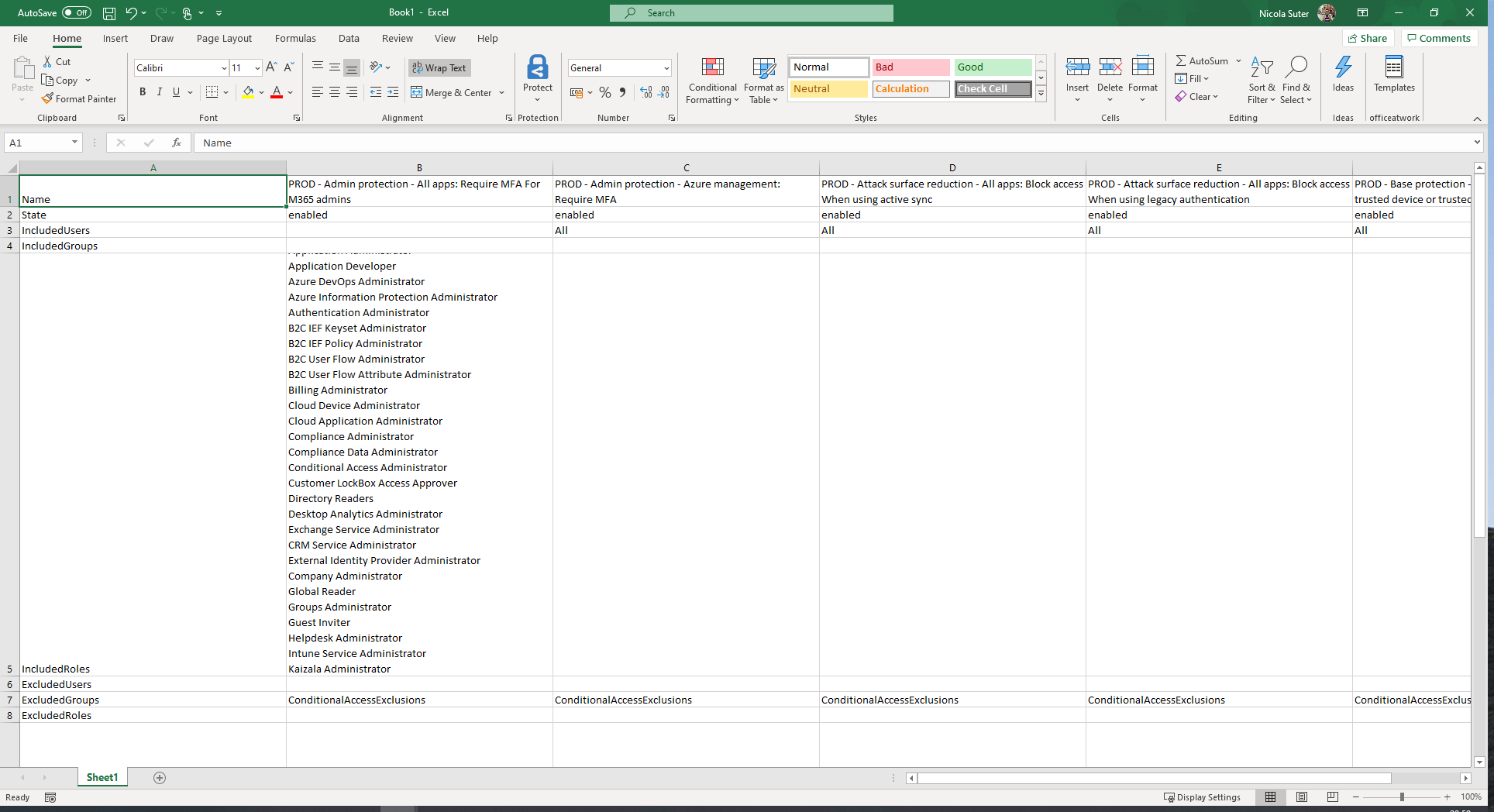
This PowerShell script adapts functionality from the Modern Workplace Concierge and documents your Conditional Access Policies. The script exports all the data as a csv file which can be pretty formatted as excel workbook.
-
Install this script from the PowerShell gallery (dependent modules are automatically installed):
Install-Script -Name Invoke-ConditionalAccessDocumentation -Scope CurrentUserScript is saved to the user's default script lcoation:
"C:\Users\%USERNAME%\Documents\WindowsPowerShell\Scripts" -
Connect to Microsoft Graph
Grant initial consent:
Connect-Graph -Scopes @("Application.Read.All", "Group.Read.All", "Policy.Read.All", "RoleManagement.Read.Directory", "User.Read.All") -ContextScope ProcessAfterwards:
Connect-Graph -
Run script via PowerShell dot sourcing
& "C:\Users\$env:USERNAME\Documents\WindowsPowerShell\Scripts\Invoke-ConditionalAccessDocumentation.ps1" -
Pretty format the csv with excel & save it as excel workbook
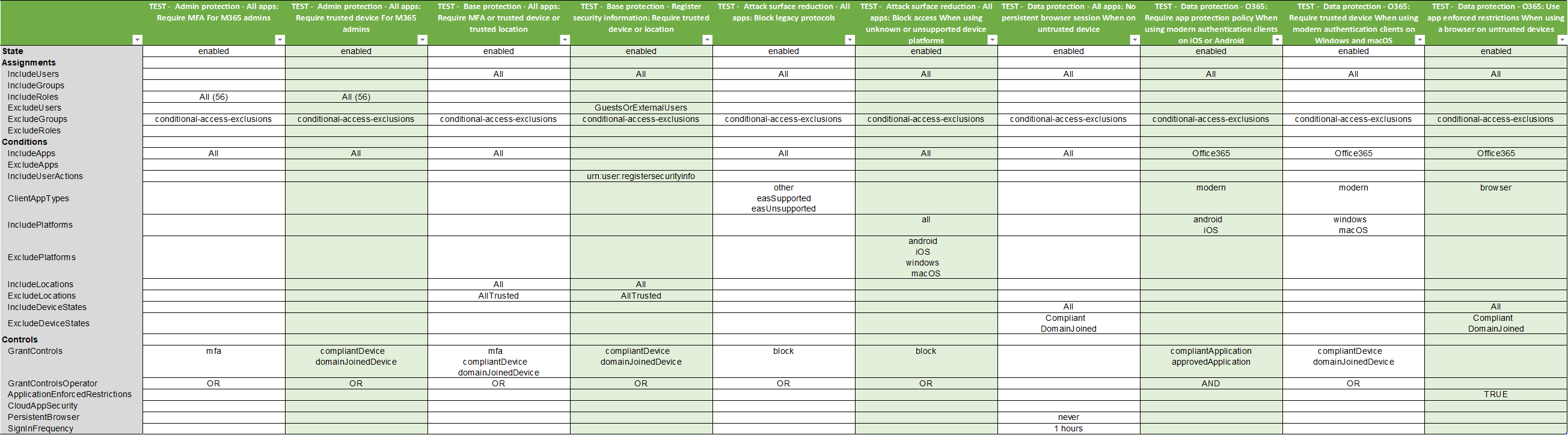
The following steps might help you to format the documentation.
-
Copy the CSV data to the clipboard
-
Create a new excel workbook
-
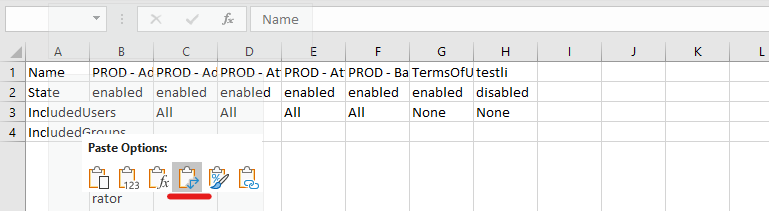
Right click & paste the csv data with the transpose option
-
Expand the rows and columns and ensure text wrap is turned on