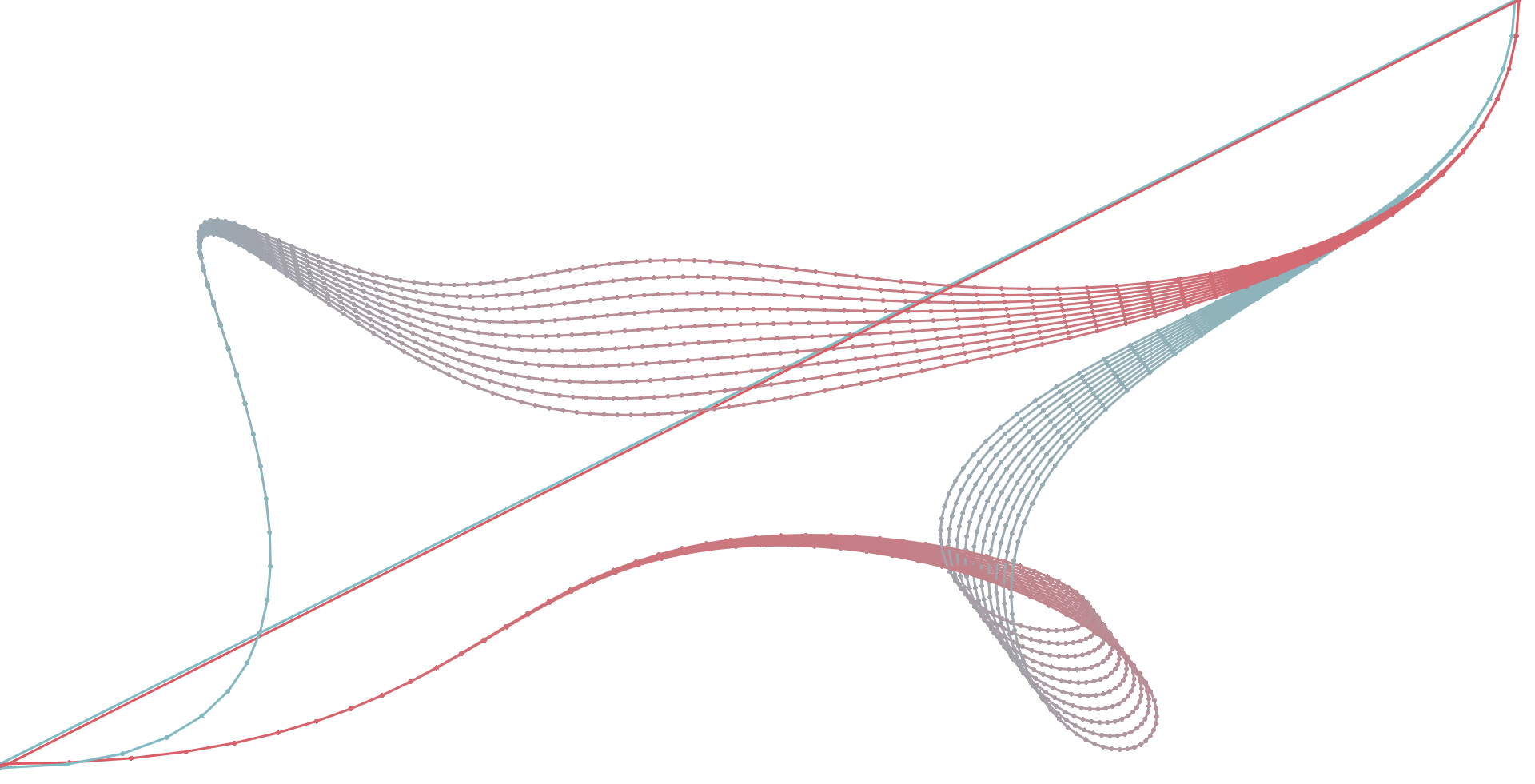
How to disconnect multiple polylines rendered in one Mark? #3

Description

Regarding the documentation from https://stardustjs.github.io/documentation/marks#stardustmarkpolyline, I am missing a feature to decide if a polyline should be closed or not.
function createPolylinesMark(stroke: any): Stardust.Mark {
  const polyline = Stardust.mark.polyline();
  const mark = Stardust.mark
    .create(polyline, this.matrix.context)
    .attr('p', p => [p.x, p.y])
    .attr('width', stroke.width)
    .attr('color', p => Stardust.colorFromHTML(p.color));

  return mark;
}
Given is a set of points (eg. {x: 1234, y: 7890}, ...) which will be injected while rendering the polyline(s):
const points = [
  { x: 120, y: 35 },
  { /* and many more of those */ }
];

const polylines = createPolylinesMark({ width: 1 });
polylines.data(points).render();
Looking at the definition of a polyline from MDN, a polyline should not be closed by default:
The SVG element is an SVG basic shape that creates straight lines connecting several points. Typically a polyline is used to create open shapes as the last point doesn't have to be connected to the first point.
Do you have any suggestions how to complete this task of rendering a non-closed polyline? I can imagine to built it by my own with Stardust.mark.line(), but I am sure, you had already something in mind. I'd appreciate any help or advice.