fix(website): add dark-background favicon for legibility in search results#12285
Conversation


…sults

The transparent yellow logomark used as the favicon rendered nearly
invisibly on white surfaces (Google search results, Safari/Chrome tab
strips on light themes) because no background fill was provided and
clients composite the icon on white by default.

Ship a dedicated /favicon.svg that wraps the existing yellow logomark
in a black square and point <link rel="icon"> at it. The in-page
nav logo, Schema.org Organization.logo, and other consumers of
logomark.svg are left untouched so transparent contexts continue to
composite cleanly.

|
Important Review skippedReview was skipped due to path filters ⛔ Files ignored due to path filters (1)
CodeRabbit blocks several paths by default. You can override this behavior by explicitly including those paths in the path filters. For example, including ⚙️ Run configurationConfiguration used: Path: .coderabbit.yaml Review profile: CHILL Plan: Pro Run ID: You can disable this status message by setting the Use the checkbox below for a quick retry:
📝 WalkthroughWalkthroughThe favicon reference in the website's base layout is updated from pointing to the logomark icon to a dedicated favicon SVG file, changing the ChangesFavicon Configuration
Estimated code review effort🎯 1 (Trivial) | ⏱️ ~1 minute Poem
🚥 Pre-merge checks | ✅ 7✅ Passed checks (7 passed)
✏️ Tip: You can configure your own custom pre-merge checks in the settings. ✨ Finishing Touches🧪 Generate unit tests (beta)
Comment |


🌐 Website E2ETip All tests passed.
🔗 Website PreviewWebsite Preview: https://comfy-website-preview-pr-12285.vercel.app This commit: https://website-frontend-e5brvxt0d-comfyui.vercel.app Last updated: 2026-05-19T02:06:00Z for |
![coderabbitai[bot]](https://avatars.githubusercontent.com/in/347564?s=60&v=4)
Per design feedback, the black-square favicon looked awkward inside
Google's circular crop wrapper - a sharp black box floating inside a
white circle. Per Google's published favicon guidance the wrapper is
circular, so the favicon content itself should be circular too: the
content edge and the wrapper edge then coincide, producing a single
clean disc instead of a square-inside-a-circle.

Changes to favicon.svg:
- Replace the full-bleed black <rect> with a black <circle> filling
  the viewBox. The corners outside the circle are transparent, so on
  light surfaces they composite to whatever the surface color is
  (Google's white wrapper, light browser tabs, etc.) rather than
  drawing a hard square.
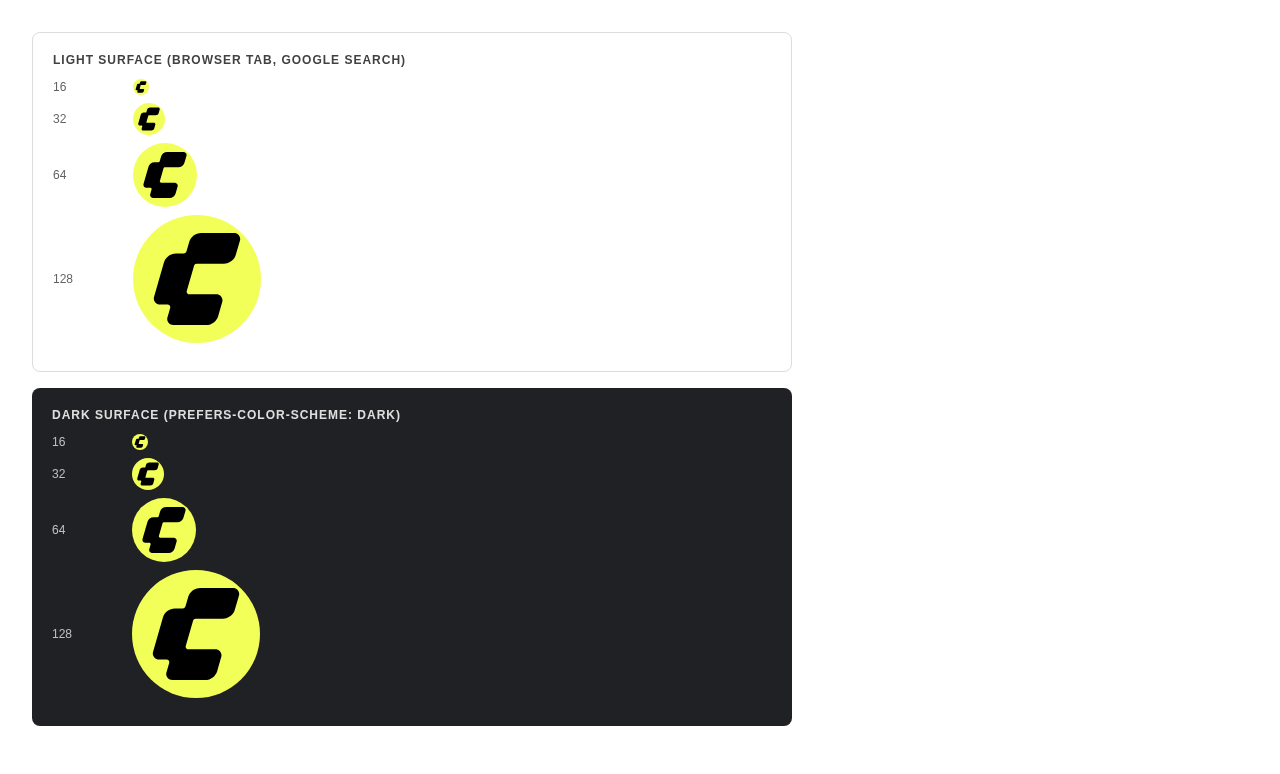
- Embed prefers-color-scheme media query so the icon inverts on
  dark surfaces (yellow circle + black C) - prevents the previous
  version's black-circle-disappears-into-dark-tab failure mode.
  Supported in Chrome / Firefox / Edge. Safari ignores the media
  query and gets the light-mode variant, which still reads on
  Safari's typical light tab strip.
- Enlarge the C glyph from scale 0.844 to 0.72 of the new circular
  canvas. The C now occupies a larger fraction of the visible area
  so it stays readable at 16px (browser tab) and inside Google's
  ~18px inner-favicon slot.


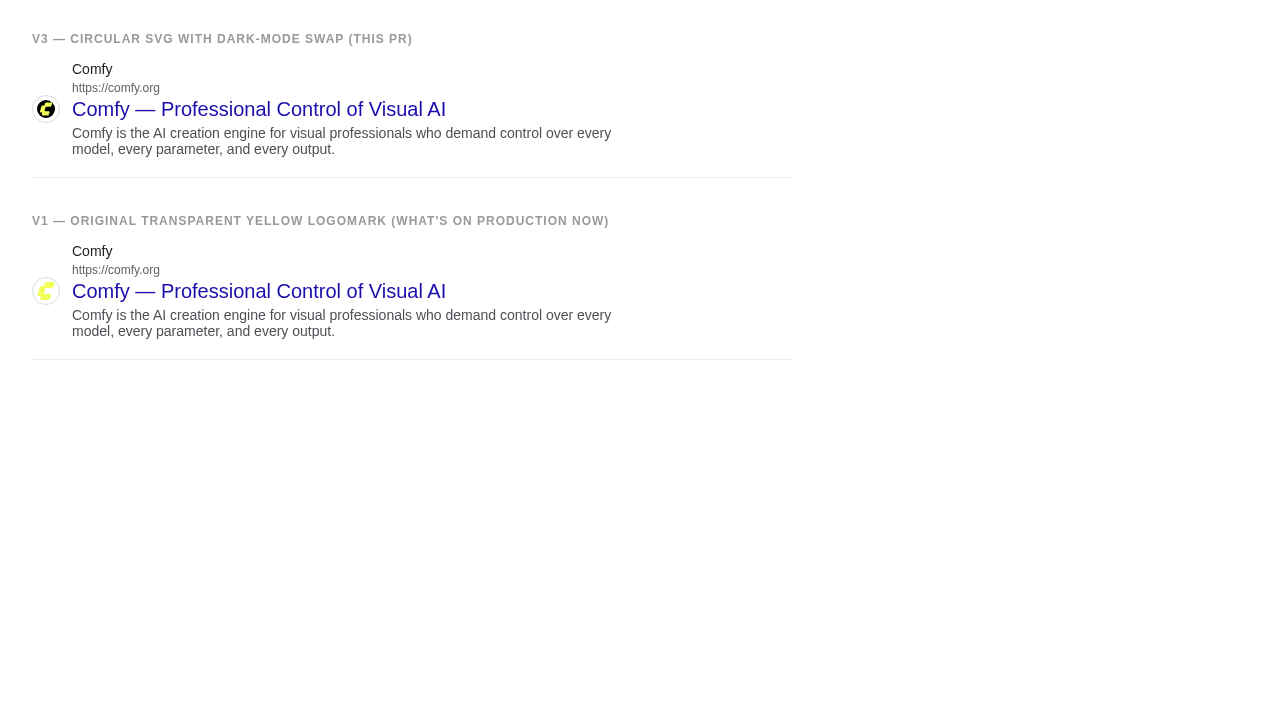
Revised design (v2)Feedback from the original requester: the v1 black square looked like a black square floating inside Google's white circular crop wrapper — ugly. Quoting the screenshot they sent: "you made a black square in a white circle". What changedPer Google's official favicon guidance, search results crop favicons into a circular container. So the right shape for the content is also a circle — the content edge and the crop edge then coincide, producing one clean disc.
No changes to Verification
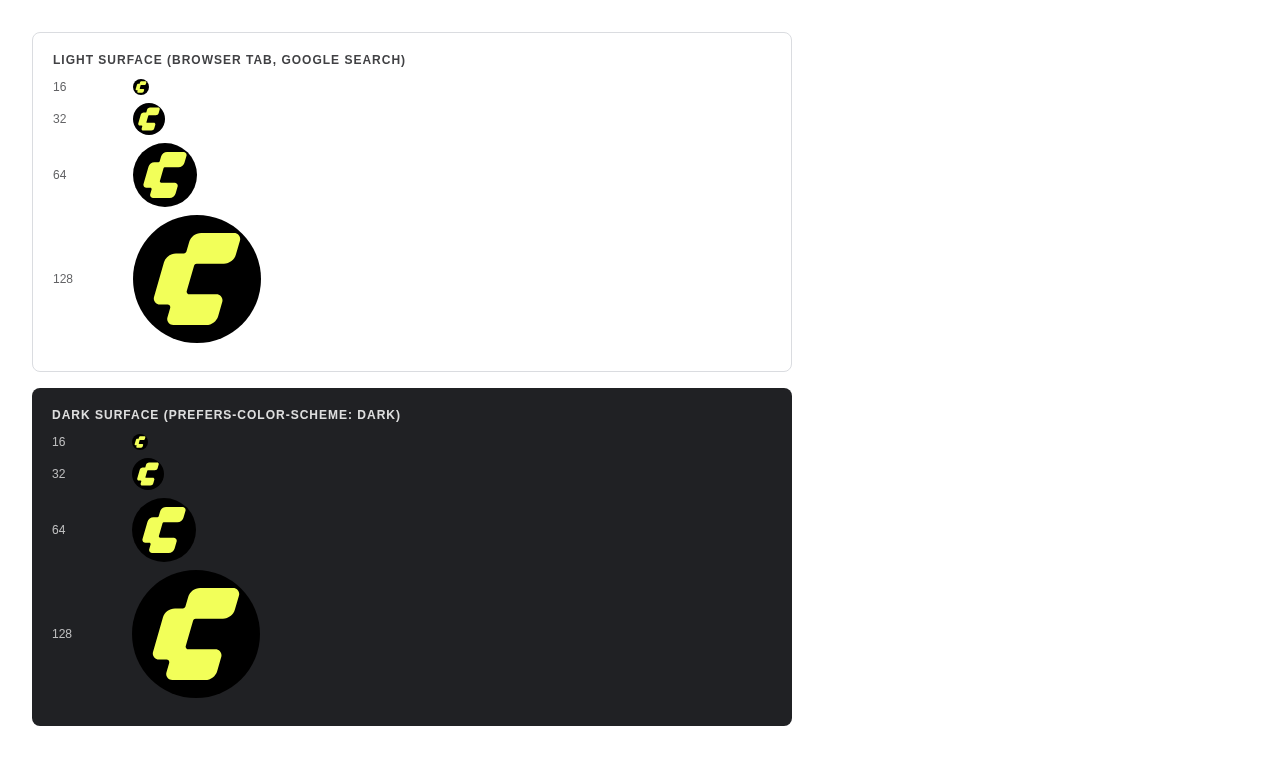
Before / After in Google's circular crop wrapperThe top row is this PR's revised favicon; the bottom row is the production transparent-yellow logomark. The favicon at multiple sizes — light surfaceOS in light mode (or Safari, regardless): black circle, yellow C. Dark mode auto-swapOS in dark mode on Chrome/Firefox/Edge: yellow circle, black C. Same SVG, different Nav header (regression check)Unchanged from main — Screenshots |


 dosubot
Bot
added
the
size:XS
dosubot
Bot
added
the
size:XS

2 participants


PR Created by the Glary-Bot Agent
Summary
The comfy.org favicon was reported as illegible in Google search results. The current
logomark.svgis a transparent yellow "C" — when Google (or any client) composites it onto a white surface (search results, light-theme tab strips), the yellow disappears into the background.Fix: ship a dedicated
/favicon.svgthat wraps the existing yellow logomark in a solid black square, and point<link rel="icon">at it. The in-page nav logo,Organization.logoSchema.org URL, and any other consumer oflogomark.svgare left untouched, so transparent-composite contexts (knowledge panels, dark nav) continue to render cleanly.Changes
apps/website/public/favicon.svg(new) — 48×48 SVG: black square + scaled-down original logomark path. Existing path geometry is reused verbatim inside a<g transform>so the C glyph is byte-identical to the source.apps/website/src/layouts/BaseLayout.astro—<link rel="icon" href="/icons/logomark.svg">→<link rel="icon" href="/favicon.svg">. One-line change.Why a new file (vs editing
logomark.svgin place)logomark.svgis also used bySiteNav.vue(in-page header on the dark--color-primary-comfy-inkbackground) and by the JSON-LDOrganization.logoURL. Both consumers want the transparent version. Editing it in place would draw an ugly black square in the site's own header.User report
Verification
Built site
pnpm typecheck(astro check): 0 errors, 0 warningspnpm build(astro build): 280 pages built, exit 0dist/index.htmlcontains exactly one<link rel="icon" href="/favicon.svg">and zero references to the old icon path in<head>oxlinton changed.astrofile: 0 warnings, 0 errorsVisual (Playwright on local astro dev server)
--color-primary-comfy-inknav background, no black wrapper visible).Screenshots
Google-style search result simulation (before / after)
Favicon at native sizes + Google circular wrapper
In-page nav header (unchanged after the fix)
Notes for reviewers
#000(matching the user's literal request "make the white background, black") rather than--color-primary-comfy-ink(#211927). Either would work; happy to switch if brand preference is the ink color.Screenshots
┆Issue is synchronized with this Notion page by Unito