

This plugin allows you to configure progressive blur effects in Figma.
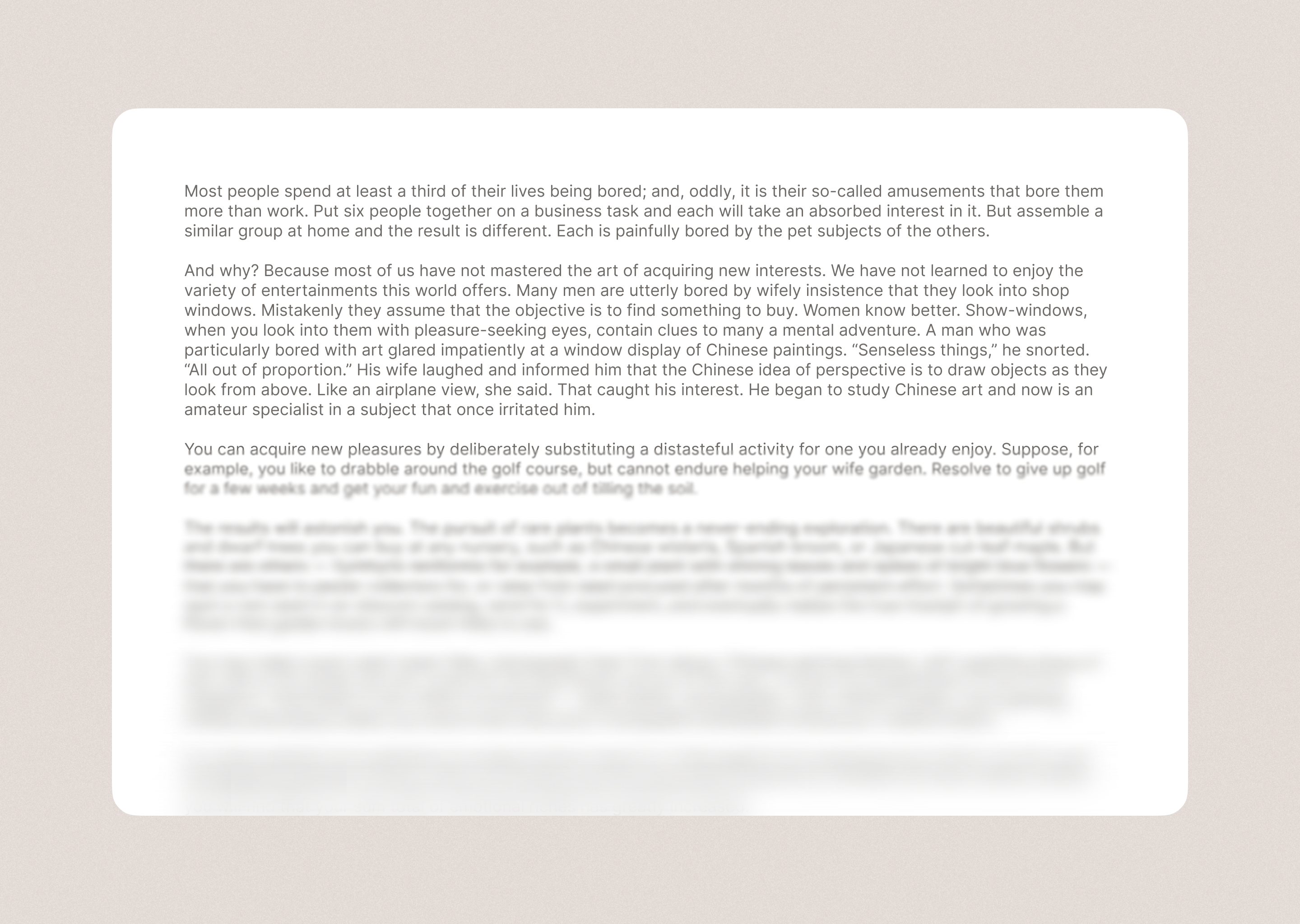
Caution
Based on how this system works, your Figma file might lag a lot. This is because the system creates a bunch of rectangles.

You get this plugin through the Figma Community.
Note
There is a Figma plugin limitation that does not allow for the code to be organized better. If you know a workaround it is always welcome to create a pull request.
To make changes to the plugin:
-
Learn how to create a plugin here.
-
Install Bun for fast JavaScript runtime.
-
Run
bun installto install dependencies. -
Make your changes to the code.
-
To build the plugin and watch for changes, run:
bun run build --watch
To use the plugin in Figma:
- Open the Figma file where you want to apply the blur effects.
- Go to
Plugins > Development > Progressive Blur. - Use the UI to configure the blur effects.
- Click
Generate Blurto apply the effects to your Figma design.
Contributions are welcome! Please read the contributing guidelines before submitting pull requests.
This project is licensed under the MIT License - see the LICENSE file for details.
© 2025 FormalSnake. All rights reserved.


