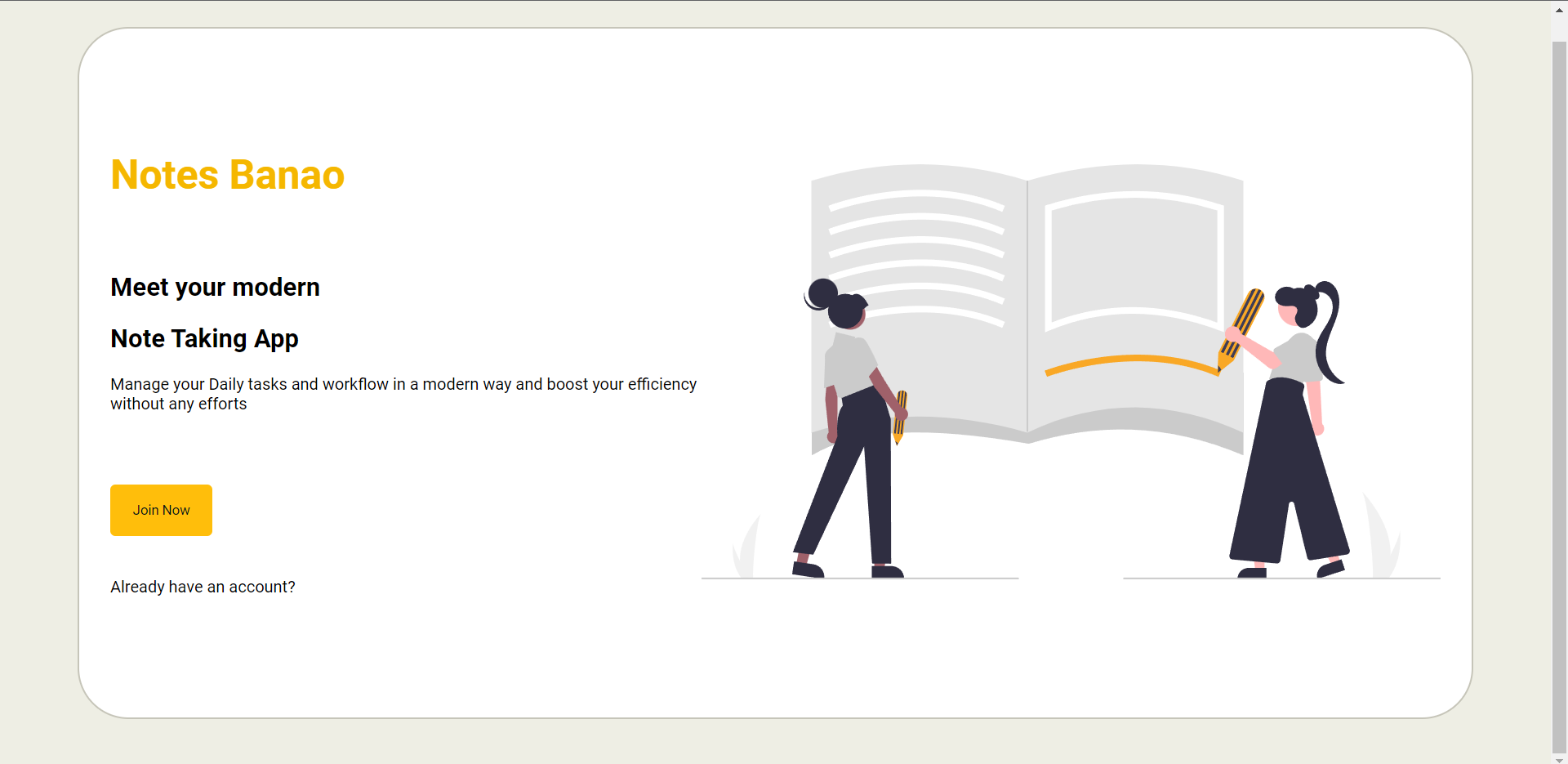
Notesbanao is a note taking app, that helps you manage your daily notes.
-
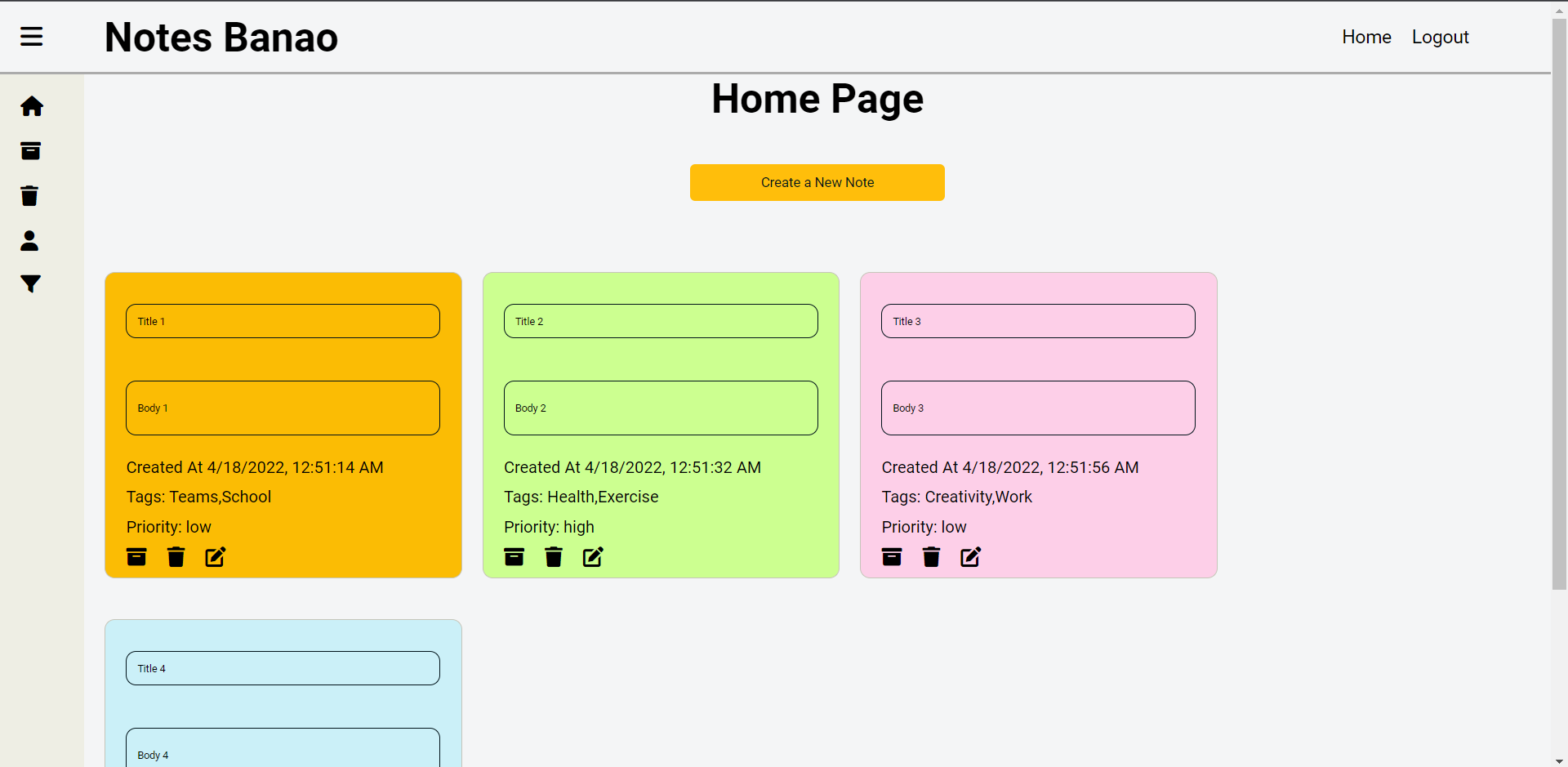
Add a new note
- I can add a note by clicking on a primary button "Add Note" or a "+" icon button which will open a textbox where we can add texts. And a "Save" button that will save the note.
-
Edit Note
- I can click on the "Edit Note" button which will open the same component with the textbox where we can edit a note & save it.
-
Delete Note
- I can click on the "Delete Note" button which will delete a note.
-
Filter & Sort by date, priority, tags
-
Filter by tags
- I can filter notes by tags added to the note.
- All the tags will appear in the sidebar.
-
Filter by priority
- I can filter the notes by priority
- Priorities would be high, medium, low
-
Sort by date
- I can sort the notes by the date added/created.
-
-
Change Card Color
- I can see various color containers (div) where if I click on any one of it. It will change the background color of the note.
-
Select tags from the predefined notes
-
Trash & Archive
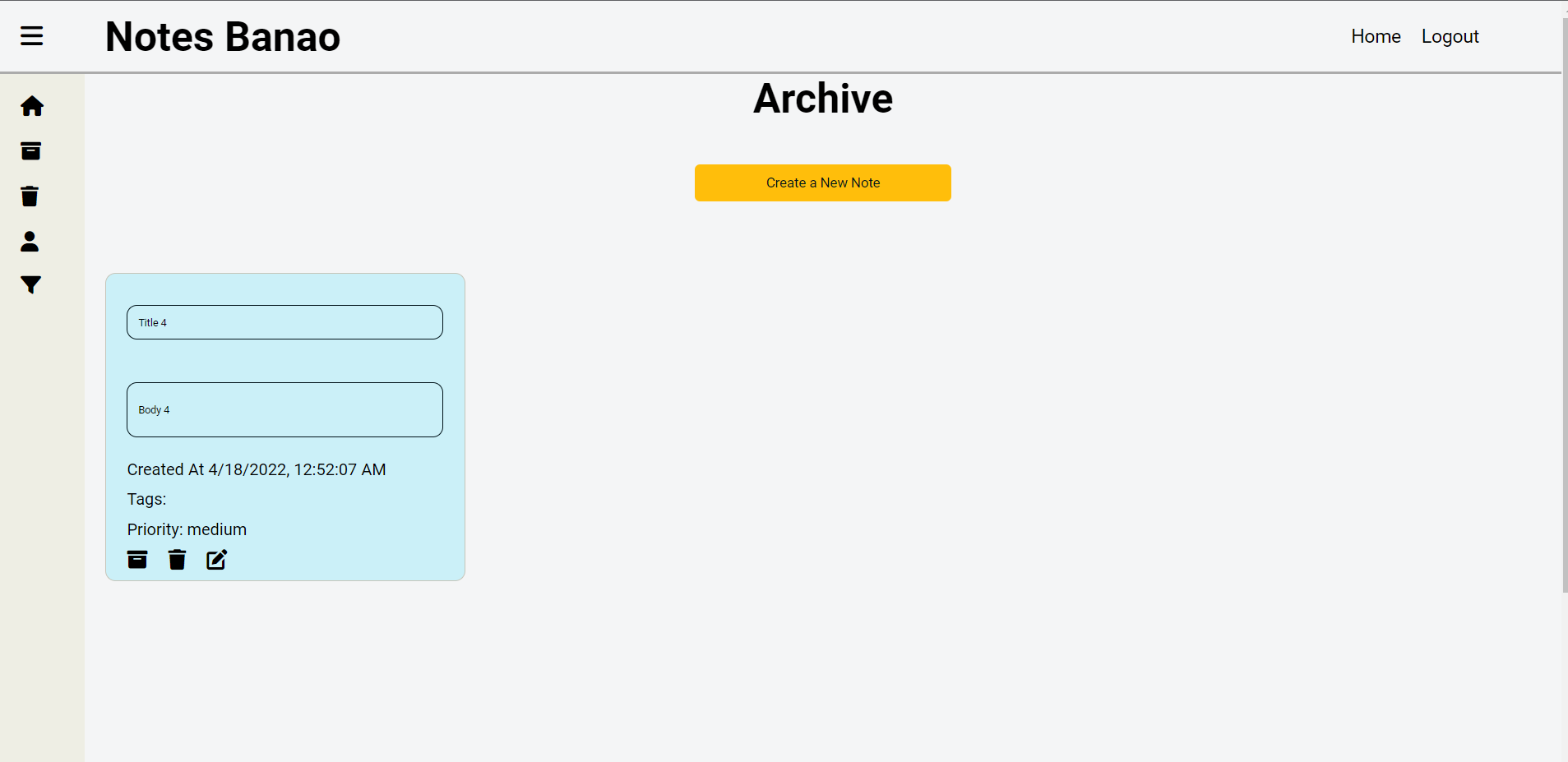
- Archive Notes: When I click on the "Archive Note" button which will add a note to the archive list
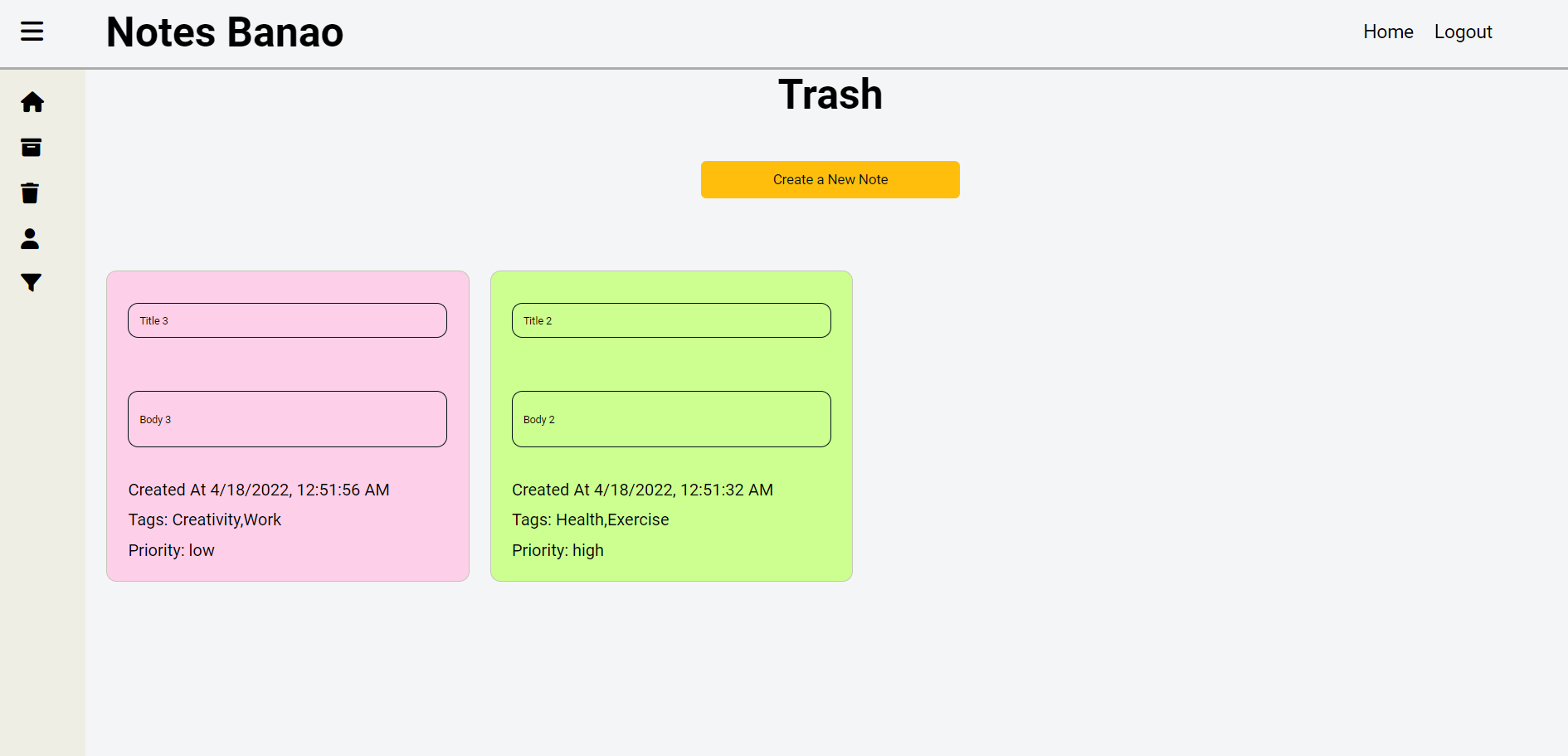
- Delete Notes: I can click on a "trash" button or a "delete" button to delete the note which will add a note to the trash list
-
Sign-up Page
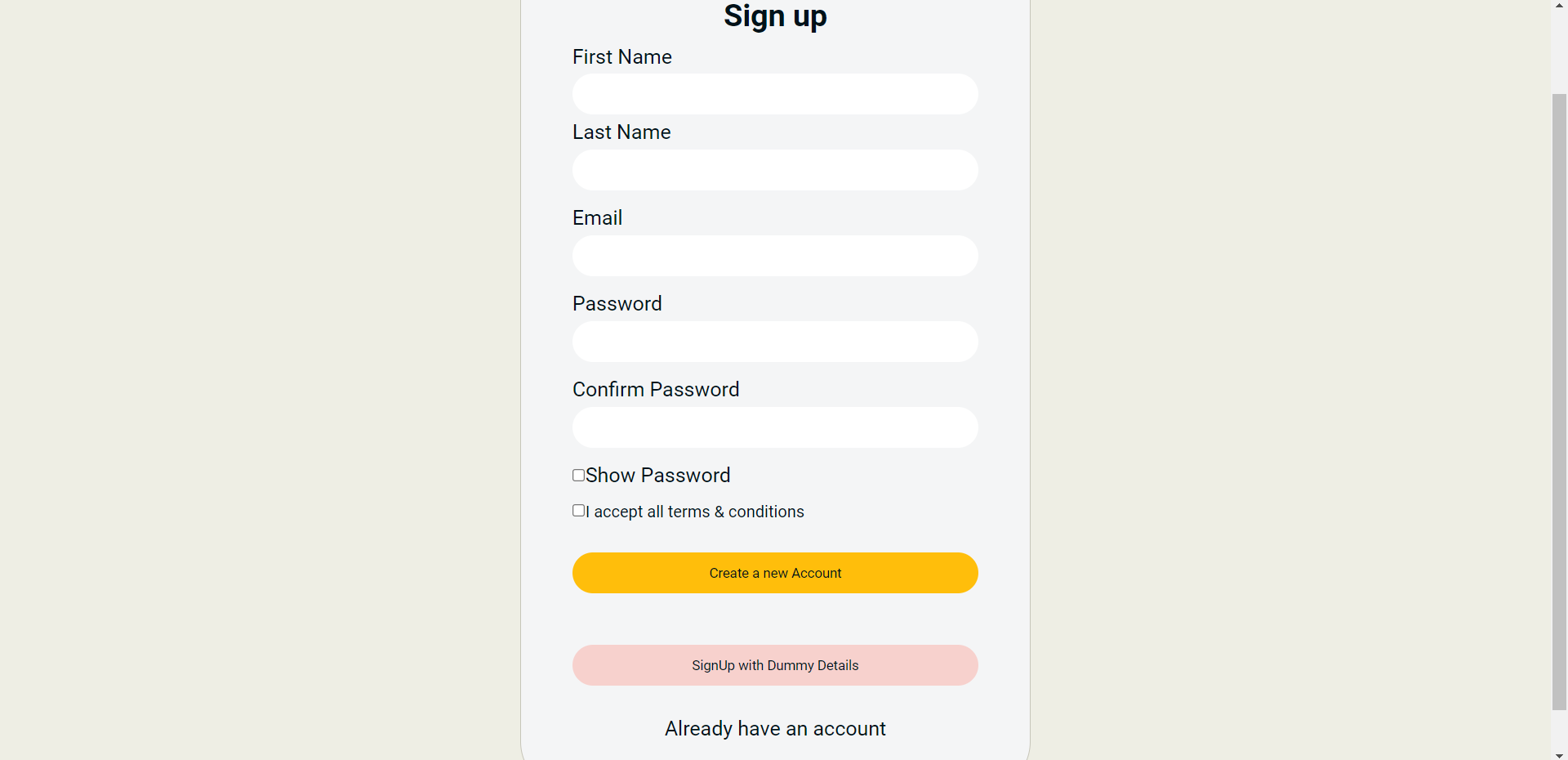
- I can see a sign-up page from where I can sign-up using my email, first name, last name, password & confirm password.
- I can see a hide-show icon checkbox that shows or hides my password.
-
Login Page
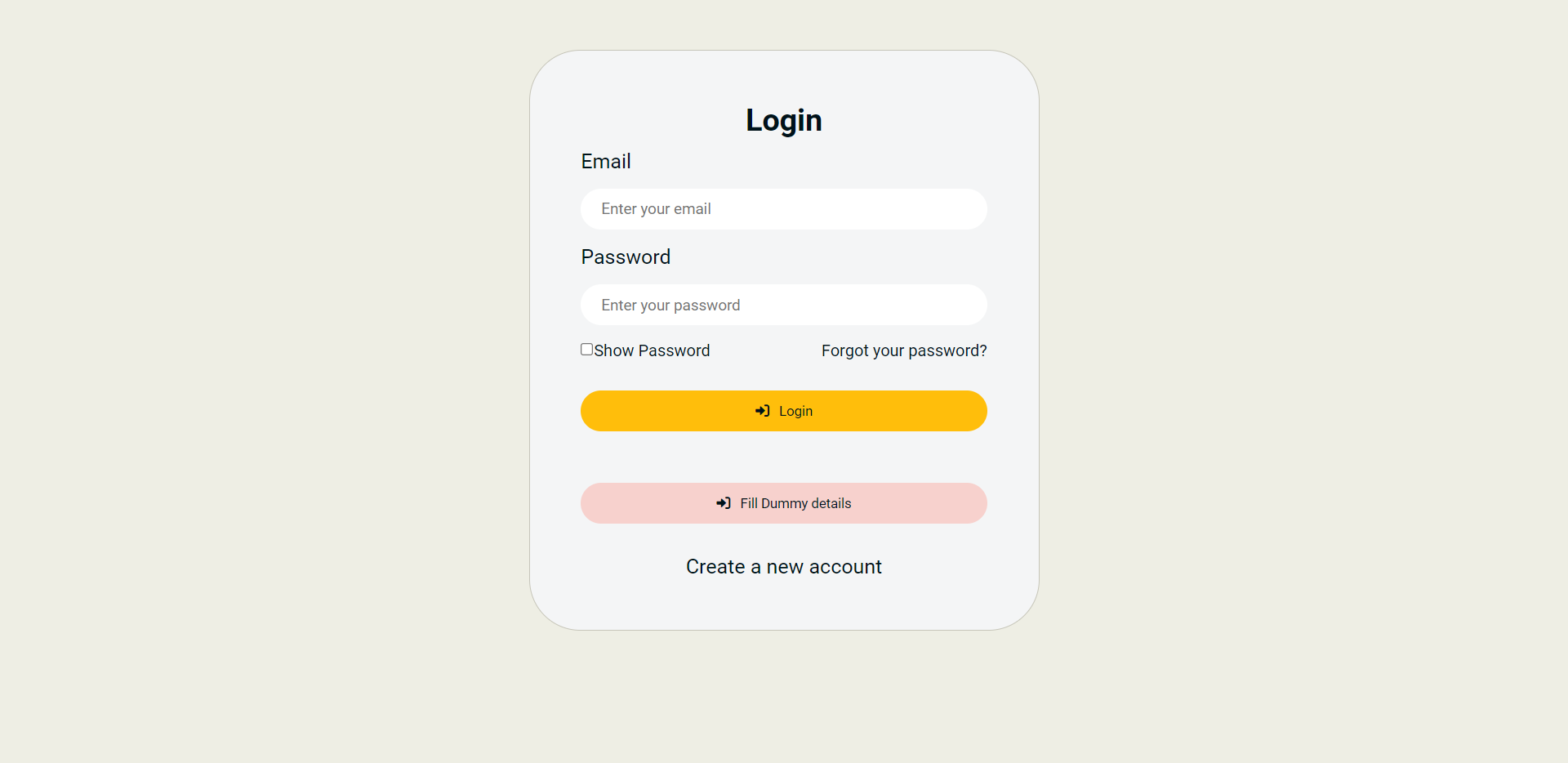
- I can see a login page from where I can log in using my email & password.
-
Logout
- I can see a logout button from where I can log out from the app on the header navbar.
- HTML
- CSS
- Javascript
- React
Clone the repository on your local machine with the command below in your terminal, and cd into the banao-notes folder
git clone https://github.com/Rohitprasad83/banao-notes.git
cd banao-notes
REACT_APP_JWT_SECRET=<JWT_SECRET_KEY_OF_YOUR_CHOICE>
npm start