
This branch is oneandonlydean/AnyPS5 astrobot as is, with only this README section on top. The Windows fixes it once needed (#282, #283, #284) are now in that branch, so it builds and runs on Windows directly: use it. This branch only follows it and records how it behaves on Windows; any further Windows fix goes upstream as a pull request.
Tested on Windows 11, Ryzen 7 7800X3D, RTX 5070 Ti, MinGW-w64 GCC 15.2.0, with APS5_HOST_IMPORT_MIB=20480.
Status on Windows (2026-10-08, astrobot 88d7bb62):
eboot.exe -lvl <level file>starts straight in a level (names inapp0/data/prein/product_levels.xml); the first level of the Gorilla Nebula (underwater_aerial_garden) loads and renders.- In that level the first launches run at about 0.1 fps while the pipeline and shader caches fill; with warm caches it runs at about 3.0 fps (0.7 to 0.8 on 2026-10-06). It is now bound by the GPU: draws take about 184 ms of GPU time per frame. Details in discussion #357.
APS5_NO_SNAPSHOT_CHECK=1is still needed: without it the boot stops at about 46 s withguest snapshot differs from registered memory. Earlier (2026-10-03), with a controller and that flag, a new game went through the save-slot selection and the tutorial (Crash Site) into the Gorilla Nebula.
| PR | Change | State |
|---|---|---|
| #286 | libkernel: mapping address hints and no-overwrite fixed mappings on Windows | merged |
| #287 | libScePad: scePadSetTiltCorrectionState | merged |
| #289 | libs: missing AudioPropagation, AudioIn, NpSessionSignaling and dialog exports | merged |
| #281 | build: copy the MinGW runtime next to test executables | merged |
| #282 | libSceAgcDriver: prefer a discrete GPU | merged |
| #283 | libSceFiber: fiber stack switching under write tracking on Windows | open |
| #284 | libSceAgcDriver: destroy host imports of a replaced Vulkan device | merged |
| #285 | libSceAgcDriver: back the global data share with driver-owned guest memory | open |
| #452 | libSceAgcDriver: accept scissors that apply the zero window offset | merged |
| #453 | libSceAgcDriver: skip depth and stencil tests whose plane is absent | merged |
| #454 | libSceAgcDriver: read a depth surface's memory as a texture when its format is not a depth view | open |
The README below is the one of the Linux branch this one is based on.
This fork's main mirrors astrobot, my integration branch for running Astro Bot (PPSA21564) on Linux with AnyPS5: upstream main plus fixes that are still on their way upstream or specific to this setup. Pull requests to upstream are always cut from upstream main.
Linux, measured on my machine (8 October 2026: CachyOS, i9-14900KF, RTX 4090). Frame rates are the game's own, with no frame generation.
| Part | State | Frame rate |
|---|---|---|
| Boot, PlayStation Studios video, logos | Renders | video at about 57 fps |
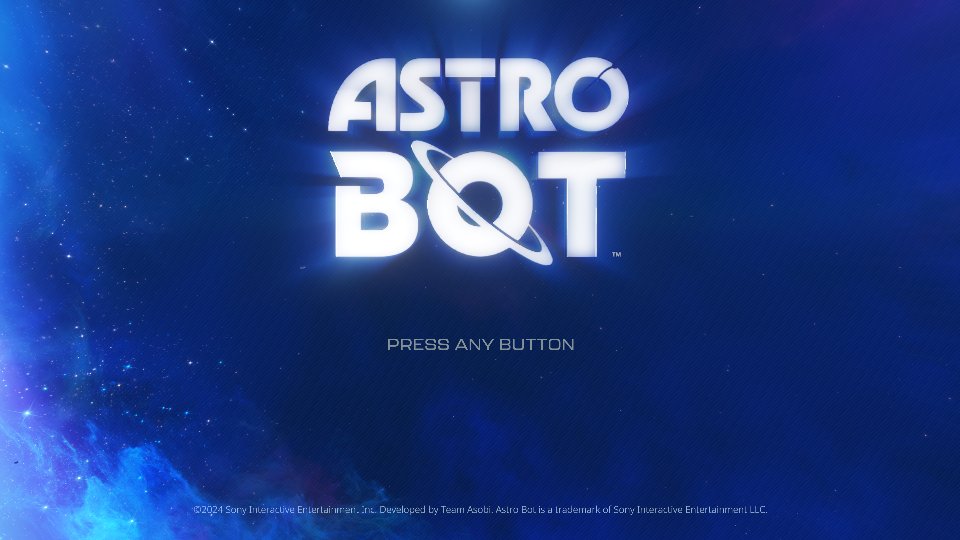
| Title screen | Renders, including the copyright line (console fonts or the Noto substitutes) | about 60 fps |
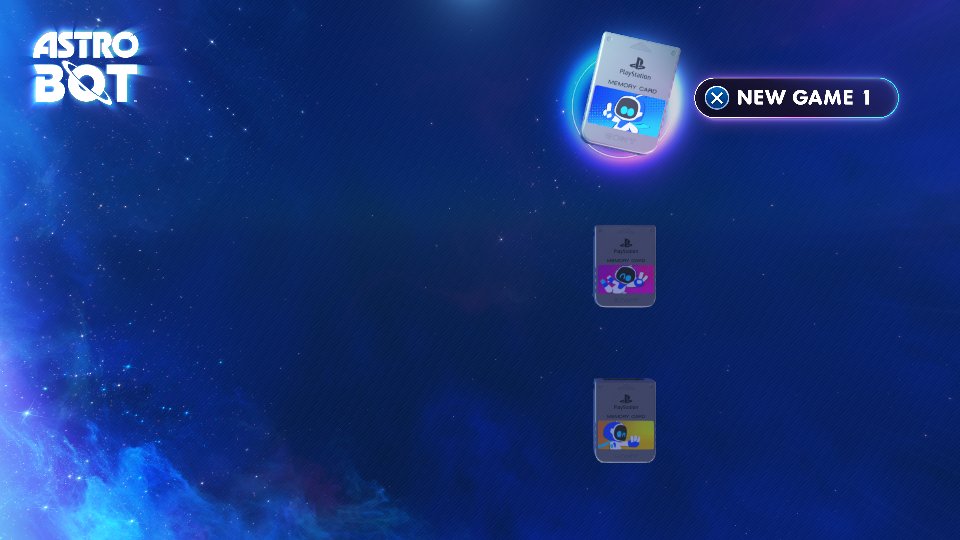
| NEW GAME menu | Renders | about 60 fps |
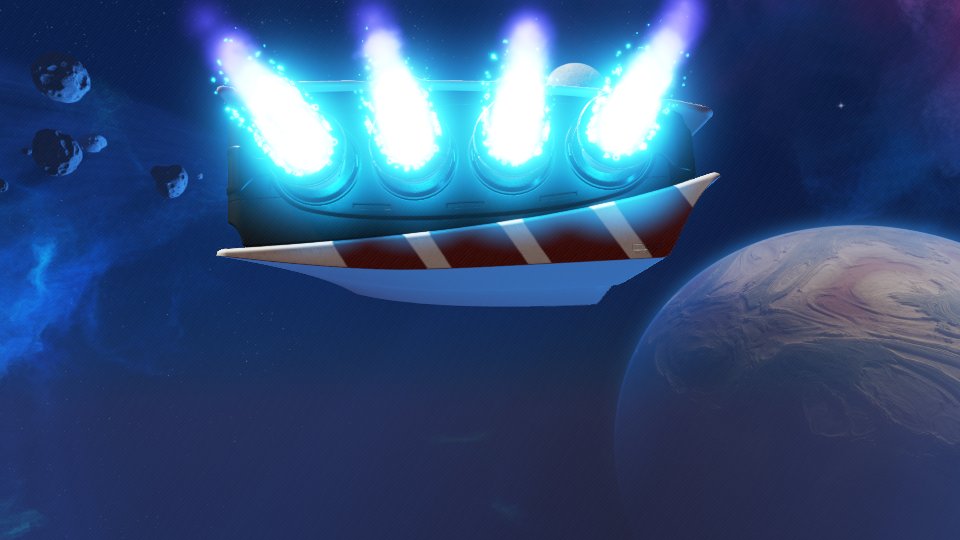
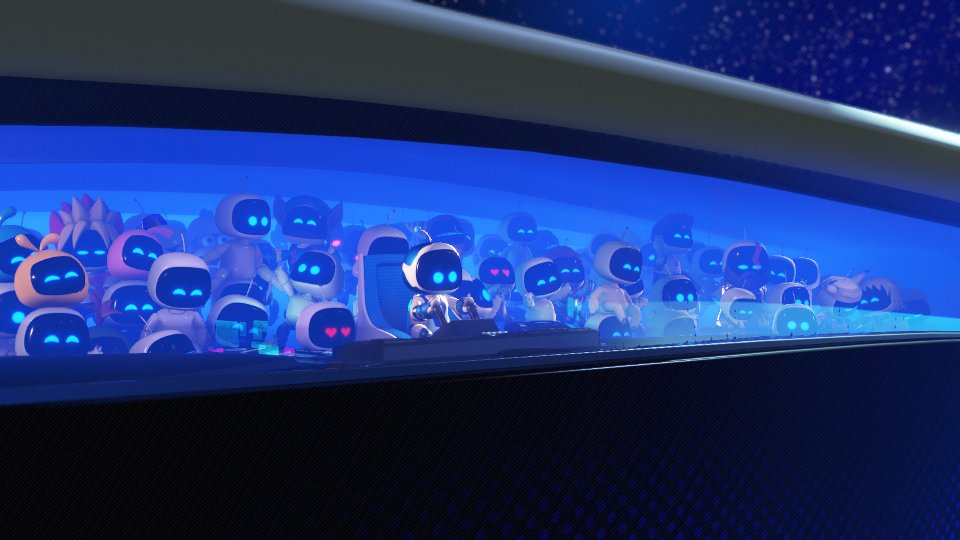
| Intro cinematic and space scene | Renders | about 50 fps, robot crowd about 23 fps |
| Tutorial (Crash Site hub) | Playable with a DualSense | about 16 fps on foot |
| World map, controller ship flight | Renders | about 32 fps |
| Sky Garden | Reached and flown | about 4.4 fps |
| Snowy Canyon | Reached | about 5.5 fps |
| Space Station | Reached (ship fly-in) | about 7.4 fps |
| Dirty Bath | Reached, hot spring water renders | about 4.2 fps |
| Other levels | 24 levels booted with -lvl: all load, no GPU hangs |
3 to 53 fps (see below) |
| Windows | In game up to the first Gorilla Nebula level (report) |
Level sweep (7 October, 150 s per level from a -lvl start, mostly the arrival fly-in and first platform): main levels run at about 3 to 14 fps (Pirate Island about 3, Clock Tower 4, Cymbal Party 4.6, Sky Aztec and Construction 5, Gulliver 8, Penguin Atlantis 8.7, Casino 9.3, Day and Night 14), bosses, heroes and minis at 10 to 40 fps, the hub dioramas at 20 to 53 fps. The two levels that hung the GPU on 4 October (Astro skin diorama, Cymbal Party) run clean now.
Known issues: the frame rate in levels (the queue worker's CPU time per draw is the main limit; indirect draws and occlusion box draws are the biggest items in Pirate Island and Space Station), shader compile stalls of several seconds up to about a minute on the first visit to a level after a shader change, thin crossing shards at the end of the Frozen Meal (ice_iceberg) fly-in, a short white flash on the world map, and occasional minor glitches.
New on this branch (7 and 8 October):
- NGG passthrough fix: passthrough geometry now takes the vertex path, with its allocation, export mask and wave fields proved exactly. The same code runs Dreaming Sarah clean at about 60 fps and Astro Bot. Those draws now hit the draw templates: the hub on foot is about 16% faster, the world map about 10%, the final boss arena went from about 25 to 40 fps.
- Vertex reuse in NGG draws: the robot crowd in the intro went from about 11 to 23 fps.
- Texture host copies: under host memory pressure the host copy of a sampled texture is released instead of the texture itself. Space Station frame time went from about 286 to 220 ms (about 3.5 to 4.5 fps, +30%), Pirate Island about 7% faster (
APS5_NO_TEXTURE_HOST_RELEASE=1turns it off). - Texture cache size: the sampled-texture cache may now use half of the device budget instead of 3/8, and cached textures are charged the bytes their image actually holds (accounting by ThisIsAkill). Cache evictions on Space Station dropped from about 2000 to a handful per 10 s; frame time went from about 224 to 135 ms (about 4.5 to 7.4 fps, +66%) and Pirate Island from about 306 to 257 ms (+19%). Peak VRAM use is about 2.5 GiB higher; on 8 and 12 GB cards the hard limit already applies, so nothing changes there.
- CMASK fast clears: fast clears on colour targets without DCC are now applied (a GPU pass in stream order). This fixes the stale lavender rectangles and the opaque tan water in Dirty Bath; the hot spring is translucent again (before and after below).
- Level sweep: 24 levels from all six galaxies, the hub dioramas, bosses, heroes and minis load with 0 crashes and 0 GPU hangs. The slowest are Pirate Island, Space Station and Dirty Bath at about 3 to 5 fps.
- Next: the per-draw CPU cost on the queue worker (indirect draws at 50 to 90 us each, the occlusion box-draw sequence), then the iceberg shards.
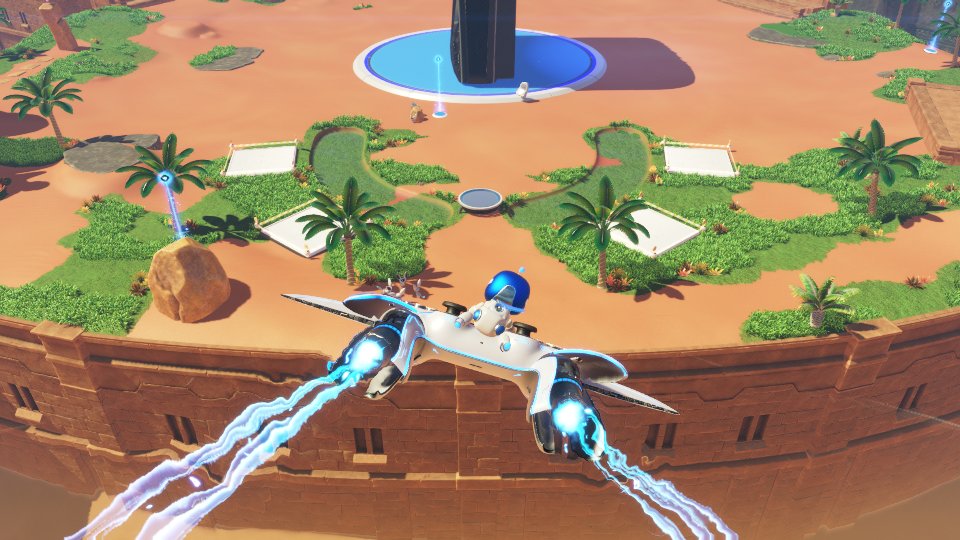
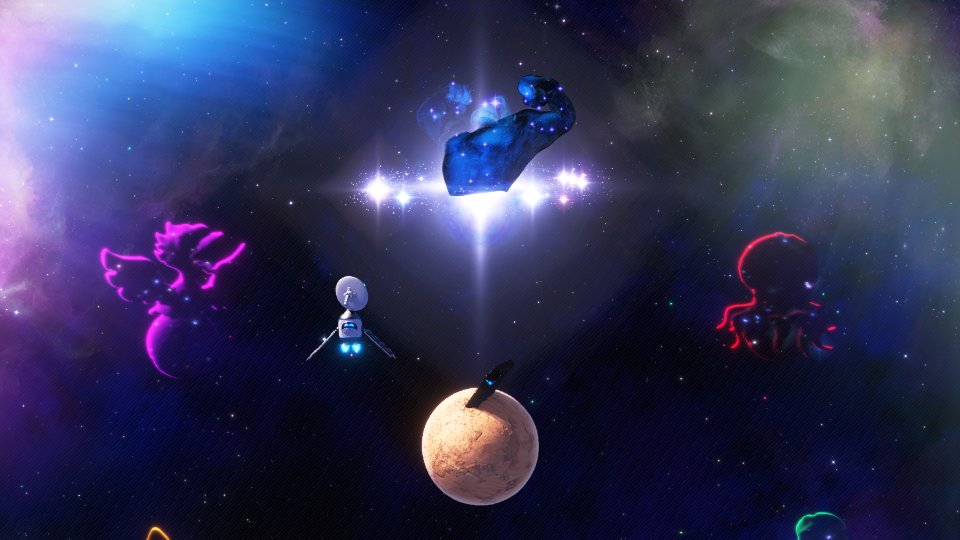
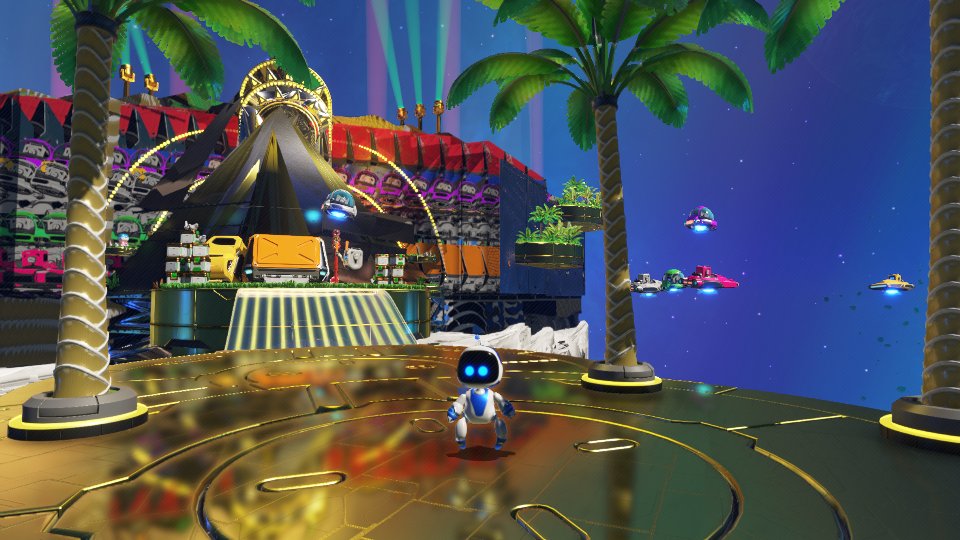
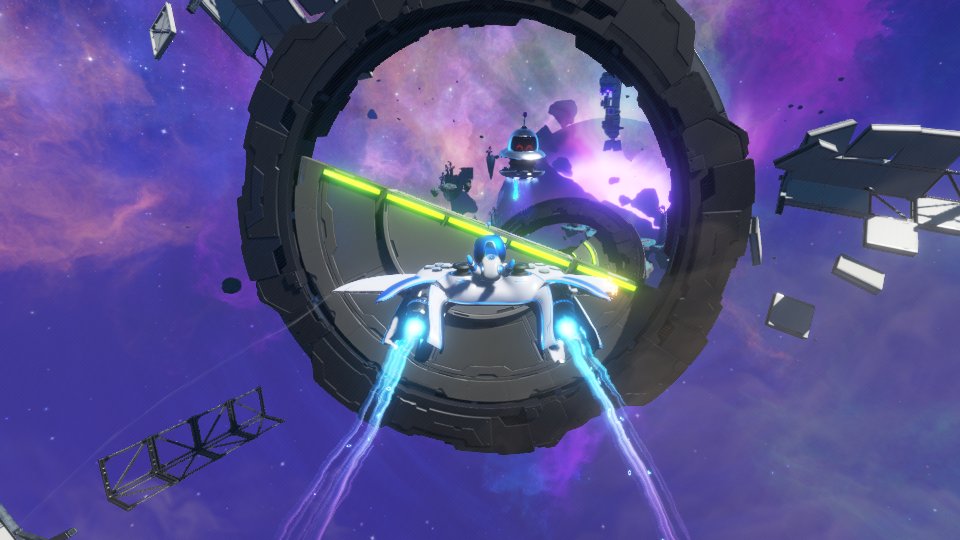
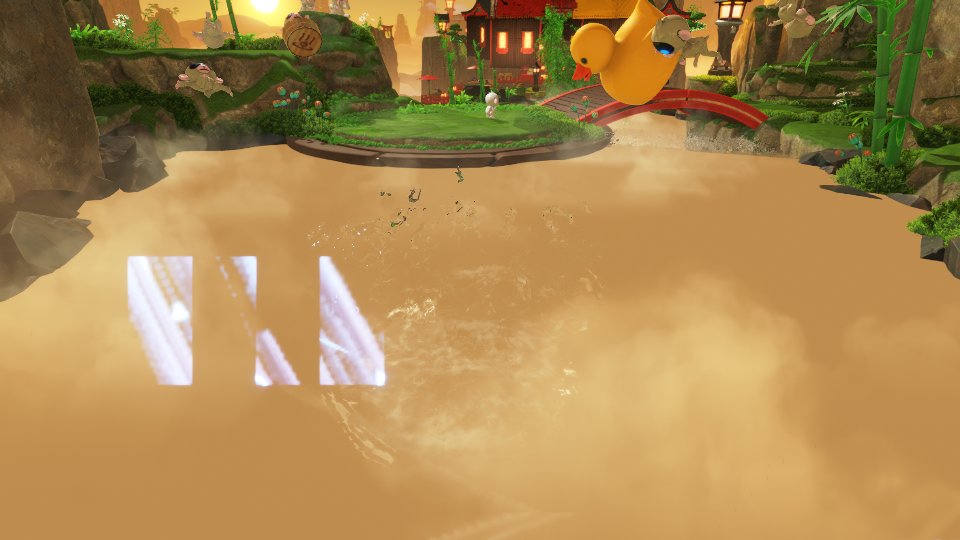
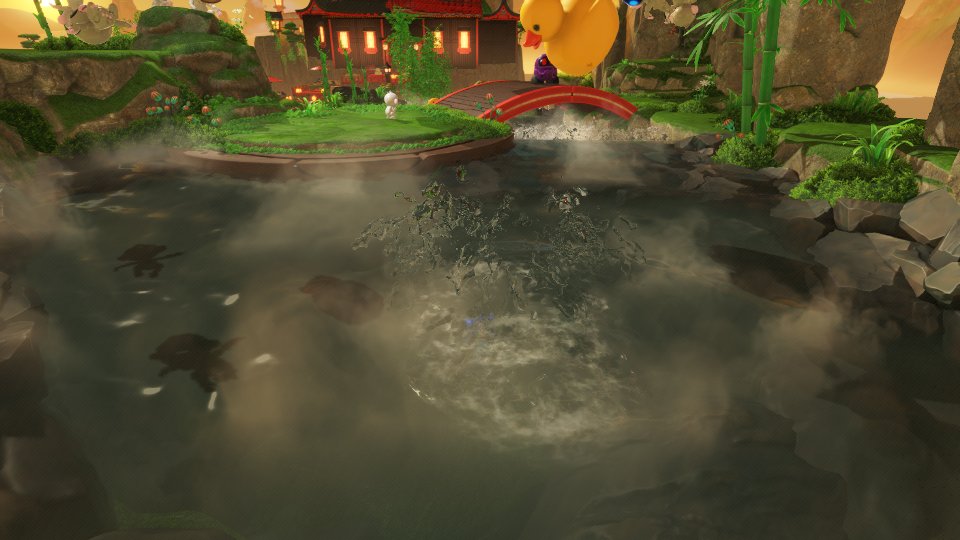
Dirty Bath water before (left) and after (right) the CMASK fix.
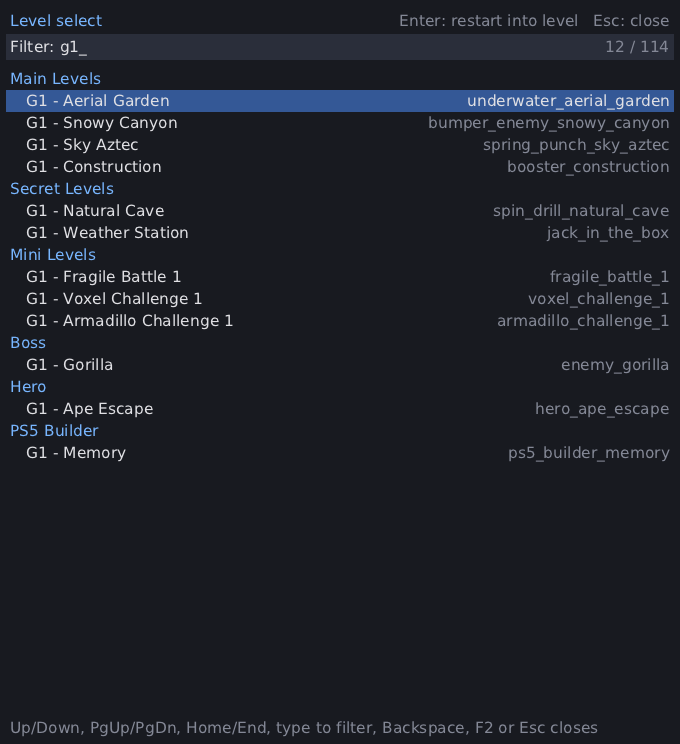
A level select for testing: it restarts the game straight into any level in the game's own list, without playing through to it or needing a save. Linux only for now.
APS5_LEVEL_MENU=1 ./app.elfPress F2 in game to open it. It opens as a separate window and lists the 114 entries of the game's level list (product_levels.xml) grouped by category: hub, main levels by galaxy, secret levels, bosses, heroes, minis and so on, with the game's internal Meta entries last.
- Up/Down, PgUp/PgDn, Home/End or the mouse wheel move the selection. Typing filters the list (words match the category, name or level file, in any order); Backspace deletes, Ctrl+Backspace clears.
- Enter (or a double click) restarts into the selected level: the process re-executes itself with the same command line and environment plus the game's own
-lvl <level file>argument. Pending save-data writes get up to 2 s to finish first. - F2 or Esc closes the menu.
To pick a level without touching the keyboard, for scripted runs:
APS5_LEVEL_MENU=1 APS5_LEVEL_MENU_AUTOSELECT=20:rocket_space_station ./app.elfAfter 20 seconds this opens the menu, types rocket_space_station as the filter and presses Enter on the first match. The variable is dropped on the restart, so it fires once. Booting a level directly with ./app.elf -lvl rocket_space_station does the same without the menu.
Caveats: sublevels such as enemy_final start standalone. diorama_zoo loads but the game reports an empty level name. The menu falls back to a built-in bitmap font when no DejaVu, Noto or Liberation font is installed (APS5_LEVEL_MENU_FONT names another TrueType file).
110 pull requests from this work are merged into boykopovar/AnyPS5, among them Linux write tracking (#120, #121), the shader disk and pipeline cache (#129), NGG geometry as mesh shaders (#133), resident 10-bit scanout (#278), the Linux argv fix behind -lvl (#418), flips that complete after the frame's GPU work (#417), large DMA copies on the GPU in queue order (#439), triangle fan geometry input (#440), occlusion counter dumps on the GPU (#463), cross-queue submission order (#465), exact reciprocals for --to-intel (#464) and DualSense output and audio (#179, #180). Open: #626.
Tool for automatic executables porting to Linux and Windows.
Includes a relinker that converts executable to the target system's native format and implementations of system prx libraries suitable for dynamic linking. No emulation or separate runtime process.
Usage, Build instructions, Technical debt of the project, code style conventions, contributing


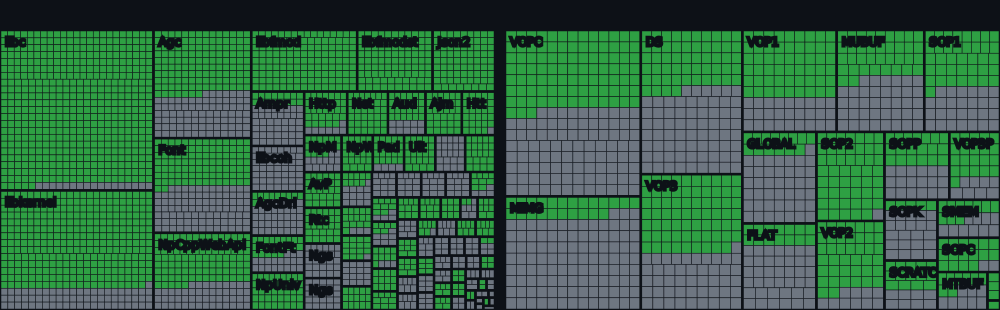
* System libraries: percentage of the functions known to the project so far (declared in core/libs/prx), not of every PS5 system function. The total grows as more functions are declared.
Dreaming Sarah (2D platformer) runs at a stable 60 fps on a GTX 1050 Ti / i5-7500 3.4GHz.
Unsupported or unexpected states strictly throw std::runtime_error. what() is printed to stderr and the process terminates.
The shader recompiler successfully produces SPIR-V (validated via Spirv-Tools when built with ANYPS5_ENABLE_SPIRV_TOOLS).
See the game compatibility list for tested games and known issues.
SDL-mapped game controllers are supported, including analog sticks and triggers. Keyboard and mouse controls can be configured with an anyps5-input.ini file. See input mapping for the supported devices and configuration format.
Games that open the console's system font sets need font files in an anyps5-fonts directory beside the generated game executable; set ANYPS5_SYSTEM_FONTS to use another directory. Files dumped from the console are used under their own names (SST-Roman.otf, SST-Bold.otf, SSTJpPro-Regular.otf, ...). Without them, these openly licensed substitutes are used when present: NotoSans-{Light,Regular,Medium,Bold}.ttf and NotoSans-{LightItalic,Italic,MediumItalic,BoldItalic}.ttf (Latin and Vietnamese), NotoSansMono-{Light,Regular,Medium,Bold}.ttf (typewriter), NotoSansThai-{Light,Regular,Medium,Bold}.ttf (Thai) and NotoSansCJK-{Light,Regular,Medium,Bold}.ttc (Japanese and Chinese). Without either, opening a system font set fails and the game shows no text in those fonts.
This project is intended for interoperability, research, preservation, and compatibility purposes. It does not include, distribute, or require copyrighted software, firmware, cryptographic keys, or proprietary libraries. Users are responsible for ensuring that any binaries used with this project are obtained and used in accordance with applicable laws and their respective license terms.
This project is licensed under the GNU General Public License version 2 only.