







About
Screenshots
Installation and Setup
After Install
Support / Improvement / Suggestions
License
A web application supporting multiple user experience (UX) research methods.
- Card Sorting
- Tree Testing
- Product Reaction Cards
- System Usability Scale (SUS)
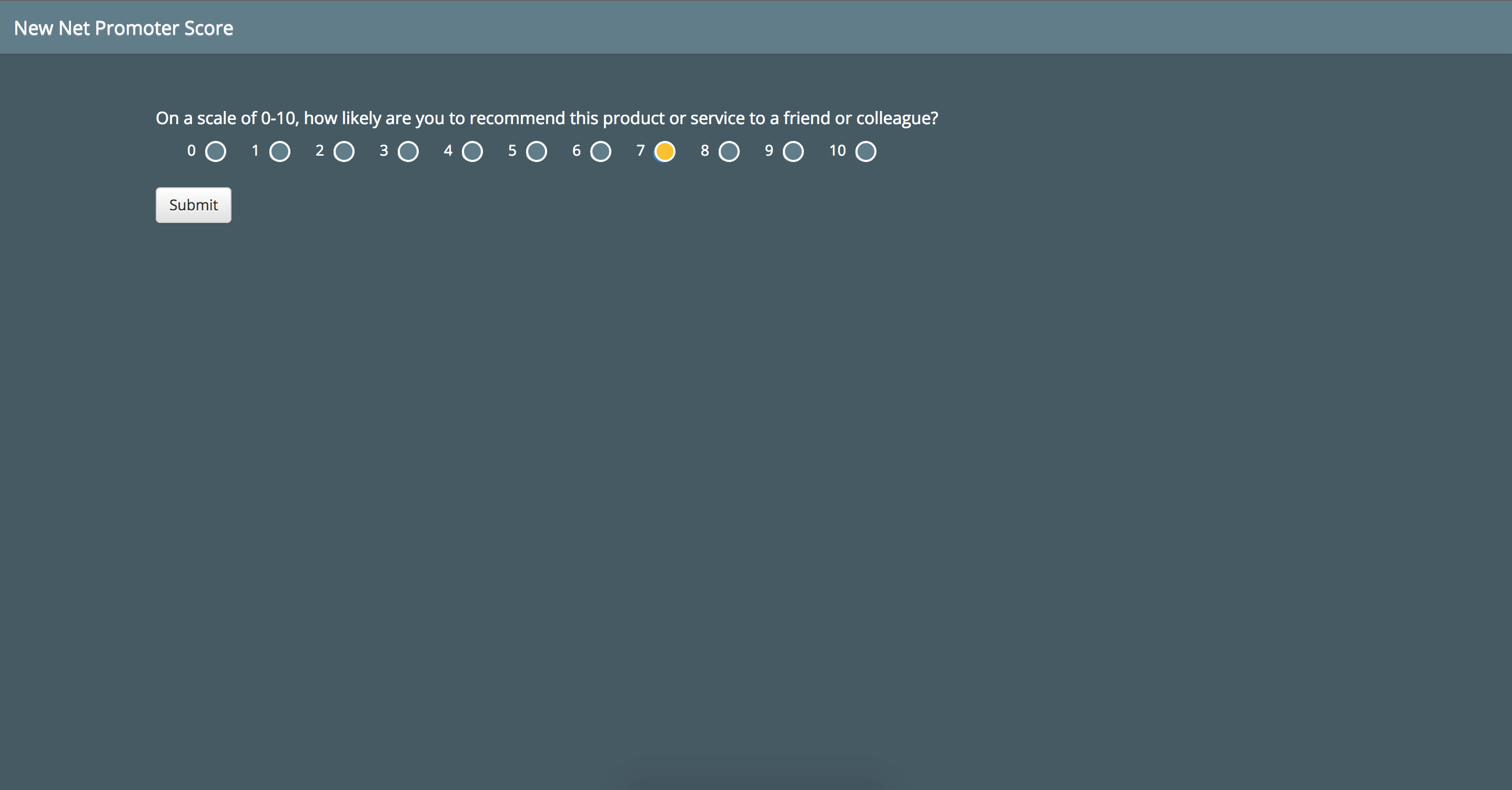
- Net Promoter Score (NPS)
See the website for more information.
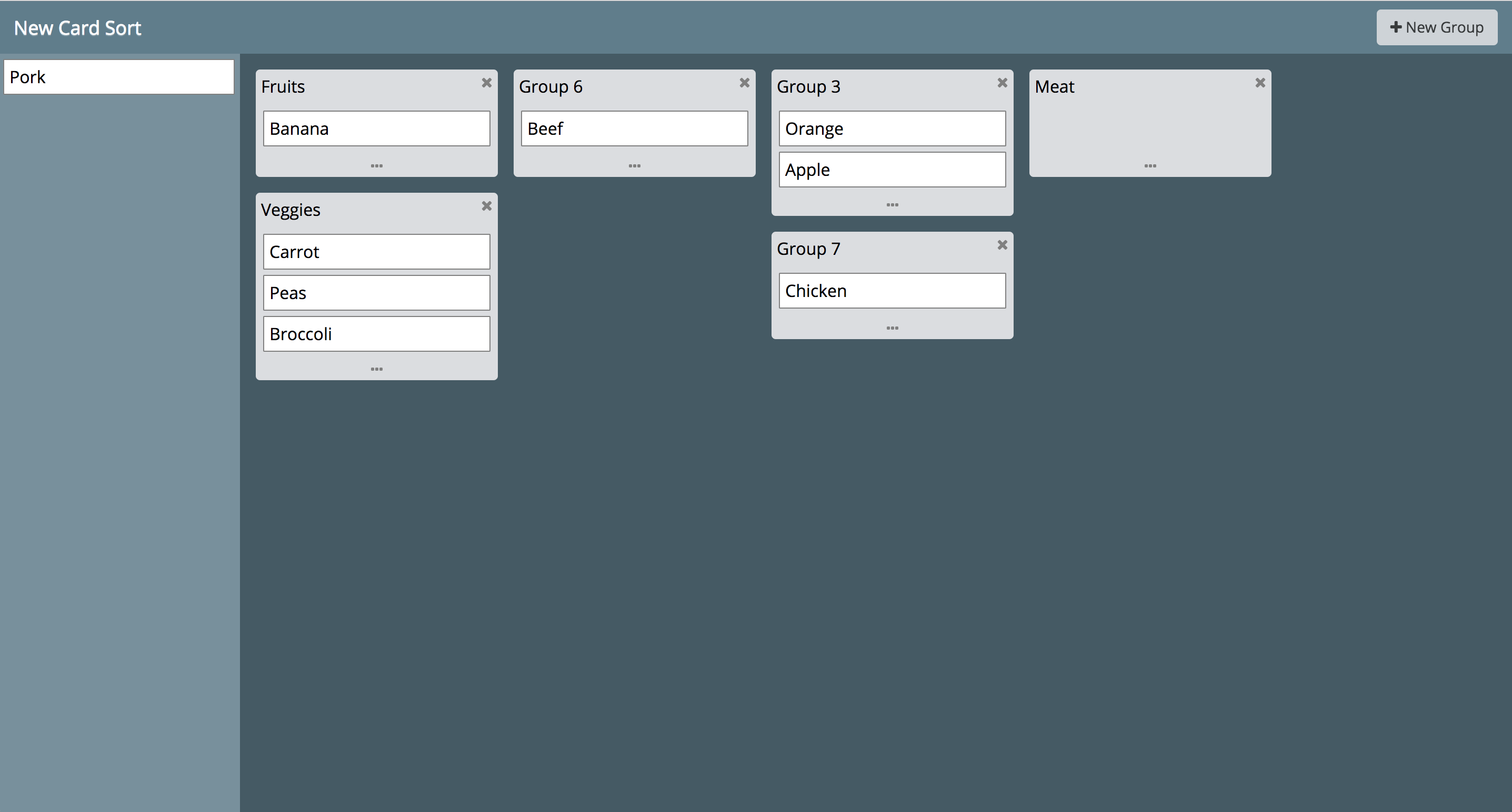
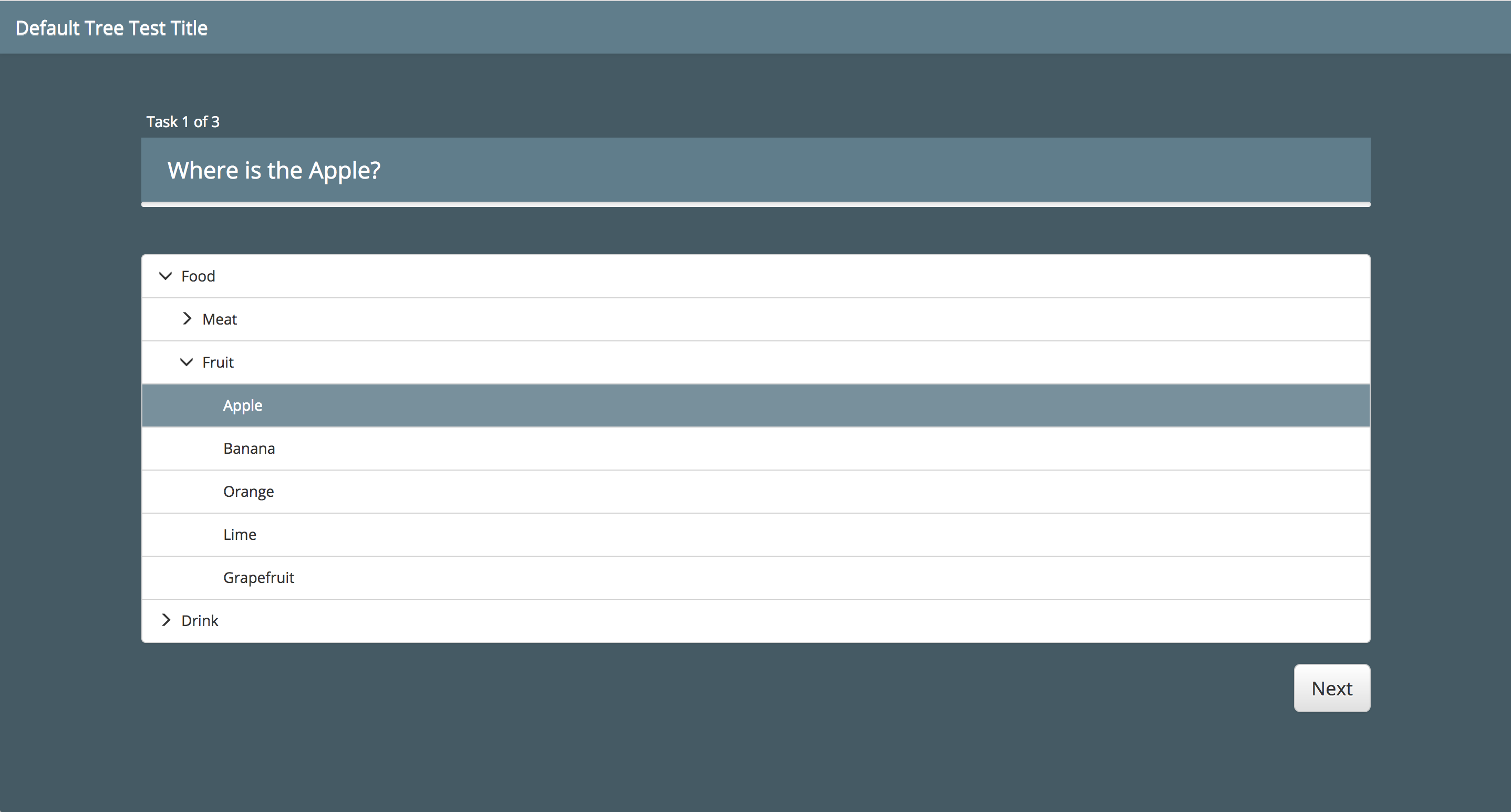
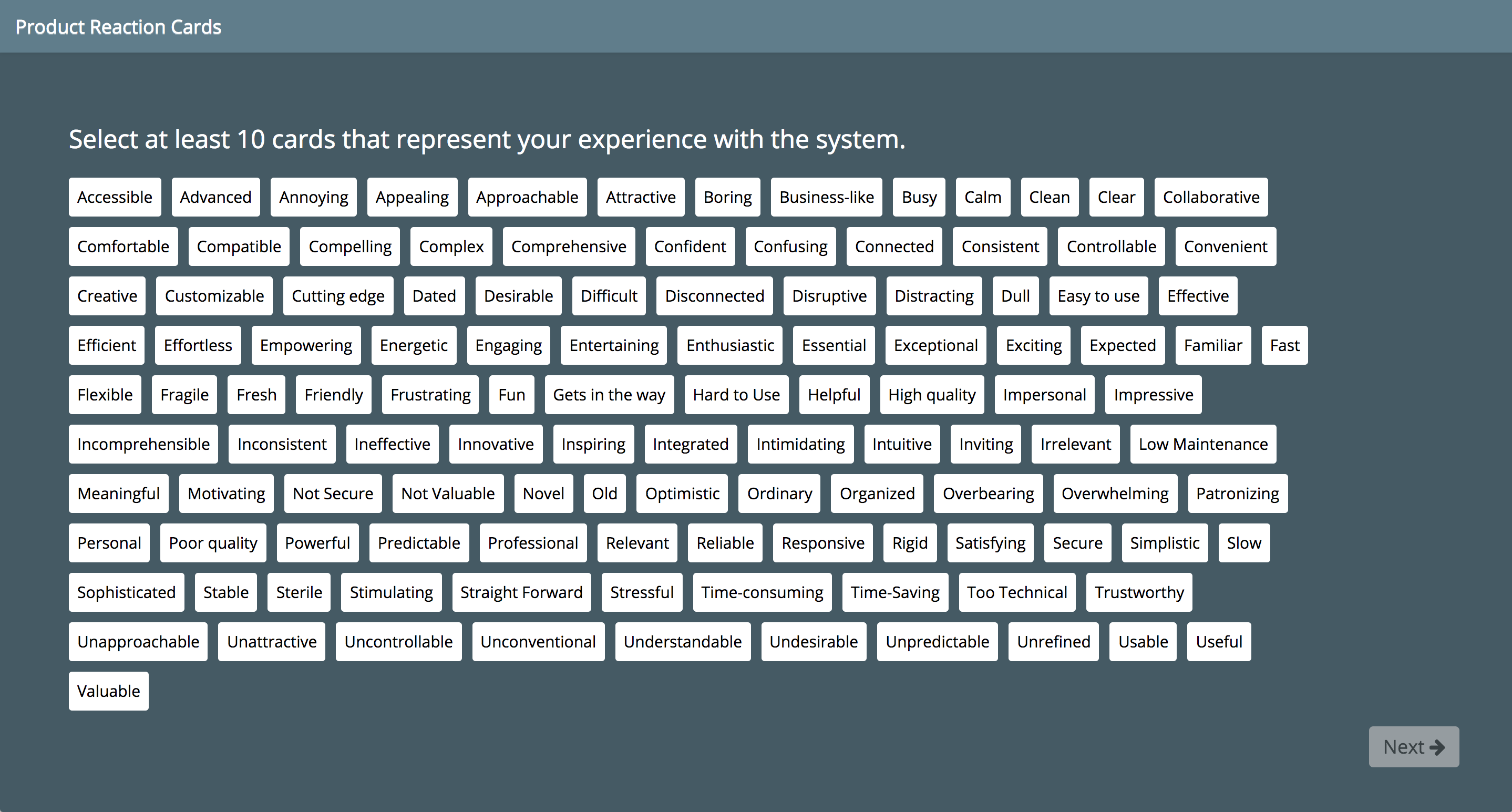
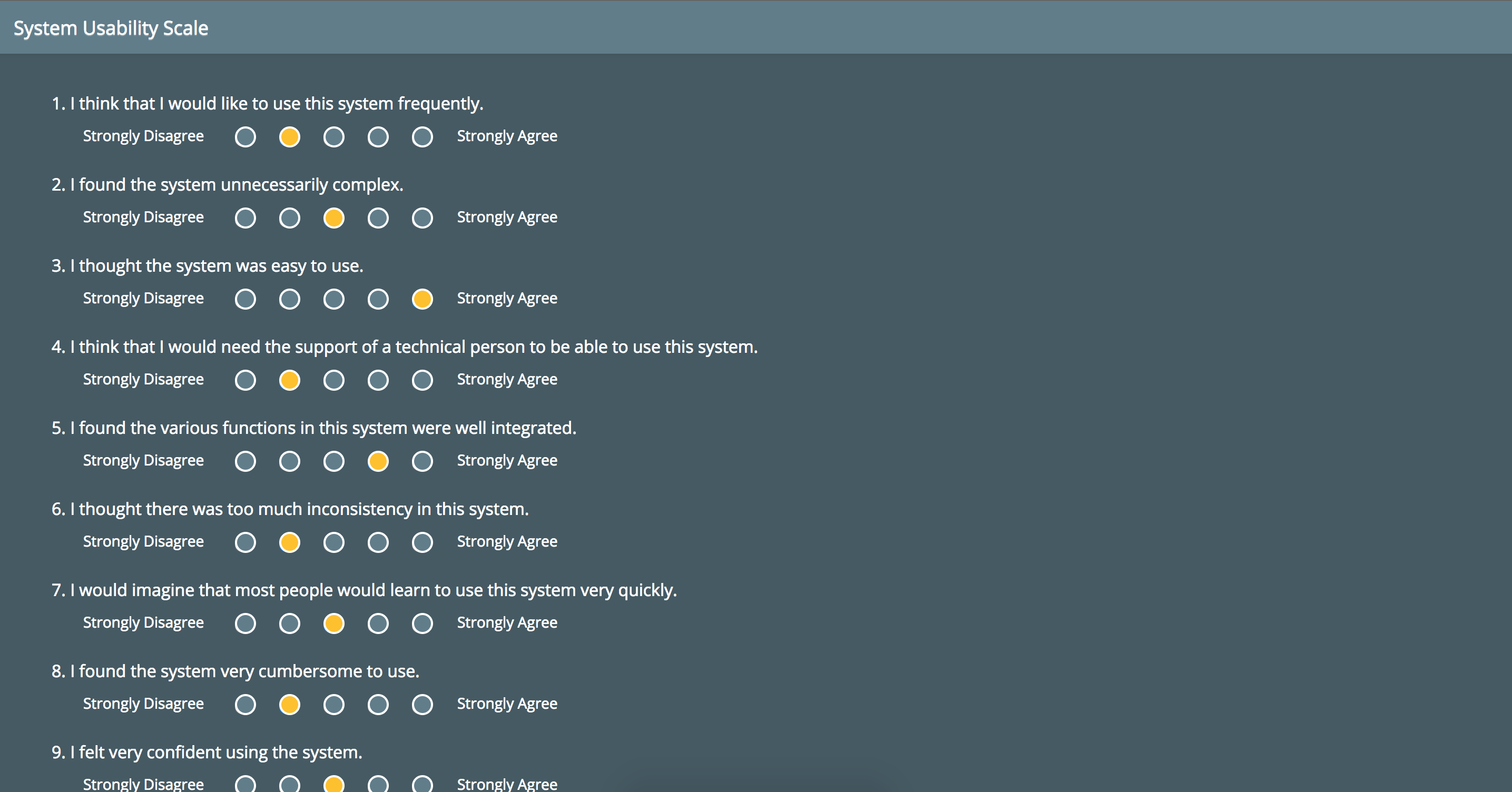
-
Use one of the following:
- Use Git to clone the code (
git clone https://github.com/carlsonp/kort.git) - Download a release archive from Github
- Install from the published npm package via
npm install @carlsonp/kort
- Use Git to clone the code (
-
Edit
app.jsand optionally set theadminUserand set your own username. -
Edit the
adminPasswordvalue inapp.js. -
Optionally set
allowUserRegistrationinapp.jsto allow users to register. Otherwise users can only be created by accounts with 'admin' access. -
Optionally setup Google authentication. See the wiki for details.
-
Continue installation via source or via Docker.
-
Install Node.js
-
Install MongoDB (3.0 or higher) or provide a connection to an existing server by editing the
app.jsfile and setting themongoURL. Kort uses the Mongoose package. To optionally secure your MongoDB with a username and password, create a user for thekortdatabase by doing the following:Open a Mongo commandline shell:
mongo --port 27017
Select the database:
use kortCreate the new user:
db.createUser(
   {
     user: "kort",
     pwd: "123",
    roles: [ { role: "readWrite", db: "kort" } ]
   }
)
Then edit
/etc/mongodb.confand enableauth=true. Restart the service. Make sure to set themongoURLwith the appropriate username and password. -
Run
npm installon the commandline. This will install the dependencies into thenode_modulesfolder. -
Run
npm run buildon the commandline. This will setup browserify bundle, which is needed for browser imports of modules. You will seebundle.jsin thedistfolder. -
Run
node app.jsfrom the main directory. This will start the NodeJS server on the default port 3000.
-
Ensure you create a
.envfile in the root of the project directory with the required environment variables (Seeexample.env). If you choose to set the environment variables directly, remove any refences to the.envfile indocker-compose.ymlto prevent docker compose looking for it at build time.If you wish to secure the connection between the
kortandmongocontainers, uncomment theMONGO_INITDB_ROOT_USERNAME,MONGO_INITDB_ROOT_PASSWORD,MONGO_INITDB_DATABASE,MONGO_KORT_USERNAMEandMONGO_KORT_PASSWORDvalues in the.envfile and define the required credentials.If you need to specify connection options for the connection from the
kortto themongocontainers, uncomment theMONGO_OPTIONSvalue in the.envfile and define the required connection options in url parameter format. -
Build the containers
docker-compose build
-
Start the containers (use -d to run in detached mode)
docker-compose up
-
Stop the containers (when using detached mode)
docker-compose down
Data from MongoDB is persisted and mounted as a Docker volume in the ./data/ folder.
-
You can connect via http://localhost:3000
-
The admin username and password for Kort can be set using environment variables
KORT_ADMIN_USERandKORT_ADMIN_PASSWORD. These can be set in the.envfile or directly as environment variables. Please note that if you define these variables using both methods, the environment variables will take precedence. If the variables are not set, then a default usename and password ofadmin/adminwill be used. -
The
RATE_LIMITvariable relates to the maximum number of requests that the server will allow over a 10 second period. By default the rate is set at 120. This can be edited in the.envfile or as an environment variable. Please note that if you define these variables using both methods, the environment variables will take precedence. Please note this rate includes any requests the application makes to serve the ui pages such as css and js files, and can make over 20 requests per page. -
The
ENVIRONMENTvariable controls the Helmet settings. When the variable is set todevelopment, we override certain security headers to facilitate load testing. In any other mode, it defaults toproductionand applies the strict security headers defined by Helmet.
Open a Github issue.
Kort is licensed under the GPLv3.