
The ultimate local-first student companion for exam planning, tracking, and insights.
Features • Installation • Usage • License


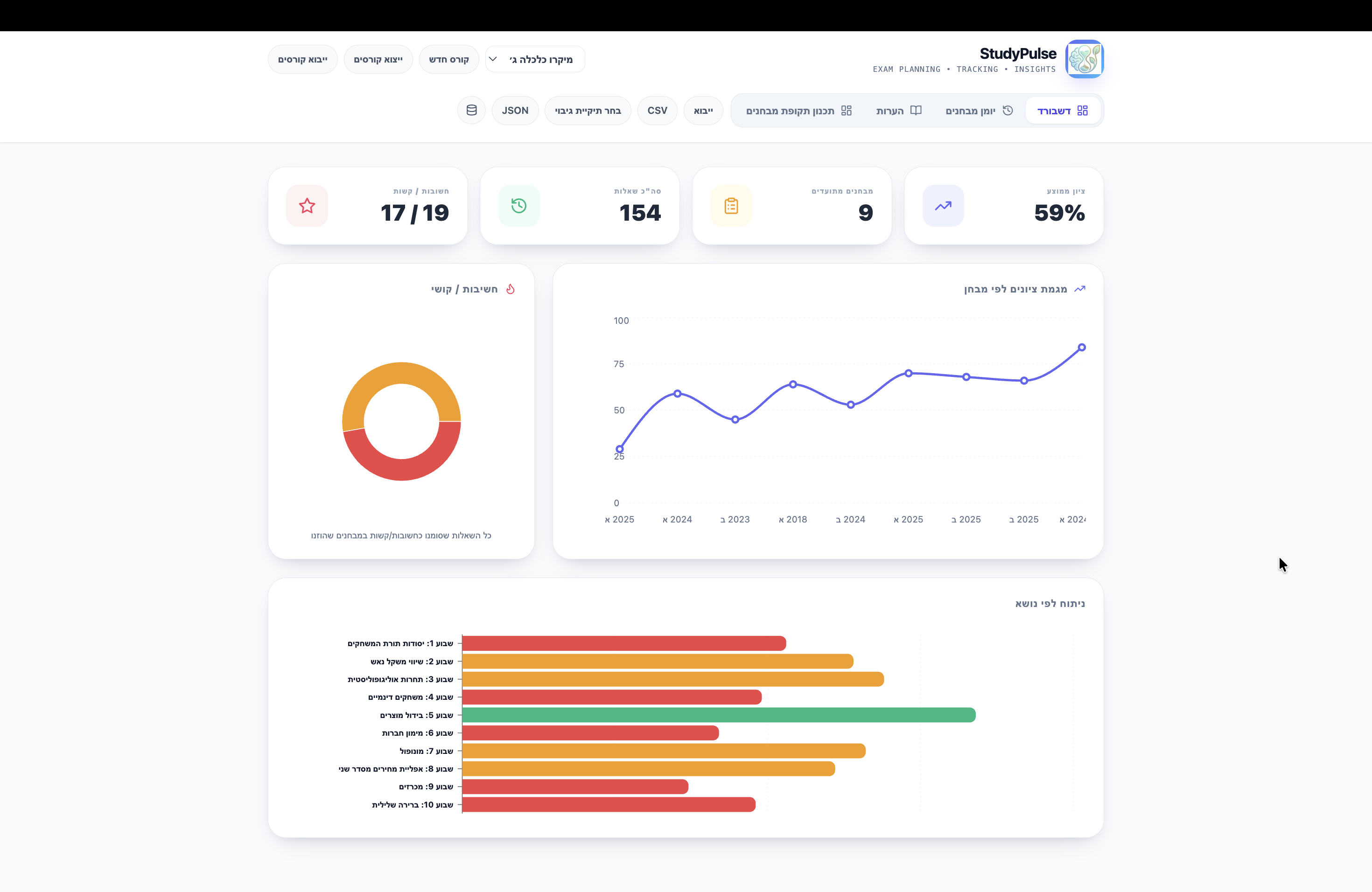
StudyPulse is a comprehensive, local-first web application designed for students to manage exam periods, track performance, and organize study notes across multiple courses. Built with a focus on data sovereignty and speed, it operates entirely in the browser, offering a seamless and responsive experience without needing a dedicated backend.
- 📚 Multi-Course Management: Switch between courses effortlessly. Configure topics and difficulty levels per course.
- 📝 Exam Logging: Document practice exams with detailed question-level breakdown (score, topic, sub-topic, difficulty).
- 📊 Performance Analytics: Visualize progress with exam trend lines, difficulty distribution charts, and topic-based strength/weakness analysis.
- 📅 Study Planner: Import Excel-based study schedules and view them directly within the application.
- 💡 Notes System: Centralized repository for question-specific notes, filterable by topic for focused review.
- 🔒 Local Data Handling: All data is stored locally in the browser (
localStorage) or synced to a user-selected local backup directory. - 📤 Data Portability: Full JSON export/import and CSV export capabilities.
This project is built using modern web standards:
- React 18: Dynamic and responsive UI.
- Vite: Ultra-fast build tool and dev server.
- Recharts: Powerful data visualization.
- Tailwind CSS: Utility-first styling for a polished look.
- File System API: Direct local file access for secure backups.
-
Clone the repository:
git clone https://github.com/ShakedSchnarch/StudyPlus.git cd StudyPlus -
Install dependencies:
npm install
-
Start the development server:
npm run dev
-
Open
http://localhost:5173in your browser.
Courses are defined in public/assets/courses.json. You can modify this file or use the in-app "New Course" feature to add courses dynamically.
To use the Study Planner tab, upload an .xlsx file containing your schedule. The application parses the first sheet and displays it as a formatted schedule.
Click "Select Backup Directory" to grant access to a local folder. StudyPulse will automatically save a JSON backup of your data to this location whenever changes are made.
This project is open source and available under the MIT License.