
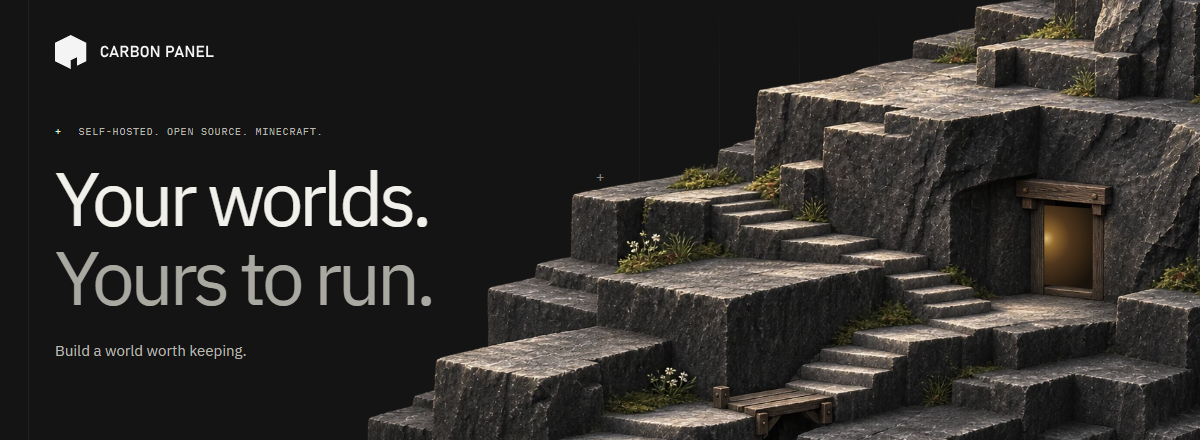
A home for the worlds you make.
Build your modpacks, look after your servers, and keep every block on your own terms.
Free, open-source Minecraft server management. Your machines. Your data.
Get started ↗ · Explore the website · Documentation · Releases · Docker image



Bring your pack together, choose your export format, and get it ready to share with your players. Modpack Studio keeps the workflow in one place.
- Find your next addition. Search Modrinth and CurseForge, choose versions, and work through dependencies.
- Shape the pack. Manage client and server sides, pin versions, and keep overrides and configuration alongside your mods.
- Take it with you. Export
.mrpack, CurseForge or packwiz formats, share with friends, or deploy to a server.

Give each server its own Docker container. Keep the console, live logs, files, backups and settings within reach. Run on a machine at home, a dedicated host, or compatible remote Docker nodes, all through one panel.

Prepare compatible configuration and content changes in one batch. Review them together, then choose the next restart, a scheduled time or an idle window. Staging leaves the live files alone; applying to a running server includes a restart.

Browse and install datapacks from the panel, or upload your own ZIP. Manage the packs in a world's datapacks directory, with pack-format warnings to help identify compatibility issues.
Choose how an empty server rests:
| Mode | What it does |
|---|---|
| Native pause | Stops ticking on supported Minecraft versions while retaining memory. |
| Freeze | Suspends the process in memory on supported hosts. |
| Deep sleep | Stops the JVM to release its memory; a player connection triggers a wake. |
The panel and proxy continue using their own resources. Cold starts take time, and a player may need to retry while a server becomes ready. Support and setup depend on the server version, host and idle-mode configuration.
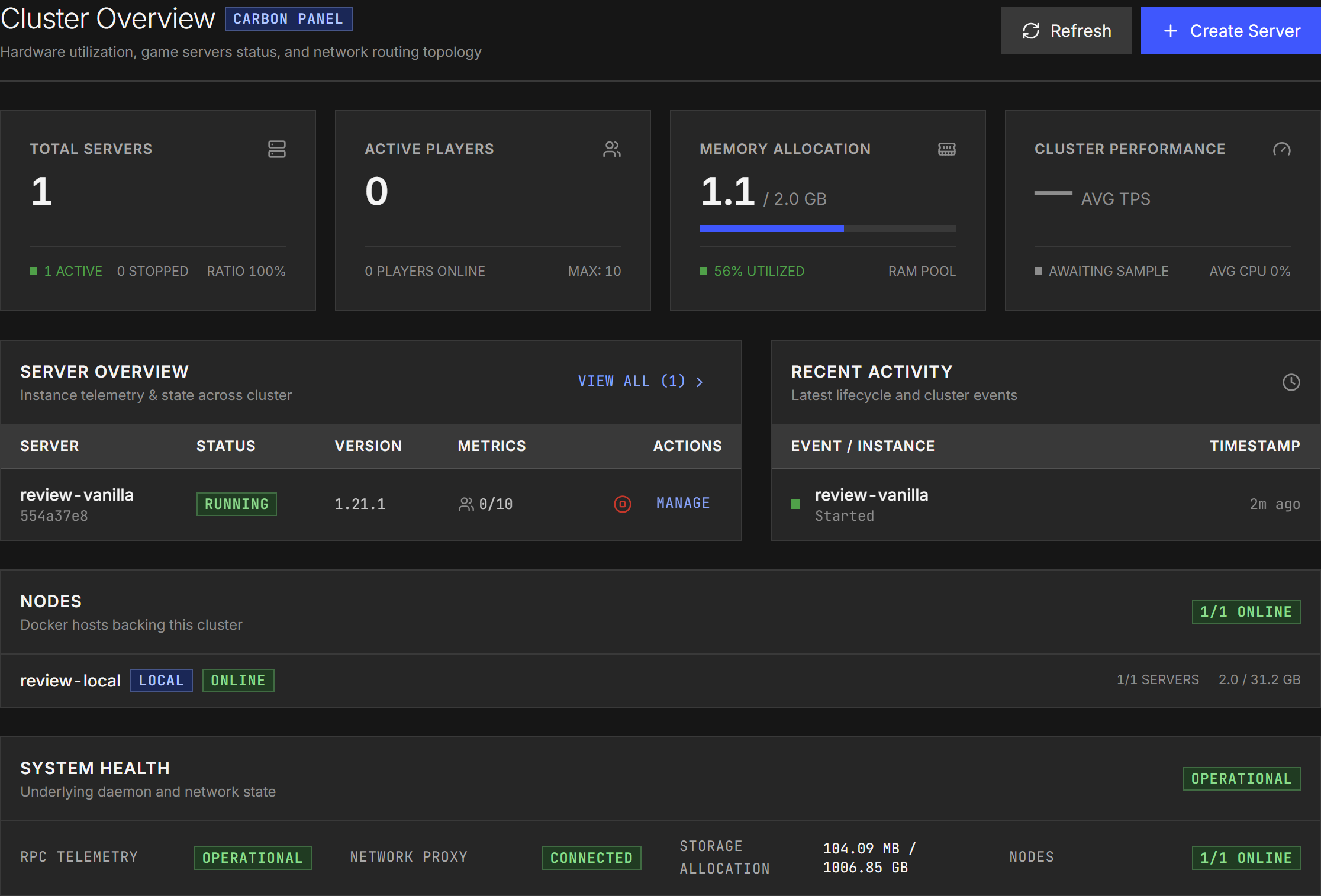
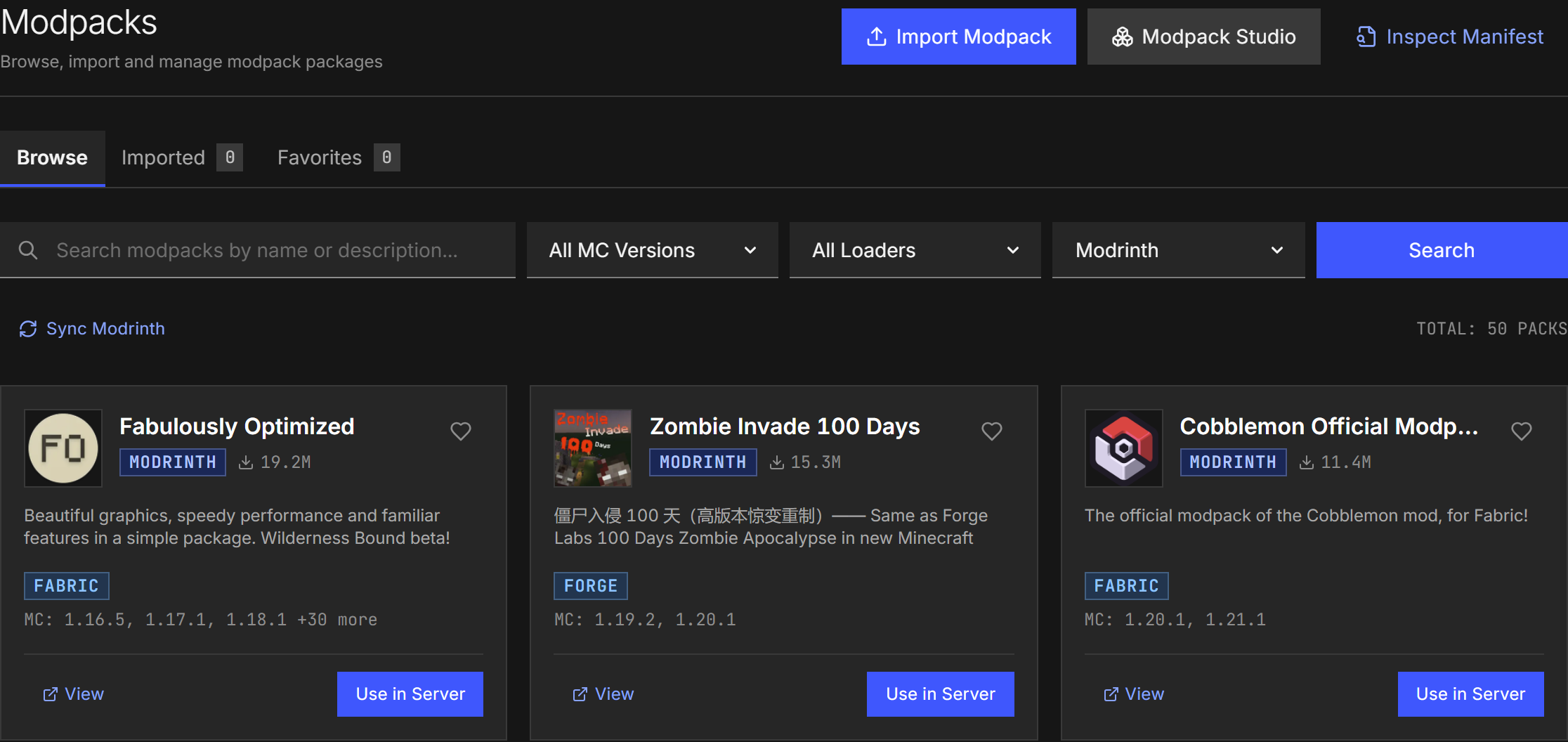
UI captures come from the current application in an isolated review installation, with seeded review data. Capture notes and source revision.
Quiet surfaces, clear states and a shared set of foundations. Explore the Carbon design system ↗
| Area | Included capabilities |
|---|---|
| Server management | Vanilla, Paper, Purpur, Fabric, Quilt, Forge, NeoForge, Bedrock and more; per-server containers and resource limits. |
| Player routing | Hostname-aware proxy routing, Velocity forwarding, PROXY protocol and Bedrock UDP support. |
| Modpacks and content | Create and share modpacks in multiple formats; search for and add datapacks. |
| Updates and scheduling | Staged configuration/content batches, scheduled or idle apply windows, task chains and webhooks. |
| Everyday operations | Live console and RCON, file browsing/editing, archive handling and resumable transfers. |
| Backups | World-aware server backups, retention and S3-compatible offsite storage. |
| Your machines | Place servers on compatible local or remote Docker nodes and manage them through one panel. |
| Access | Local accounts, roles and server-scoped permissions, OIDC, API tokens and an audit log. |
| Integrations | Protocol Buffers, Connect RPC/gRPC, an API reference and Prometheus metrics. |
Carbon Panel is under active development. The website documentation displays its exact application commit, labelled as a development snapshot. Check the documentation version against your installation when following a guide.
For the full walkthrough, see Docker Compose setup.
Prefer a prebuilt download? GitHub Releases provides versioned archives for Linux, macOS and Windows. See release downloads and checksum verification.
Requires Docker with Linux containers and Docker Compose.
git clone https://github.com/athNdev/carbonpanel.git
cd carbonpanel
docker build -f docker/Dockerfile.carbon-panel -t carbon-panel:latest .
Or pull the published multi-architecture image from Docker Hub:
docker pull atharvnaphade/carbonpanel:latestReview docker-compose.yml before starting. Set the host paths for data and backups to locations you want to keep.
There is no environment variable to keep in sync with those paths: the panel reads the volume mapping from its own container at startup. If the data directory is not mounted, is read-only, or the container user cannot write to it, startup stops with a message naming the directory instead of writing worlds into a layer that is discarded with the container.
The included Compose file uses host networking. Review the networking notes in that file if your deployment needs bridge networking instead.
docker compose up -dOpen http://localhost:8080 and create the first administrator account. Create a server, wait for it to become ready, and configure the address players will use to connect. Keep world data and the panel database when updating or recreating containers.
| You want to... | Start here |
|---|---|
| Understand the panel | Introduction |
| Install it | Docker Compose |
| Configure it | Configuration and config.example.yaml |
| Back up a server | Server backups |
| Configure sign-in | OIDC guides |
| Use the API | API reference; authenticated requests are required for protected operations |
| Resolve a problem | Troubleshooting and FAQ |
| Check what the docs describe | Documentation version |
Operator references in this repository include server operations, idle-mode setup, and panel database recovery.
For help or a bug report, include the application commit/version, relevant configuration and redacted logs in an issue. Keep tokens, private addresses and world data out of public reports.
The backend is Go; the console is SvelteKit with Bun. See the contributing guide for contribution and verification guidance. Current CI uses Go 1.26 and Bun 1.4.2.
Build and run from source
Build the frontend before compiling a binary that embeds it:
bash scripts/web-build.sh
go build -o carbon-panel ./cmd/carbon-panel
./carbon-panel
For live development:
bun run dev
# Or use make dev, scripts/dev.ps1, or scripts/dev.sh.
The development frontend runs at http://localhost:5174 and proxies API/RPC
requests to the backend at http://localhost:8080.
The default development profile binds to loopback. Use bun run dev --lan for
intentional LAN exposure, and Ctrl+C to stop only that session's process trees.
See development commands for tool selection and shutdown.
Carbon Panel (formerly MineServer) is built upon the open-source foundation of the original DiscoPanel project created by nickheyer.
Carbon Panel's own code is licensed under the Mozilla Public License 2.0 (LICENSE.MPL-2.0).
Material inherited from DiscoPanel remains under the MIT License (LICENSE), Copyright (c) 2025 Nicholas W. Heyer. LICENSING.md documents the file-by-file boundary between the two.