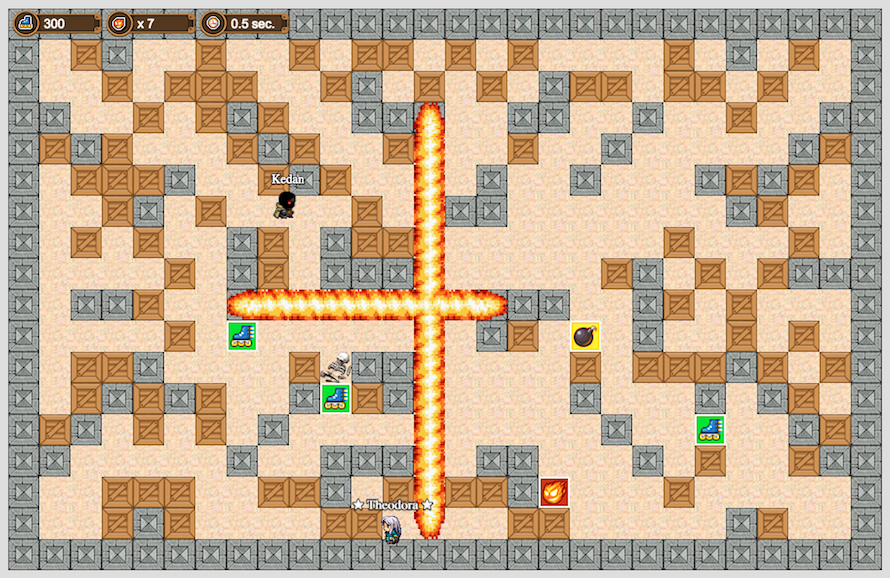
A Bomberman-style game with multiplayer option made with Phaser.js v3, Node.js, Express.js, Socket.io.
The game is designed for up to Six players.
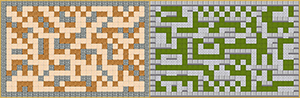
Games can be played on one of two maps.
Player models user will receive randomly when he will enter the game.
The winning player is the last one standing.
Within the game, players can upgrade skills like: ( Change to drop - 50% when player break the block )
 Speed: can increase to 3
 Bomb setting time: can be reduced to 0.5 seconds
 Power: no limit
This is a fork of the git DmytroVasin/bomber. Change log:
- Evo: Migration from Phaser2 to phaser3.
- Evo: Docker installation
- Evo: Add musics and sound effects
- Techno-Randomness_Looping, Happy-Trancin and Electric-Rain_Looping musics as Licence Publique Internationale Soundimage by Eric Matyas (www.soundimage.org)
- TownTheme Licence CC0 1.0 from (https://opengameart.org/content/town-theme-rpg)
- Sound effects as Licence Publique Internationale Soundimage by Eric Matyas (www.soundimage.org)
- Evo: Add Slider for map selection
- Evo: Add VirtualJoystick
You can find a tutorial on how to make Bomberman-style games here: Tutorial (need work)
Note: To play the game, you should open the browser in two separate windows. The game pauses when You open a new tab in the same window. Open game in different windows.
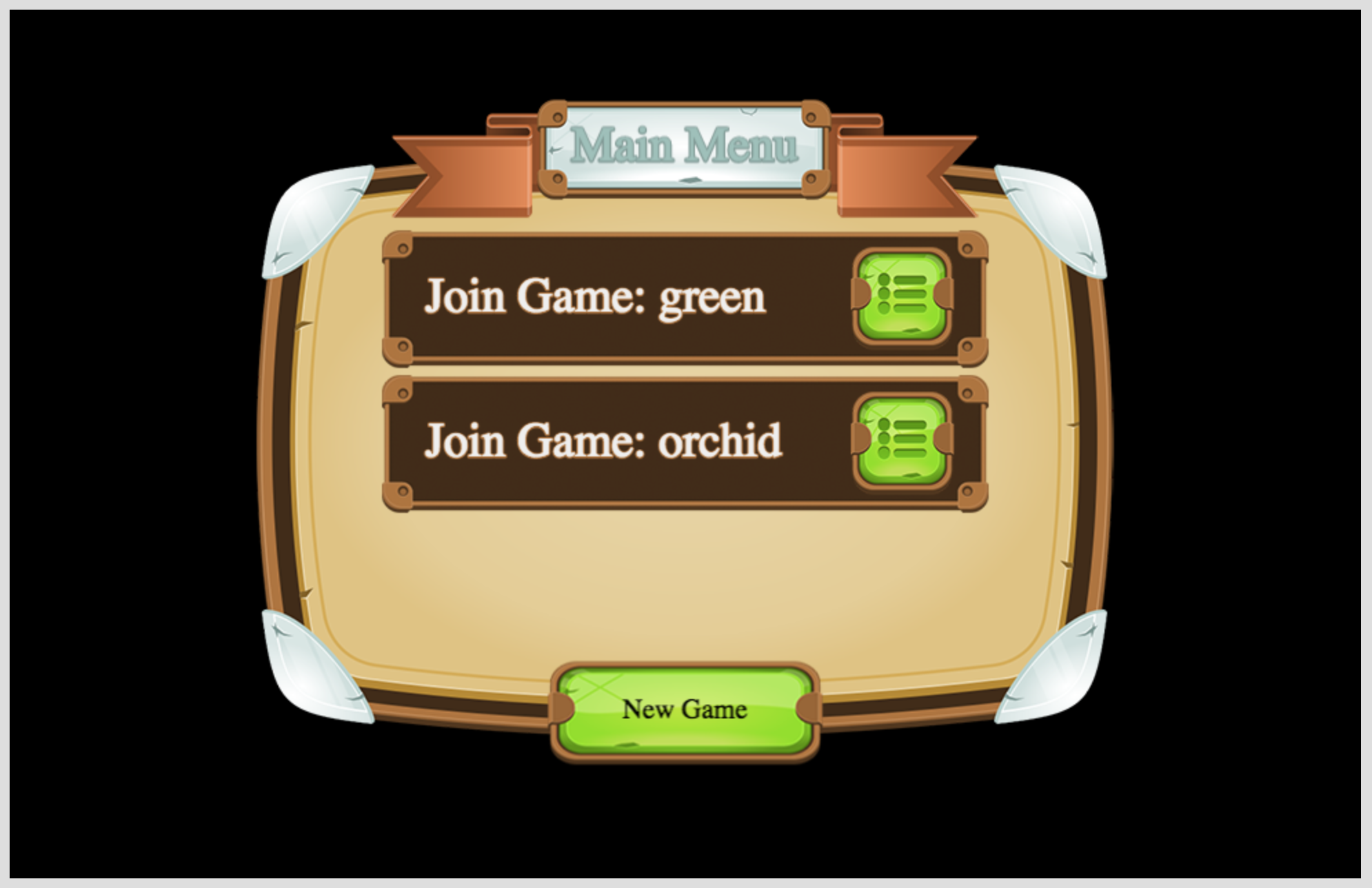
The game requires Node and Yarn (npm) package manager. Make sure that you already have both installed on your system before trying to launch it.
Steps:
- Clone the repository.
- Run
yarn installinside a newly created directory. - Start the server with the command
yarn run server( defined in thepackage.jsonfile ). This will launchwebpackin your development environment and then start thenodeserver. - Check out the game at http://localhost:3000
- Enjoy!
The game can be also deployed into docker environemnt (Docker should be installed). Steps:
- Clone the repository.
- Run
docker build --tag bomber:1.0 .inside the newly created directory. - Create and run the container
docker run -d -it --name bomber.server --restart=always -p 3000:3000 bomber:1.0
- Check out the game at http://localhost:3000
- Enjoy!
Used for developement, docker container could be configured to use external folders. Steps:
- Clone the repository into your local path E.g:
c:\opt\for windows or/optfor unix - Run
docker build --tag bomber:1.0.dev -f Dockerfile_dev .inside the newly created directory. - Create and run the container
- For Windows:
docker run -d -it --name bomber_dev.server --restart=always -p 3001:3000 -v C:/opt/bomber:/mnt/bomber -w /mnt/bomber bomber:1.0.dev - For Linux:
docker run -d -it --name bomber_dev.server --restart=always -p 3001:3000 -v /opt/bomber:/mnt/bomber -w /mnt/bomber bomber:1.0.dev
- For Windows:
- Check out the game at http://localhost:3001
- On any changes in the code, you have to restart the docker container to test yours updates.
- Enjoy!
You can use my code as a boilerplate if you want, but I would suggest you change the tile sizes. I've picked tiles that are 35x35 pixels, but tiles that are 32x32 would be more ideal. All free templates are based on this tile size, and it is also handily divisible by 2.
- Open: chrome://inspect/#devices
- Click 'Open dedicated DevTools for Node'
- "server": "webpack --mode development && node --inspect server/app.js",