


New to Cliper? Start with the friendly tour.
Transform any repository into a persistent AI memory graph.
Git stores source code. Cliper stores engineering knowledge.
Every AI conversation about your codebase currently starts from zero - you re-send files, re-explain architecture, re-describe decisions. Cliper Memory inverts this: run cliper init once, and your repository becomes a structured knowledge graph in Cognee Cloud - typed memories connected by explicit relationships - that any AI application can query from that point on.
Repository
    │
    ▼
cliper init            ← scan, extract, structure
    │
    ▼
Structured Memories    ← 13 typed memory objects
    │
    ▼
Cognee Cloud           ← knowledge graph (cognify)
    │
    ├──────────────┐
    ▼              ▼
Mobile App     AI Agents
    │              │
    └──────┬───────┘
           ▼
Persistent Engineering Knowledge
- Node.js 18+ (native
fetchis used throughout) - A GitHub Personal Access Token -
repo(orpublic_repo) scope, used to fetch issues and pull requests - A memory provider - either a Cognee Cloud account (base URL and API key from your dashboard), or the built-in Local JSON provider, which needs nothing (see Memory Providers)
npm install -g cliper-memoryThis installs the cliper binary.
cliper auth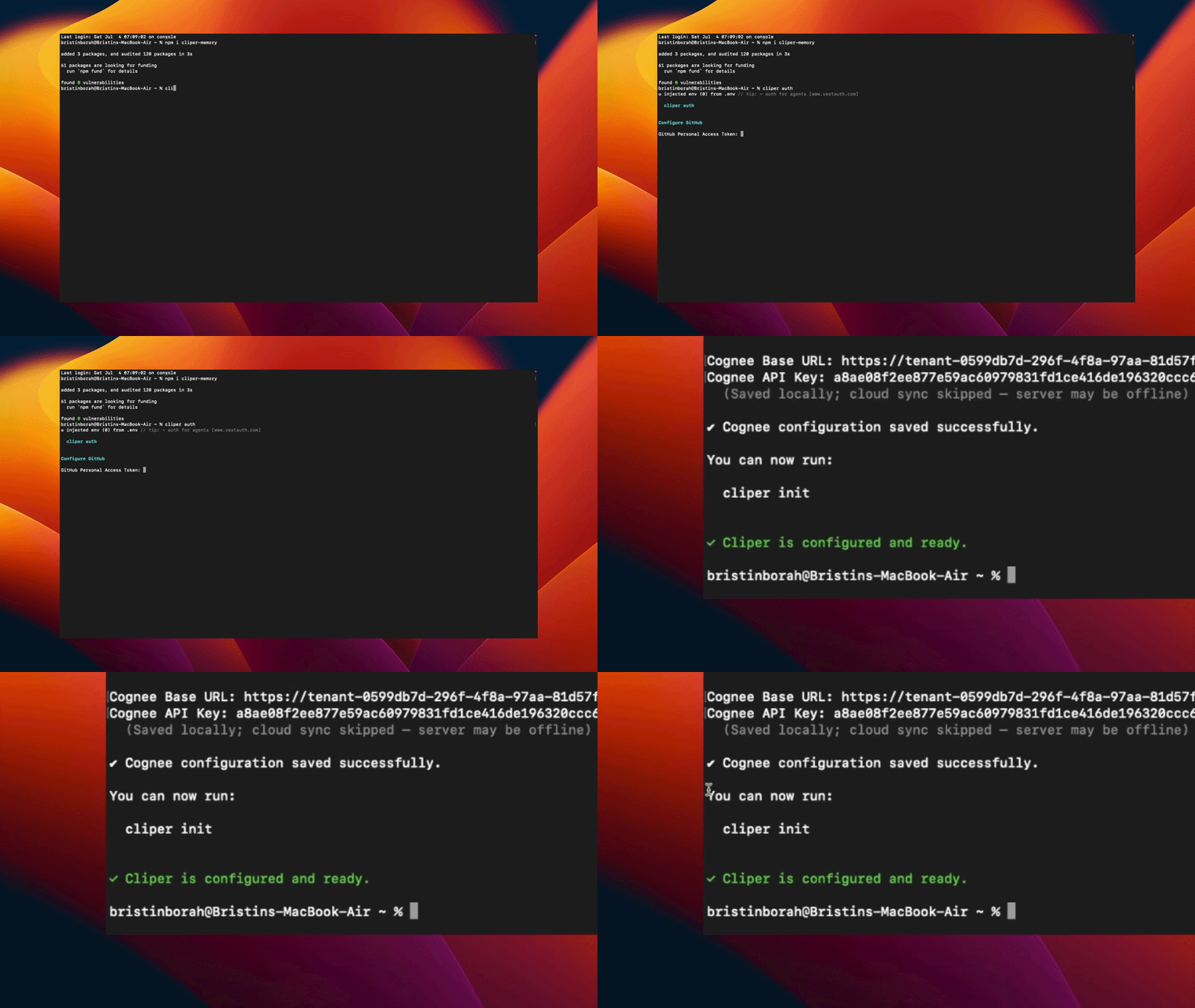
This runs two configuration steps:
GitHub - paste your Personal Access Token. Cliper verifies it against the GitHub API and registers your user. The token is used to enrich repository memory with issues and pull requests.
Cognee - paste your Cognee Base URL (e.g. https://tenant-xxxx.aws.cognee.ai) and API Key. This is where your memory graphs are stored.
Credentials are written to ~/.cliper/config.json with 0600 permissions. You can also configure a single provider:
cliper auth github
cliper auth cognee
cliper auth local-jsoncd your-project
cliper initThe full pipeline runs in one command:
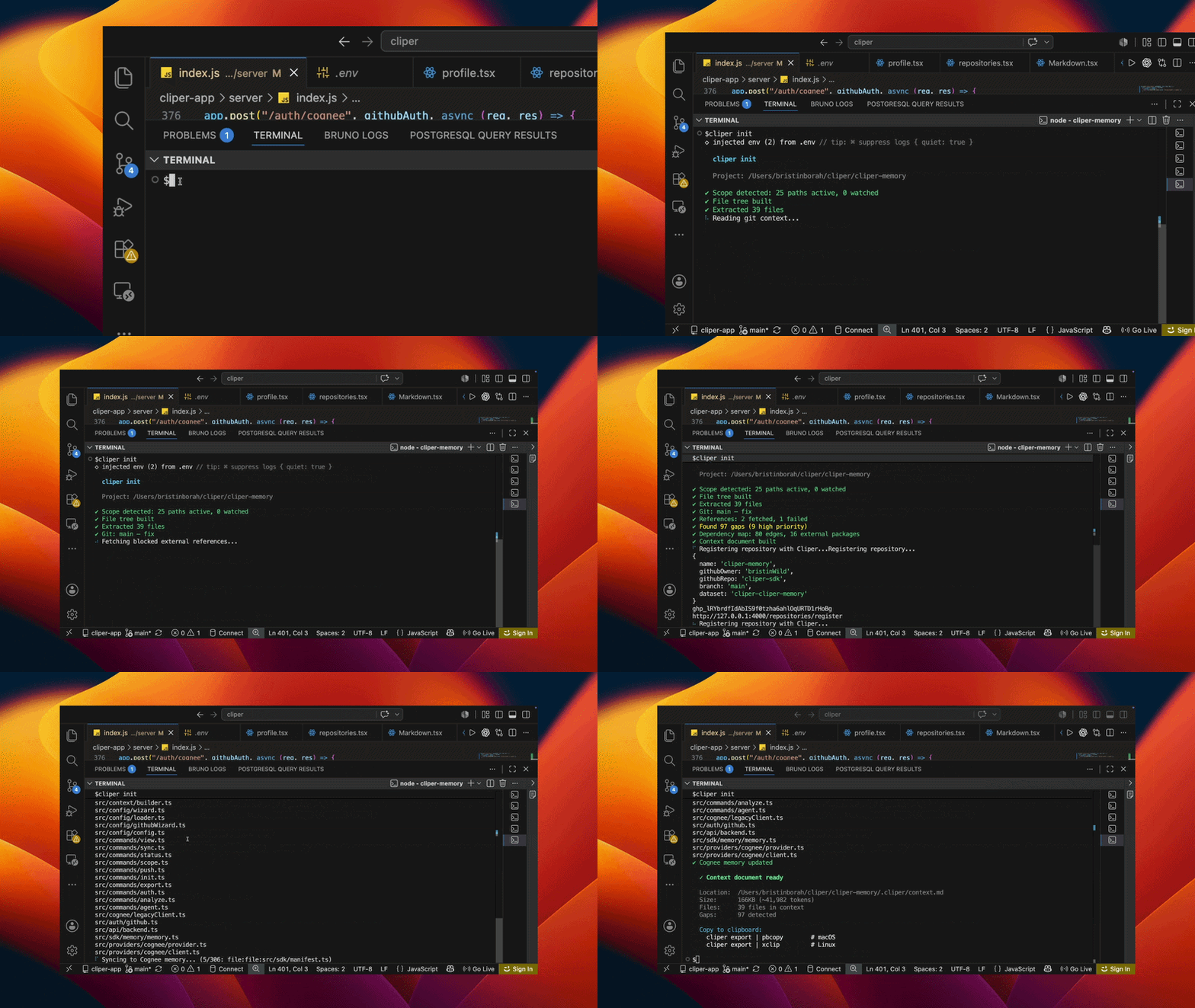
✔ Scope detected: 22 paths active, 0 watched
✔ File tree built
✔ Extracted 43 files
✔ Git: main - feat: add restaking module
✔ References: 3 fetched, 0 failed
✔ Found 94 gaps (9 high priority)
✔ Dependency map: 70 edges, 13 external packages
✔ Context document built
✔ Repository registered with Cliper
✔ Cognee memory updated
What happened:
- Scope detection - git activity analysis determines which paths matter; manual additions via
cliper scopeare preserved and merged. - Extraction - file tree annotation, source content extraction (default cap 50KB per file, configurable with
--max-file-size), semantic labeling of what each file does. - Intelligence passes - dependency graph construction (internal edges + external packages), gap detection (undocumented patterns, ranked by severity), git context (commits, branch state), GitHub context (issues, pull requests), external reference resolution.
- Memory build - everything is converted into typed, self-describing memory objects (see Memory Types) with explicit relationships.
- Sync - memories are uploaded to your Cognee dataset (
cliper-<project>) in parallel batches, then cognified into a knowledge graph. Chunked upload is deliberate: it keeps each ingestion unit small enough for Cognee's extraction pipeline to process reliably on real-world repositories. - Local artifact - a complete context document is written to
.cliper/context.mdfor direct use with any LLM.
Paste context anywhere:
cliper export | pbcopy        # macOS
cliper export | xclip         # Linux
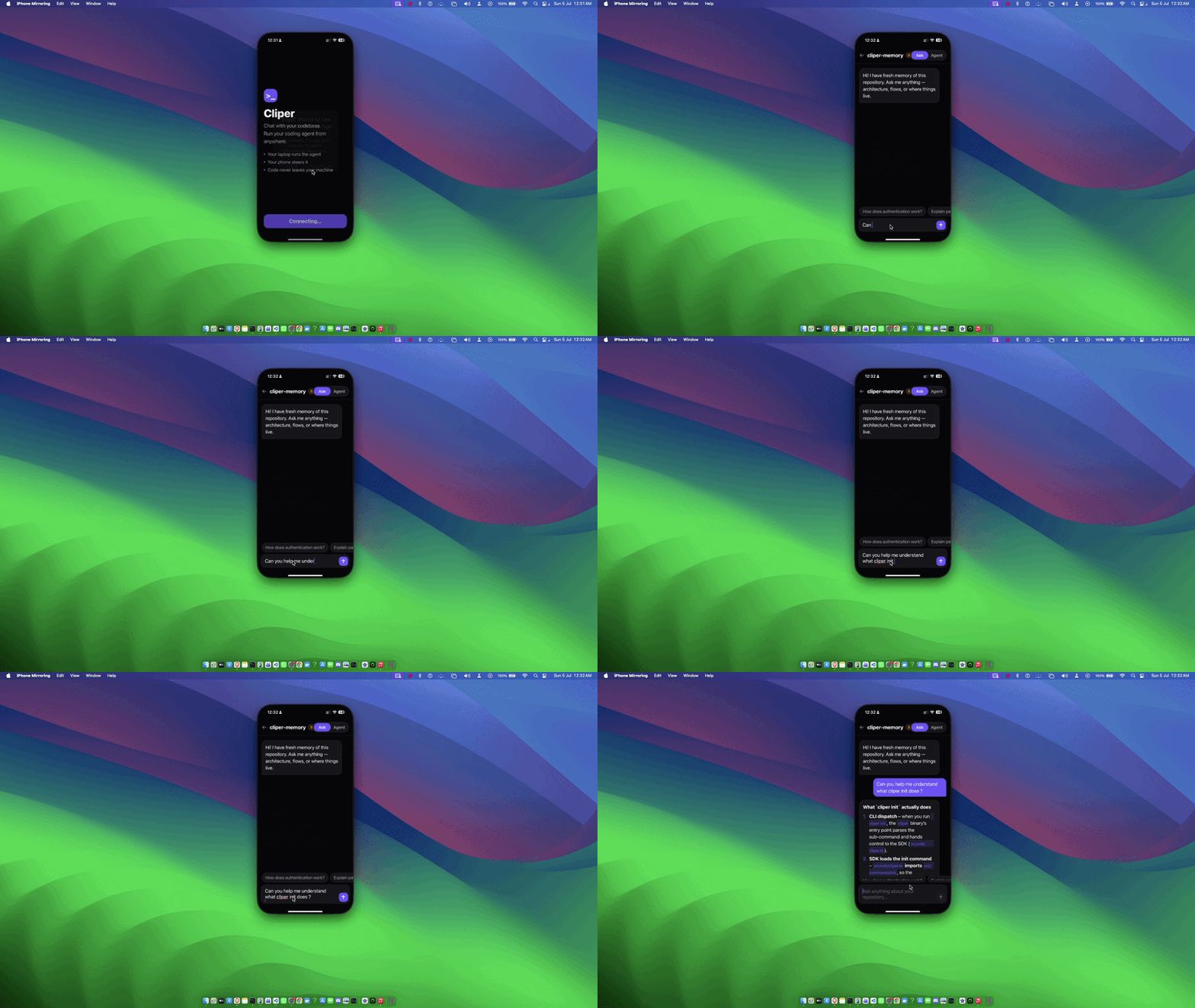
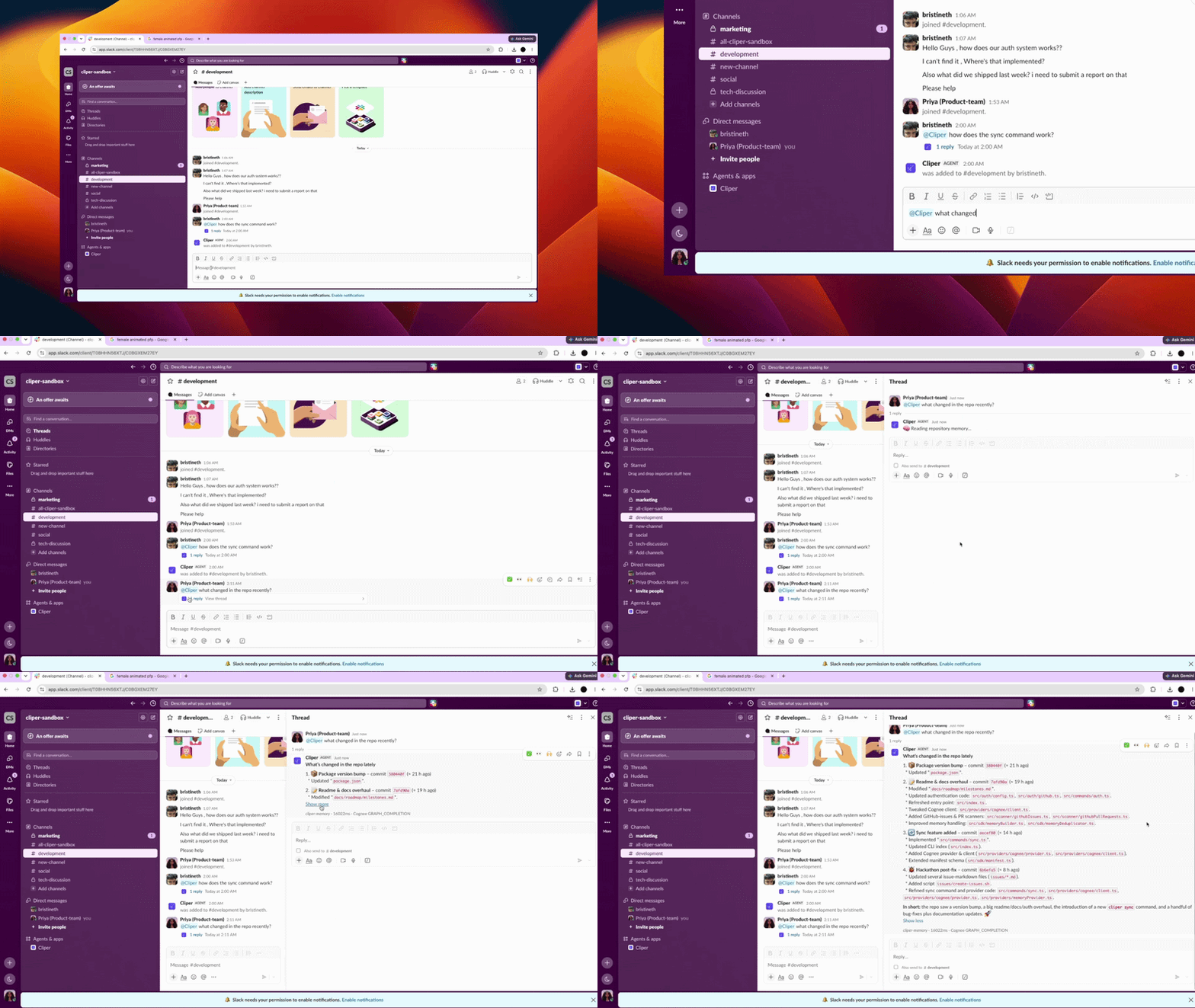
Query the graph (via the Cognee search API, GRAPH_COMPLETION mode - this is what powers the Cliper mobile app's Ask mode):
How is authentication implemented?
Which modules use the config loader?
What are the highest-priority gaps in this codebase?
How does the auth command relate to the init command?
Because memories are graph-connected rather than embedded in isolation, relationship questions ("how does X relate to Y", "what depends on Z") resolve through actual graph traversal instead of keyword proximity.
Connect a coding agent:
cliper agent connectDetects locally installed agents (Claude Code, Codex, Cursor Agent), opens an authenticated WebSocket to the Cliper backend, and registers this machine as online - enabling remote task dispatch from the Cliper mobile app. Code execution always happens on your machine; only memory travels.
Keep the memory fresh:
cliper syncEvery memory is content-hashed into .cliper/manifest.json. Unchanged repo? Sync finishes in seconds with zero uploads. New commit? Only the delta ships:
✔ Scanned 306 memories - 3 new, 2 changed, 285 unchanged
✔ Cognee memory updated (5 memories)
Init once. Sync forever. Add --watch to auto-sync on new commits.
Cliper does not upload raw files. Each unit of knowledge is a typed memory object - titled, tagged, related, and self-describing - so the graph understands what kind of thing it is storing:
| Memory Type | What it captures |
|---|---|
| Repository Memory | Identity of the project - name, purpose, top-level shape |
| File Summary Memory | Per-file semantic summary: what the file does, not just its name |
| Responsibility Memory | The role a file/module plays in the system |
| Architecture Memory | Module boundaries, layering, structural patterns |
| Dependency Memory | Internal import edges - who depends on whom |
| External Package Memory | Third-party packages and where they are used |
| Git Memory | Branch state, working tree context |
| Commit Memory | Individual commits with messages, authors, changed files |
| Release Memory | Release points in project history |
| Timeline Memory | The evolution of the repository over time |
| Issue Memory | GitHub issues attached to the repository |
| Pull Request Memory | GitHub PRs with their commit and file linkage |
| Gap Memory | Undocumented patterns and risky corners, ranked by severity |
Memories are connected by explicit, first-class relationships - this is what makes Cliper a knowledge graph rather than a document dump:
Repository ──▶ Commit          Repository ──▶ Issue
Repository ──▶ Release         Repository ──▶ Pull Request
Repository ──▶ Timeline

File ──▶ Dependency            Commit ──▶ Changed Files
File ──▶ Responsibility        Pull Request ──▶ Commit
Module ──▶ Architecture        Pull Request ──▶ File
Package ──▶ Repository         Gap ──▶ File Release ──▶ Commit
A question like "which files were touched by the PR that changed the auth flow?" is a two-hop traversal (PR → Commit → Changed Files), not a similarity guess.
| Command | Description |
|---|---|
cliper init [-p path] [--max-file-size kb] |
Full scan → memory build → provider sync → backend registration |
cliper auth [github|cognee|local-json] |
Configure credentials (~/.cliper/config.json) |
cliper agent connect |
Register local AI coding agents over WebSocket |
cliper sync [--watch] |
Incremental memory sync - content-hashed manifest, uploads only what changed |
cliper status |
Show what is fresh, stale, and in scope |
cliper scope <add|remove|watch|list> [path] |
Manually steer what gets remembered |
cliper export [--format md|txt] |
Print the context document to stdout |
cliper analyze --model <claude|chatgpt> |
Generate a model-optimized prompt from the context |
| Location | Contents |
|---|---|
~/.cliper/config.json |
GitHub token, Cognee credentials, Local JSON settings (mode 0600) |
.cliper/context.md |
Generated context document (per repo) |
.cliper/ scope config |
Active/watched paths for this repo |
.cliper/manifest.json |
Sync manifest - content hashes of every uploaded memory |
.cliper/memory/ |
Local JSON provider's stored memories (one JSON file per memory) |
Cognee credentials can alternatively be provided via environment: COGNEE_BASE_URL, COGNEE_API_KEY.
cliper init automatically appends its artifacts to .gitignore and untracks accidentally committed node_modules.
Cliper generates memories the same way regardless of where they end up - a provider is just where they're stored and searched. Two ship today:
| Provider | Storage | Search | Setup |
|---|---|---|---|
| Cognee | Cloud knowledge graph | Real graph traversal (GRAPH_COMPLETION) |
cliper auth cognee - needs a Cognee Cloud account |
| Local JSON | .cliper/memory/<dataset>/*.json in the repo |
Keyword scoring + one hop of relationship expansion | cliper auth local-json - no account, no network |
cliper init and cliper sync use whichever provider is configured; if both are, Cognee takes priority. Local JSON is the zero-dependency option - useful for CI, tests, or working fully offline - and every memory it stores is a plain, readable JSON file, so cat-ing .cliper/memory/ is a legitimate way to inspect what Cliper extracted.
Adding another provider (Neo4j, pgvector, ...) means implementing src/providers/memoryProvider.ts's interface - see CONTRIBUTING.md.
Done - repository knowledge graph (all 13 memory types above), GitHub intelligence for issues/PRs, Cognee cloud provider with chunked sync, Local JSON provider (zero-dependency offline storage), incremental manifest-based sync, mobile + web companion (GitHub sign-in, repository browser, memory chat, live agent presence), per-user encrypted credentials.
In progress - agent task execution pipeline (dispatch from phone → headless agent run → streamed edit/test/commit events), Cognee-side pruning of removed memories.
Planned - multi-provider support (Neo4j, Memgraph, PostgreSQL + pgvector, Graphiti, LanceDB), hybrid semantic search, developer SDK (new Cliper().search(...), .timeline(), .graph()), team workspaces with cross-repository knowledge graphs, and a full agent ecosystem (refactoring, documentation, security review, PR review).
The memory layer for software engineering. Instead of repeatedly sending repositories to AI models, developers initialize once, sync incrementally, and let AI applications and coding agents understand, search, and evolve software through a persistent knowledge graph.
Your code never leaves your machine - only its knowledge does.
License: MIT · Issues & source: github.com/bristinWild/cliper-sdk