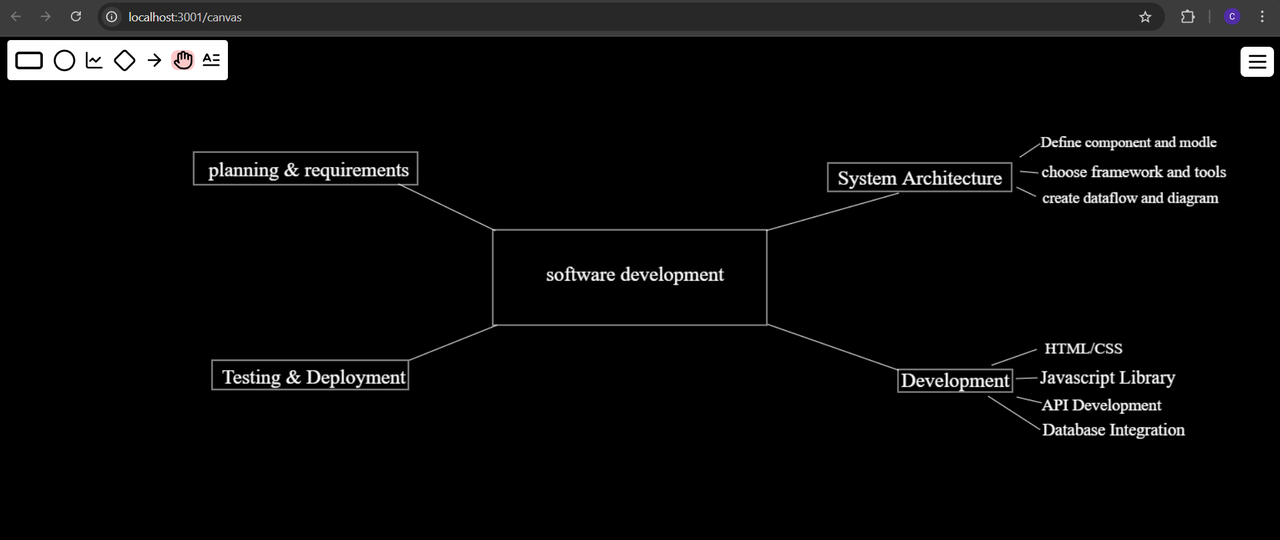
An interactive drawing application that allows users to draw, edit, and manage shapes on a canvas, supporting both individual work and real-time collaboration with multiple users.
- Easy-to-use drawing tools such as rectangles, text etc...
- Easily manipulate shapes with capabilities to move, resize, and delete.
- Efficient local storage updates with debouncing to reduce writes.
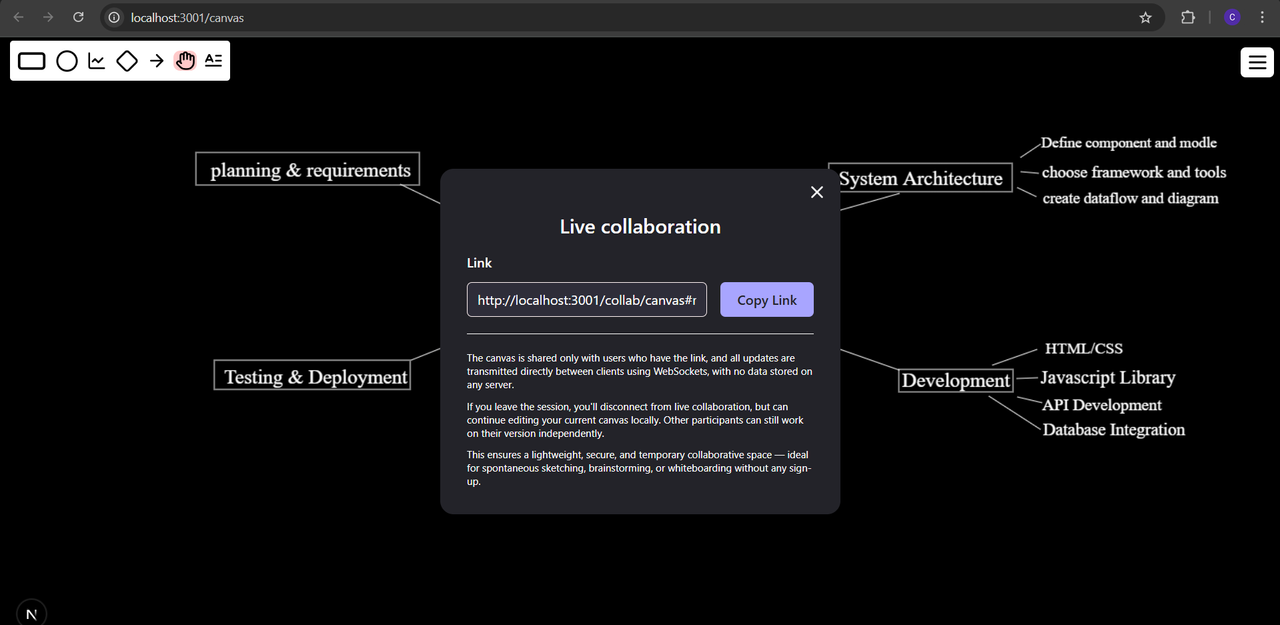
- Real-time multi-user collaboration through dynamically generated shareable links.
- Real-time synchronization by using WebSocket backend managing sessions.
- When all participants leave a session, its data is removed.
- Returning users can rejoin sessions and resume their work seamlessly.
- Frontend: Next.js, Tailwind CSS, TypeScript
- Backend: Node.js, WebSocket (
ws), TypeScript - Monorepo Management: Turborepo
- Package Manager: pnpm
-
Clone the repository:
git clone https://github.com/illuricharles/collab-drawing-board.git
-
Navigate into the project directory and install dependencies/build packages:
cd collab-drawing-board pnpm install pnpm build -
Configure environment variables for both frontend and backend:
-
Frontend (
/apps/web):cd apps/web cp .env.example .envEdit
.envand set:LOCAL_STORAGE_DRAWING_KEY='my-drawings' NEXT_PUBLIC_WS_BACKEND="http://localhost:8080" -
Backend (
/apps/realtime-draw-server):cd ../realtime-draw-server cp .env.example .envEdit
.envand set:ALLOWED_ORIGIN="http://localhost:3001"
-
-
Start the development servers in separate terminals:
-
Frontend:
cd ../../apps/web pnpm dev -
Backend:
cd ../realtime-draw-server
pnpm dev
-
-
Open http://localhost:3001 in your browser to use the application.
- Select your preferred drawing tool.
- Draw shapes on the canvas, then select them to modify or remove as needed.
- Enable live collaboration through the menu to generate a unique sharable link.
- Share the link with others to join the session and collaborate in real time.
- The backend maintains all active session data in memory and clears it once no participants remain.
- Rejoining a session with a valid link restores the latest drawing state instantly.
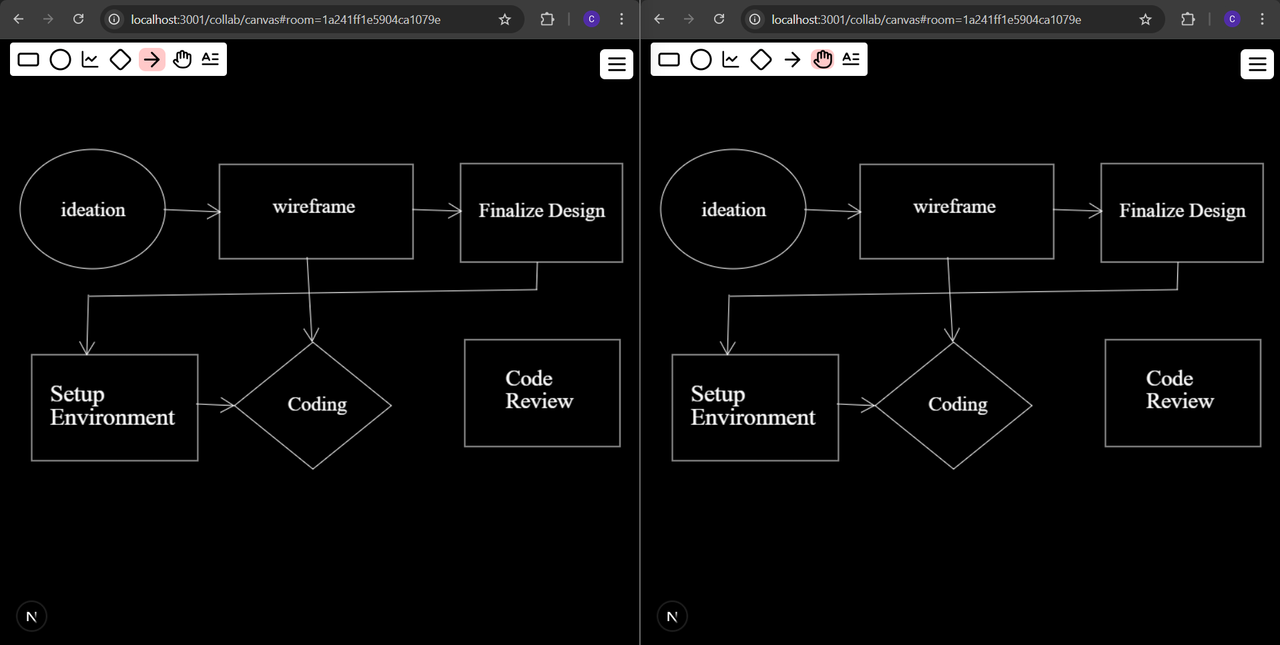
Real-time collaboration in action with multiple users.
This project is licensed under the MIT License.