A collection of utilities for working with images and PDFs.
- Convert to PDF: Converts image(s) into a single PDF file
- Convert to Images: Extracts individual images from a PDF file
- Remove/Change Background: Modifies the background (or foreground) pixels of an image
Convert to PDF
The convert_to_pdf function allows converting to PDF file from:
- Single image,
- Multiple images,
- Path to folder, containing images to be converted.
from convert_to_pdf import convert_to_pdf

convert_to_pdf(["img.png"], "output.pdf")
convert_to_pdf(["im-1.png", "im-2.png", "im-3.png"], "output.pdf")
convert_to_pdf("img_folder", "output.pdf")
Convert to Images
convert_to_image("Book.pdf", "Extracted")Remove/Change Background
The change_pixels function modifies pixels in an image based on specific conditions.
# Changes color of background
from change_pixels import change_pixels

change_pixels("input.jpg", "foreground.png",
              threshold=(150, 150, 150, 255),
              replacement_color=(250, 235, 215, 255))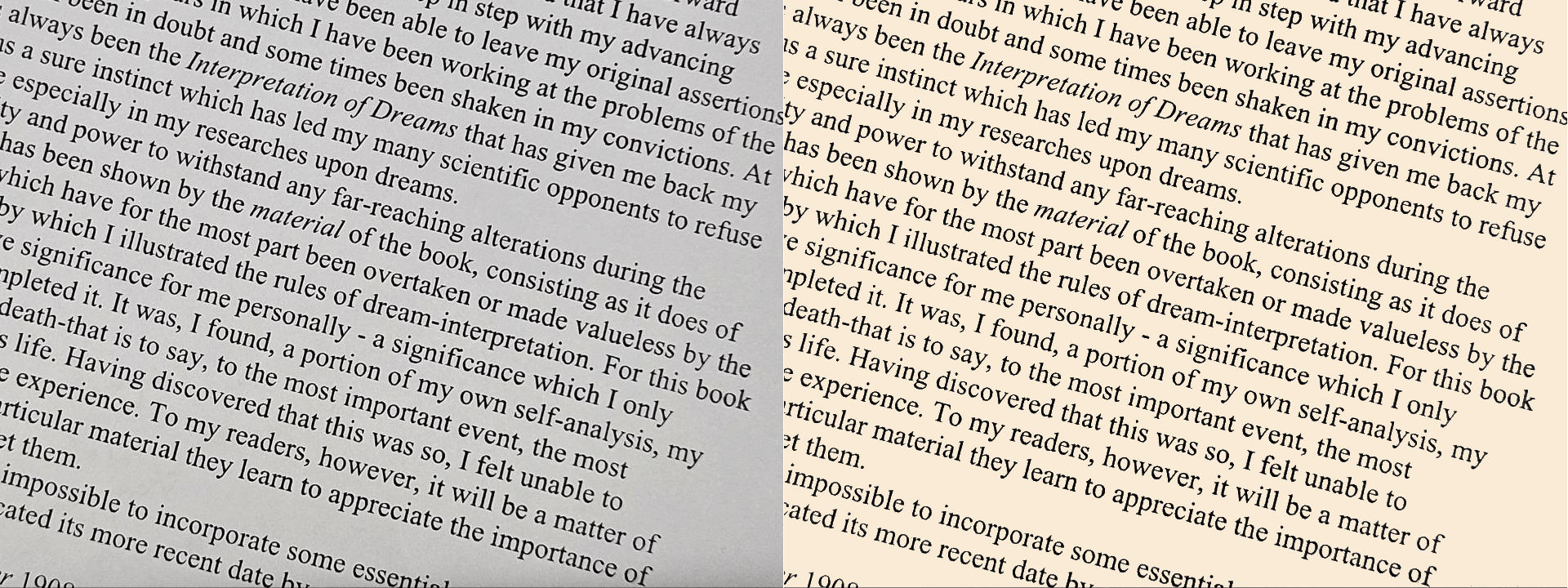
# Changes color of font/foreground
from operator import le
from change_pixels import change_pixels

change_pixels("input.jpg", "foreground.png",
			  threshold=(80, 80, 80, 255),
			  replacement_color=(128, 128, 0, 255),
			  compare_func=le)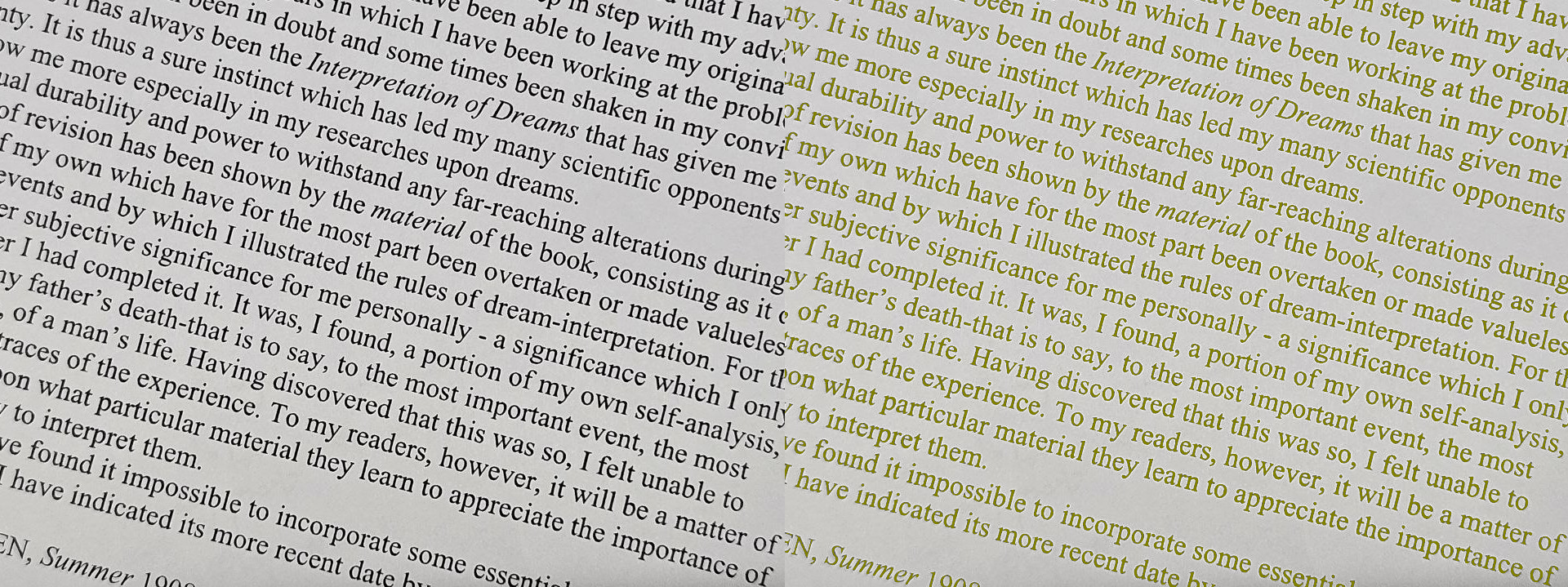
To remove background, pass (r, g, b, 0) to replacement_color (0 for alpha channel equals transparency)
See requirements.txt
This software is licensed under the MIT License © Cha