A simple application for managing a medical center conducting research on various diseases. Application made as part of a recruitment assignment.
- Java (version 19)
- Spring framework
- PostgreSQL
-
Create/modify/delete patients and their contact information.
-
Creating/modifying/deleting research projects.
-
Adding/withdrawing a patient's agreement to participate in a given project.
-
Assigning/deleting a patient's association with a research project (subject to existing consent).
The linkage involves the creation of a patient agreement object; when the agreement is removed, the linkage is also removed -
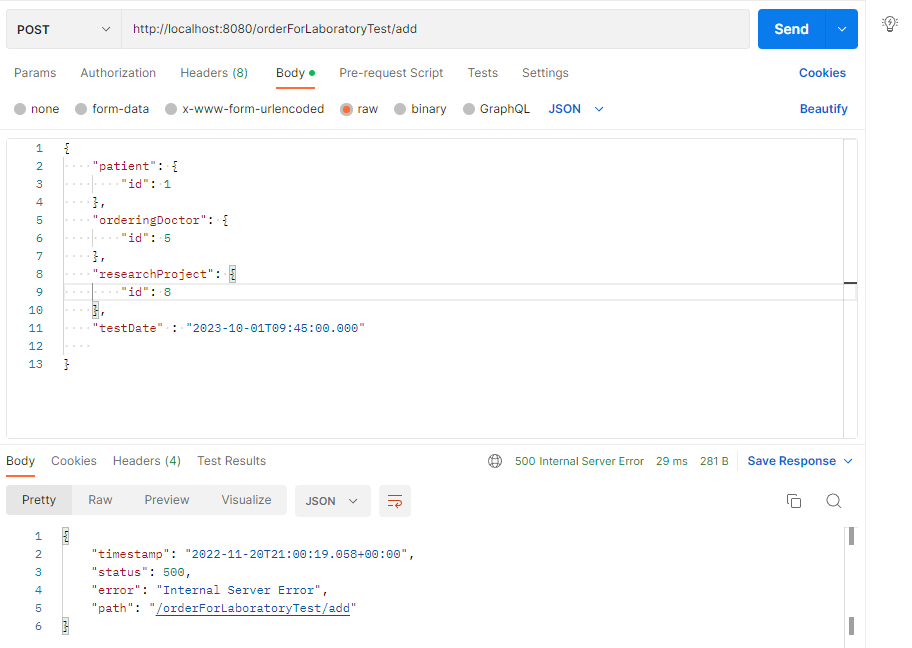
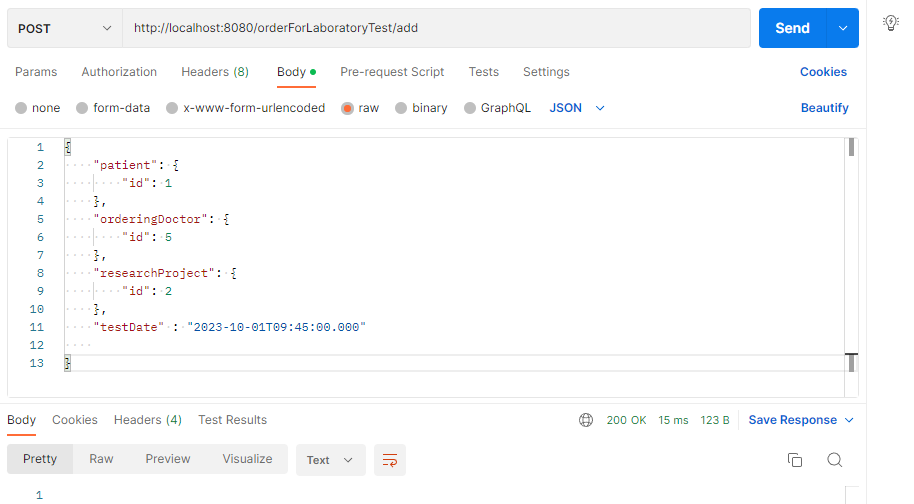
Adding the patient's laboratory test orders, for a specific date within a given research project.
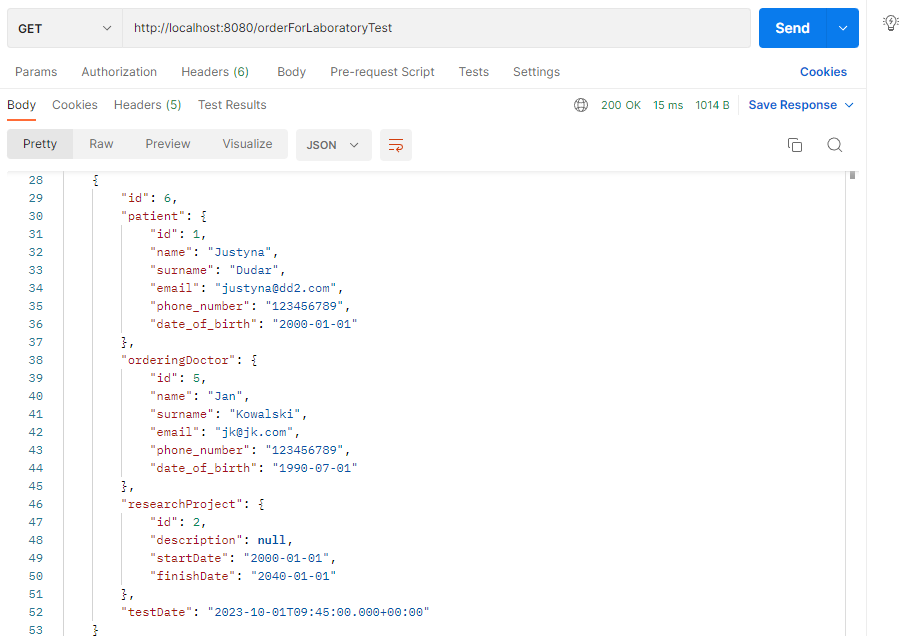
Realized as a separate table, linked to the research project. When creating an order, it is checked whether there is an agreement between the patient and the research project. TestDate is of type timestamp so that the time of the laboratory test can also be specified. -
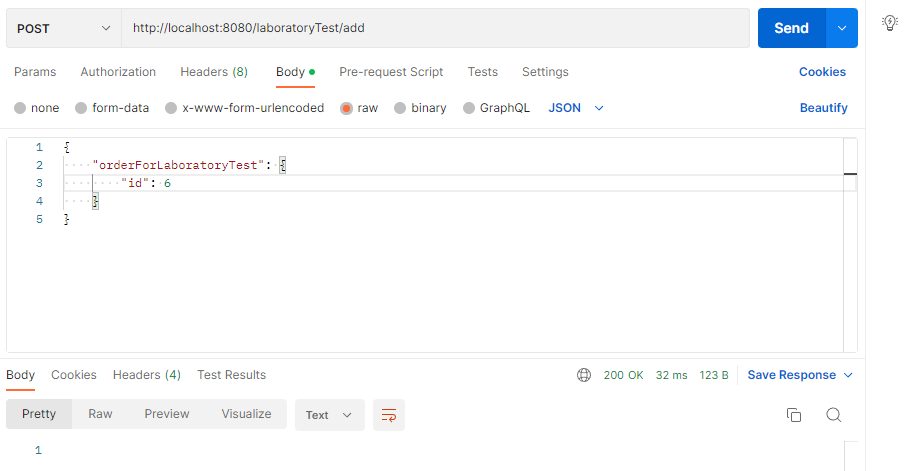
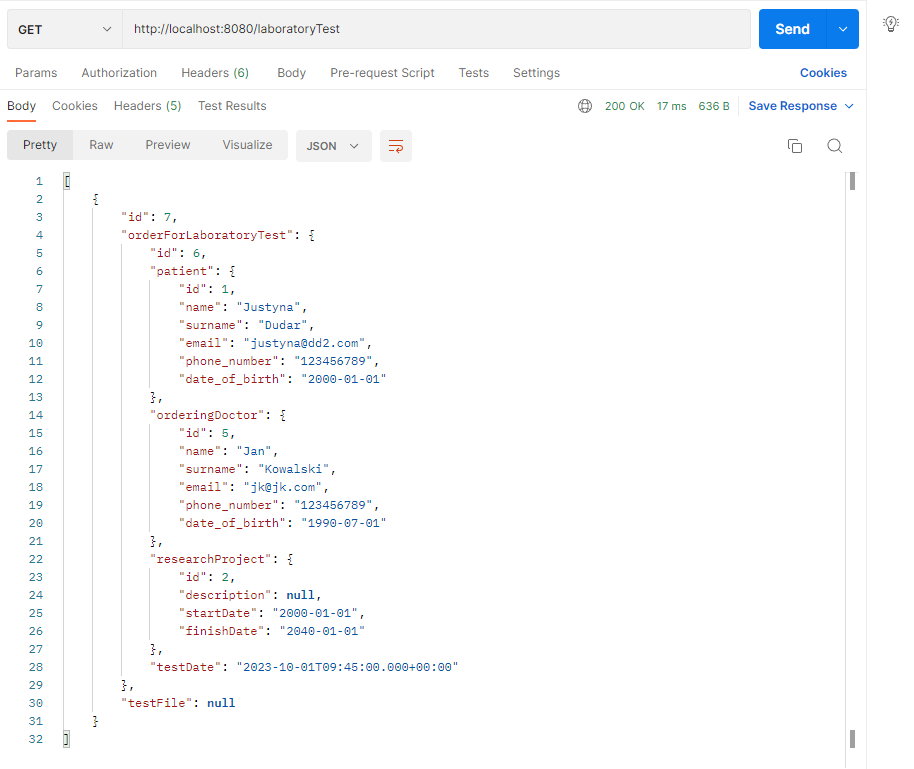
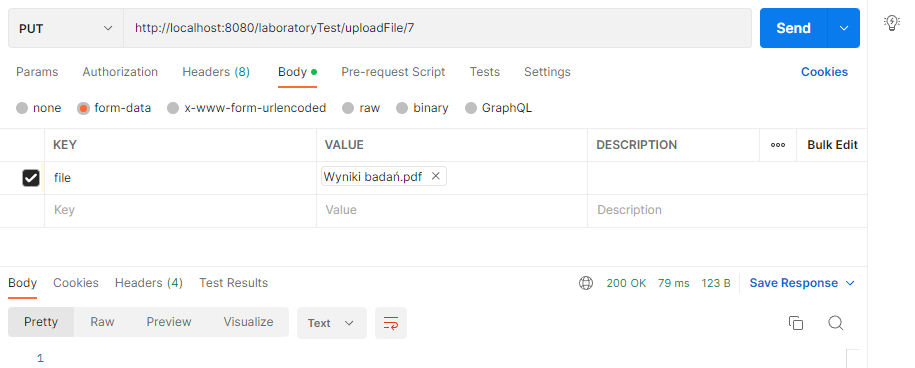
Adding/modifying/deleting lab results of a particular patient performed on an order.
A table has been created for this, and the results are stored in a pdf file, so any modification, addition, or deletion involves editing the file field. -
Withdrawal of a patient's consent for a given project means withdrawal of participation in the project.
When consent is removed, the link is also removed
- Validation of data, such as phone number, email, date of birth, etc.
- Assigning roles to persons
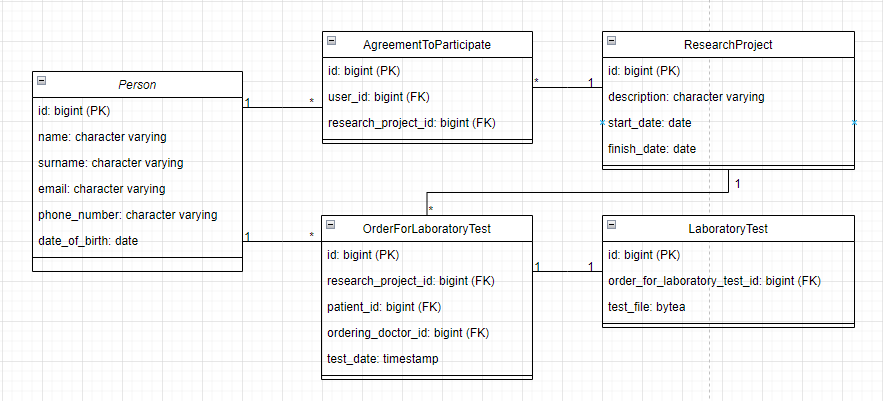
The program is created on the basis of a local PostgreSQL database, so in order for the application to work properly, you need to create a local database with the properties described in application.properties, namely:
-
url = jdbc:postgresql://localhost:5432/task
-
username = postgres
-
password = netlab
If you already have Java 19 and the above-mentioned database, then the program can be run in two ways:
- you can clone the repository, open it with the compiler and then run the TaskApplication located in src.main.java.com.example.task
- or you can download only the task-0.0.1-SNAPSHOT.jar file located in target and run it by double-clicking on the file, or via the command line using the command "java -jar task-0.0.1-SNAPSHOT.jar" of course being in the folder where the file is located
In the screens below I show the results from Postman.
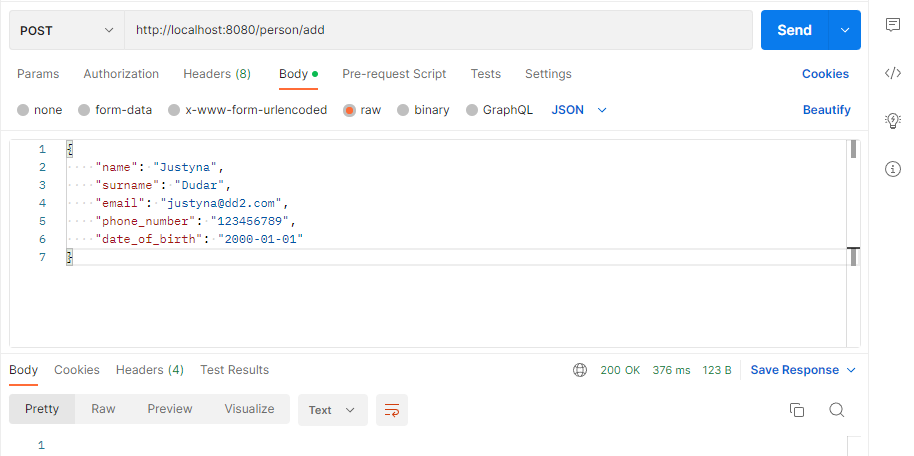
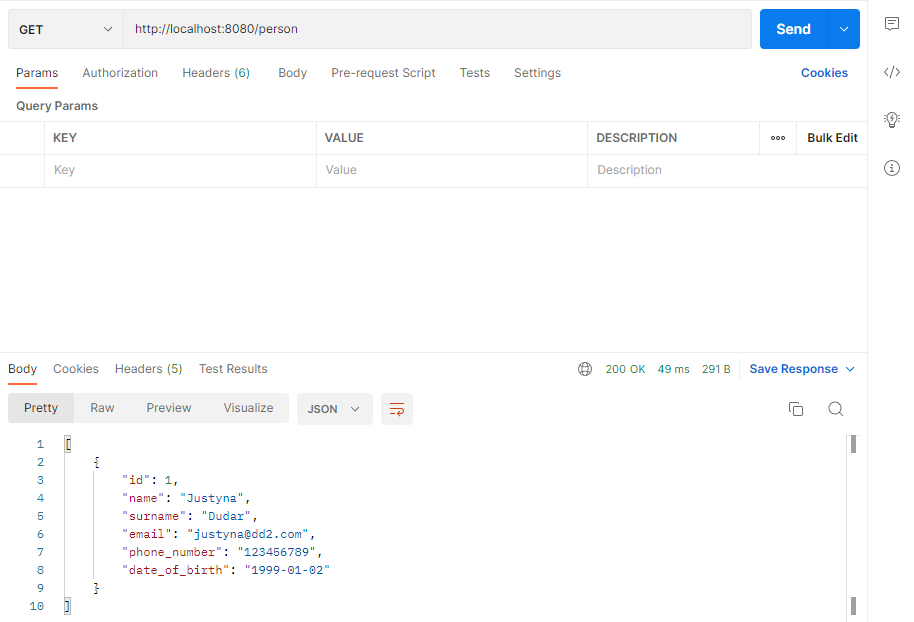
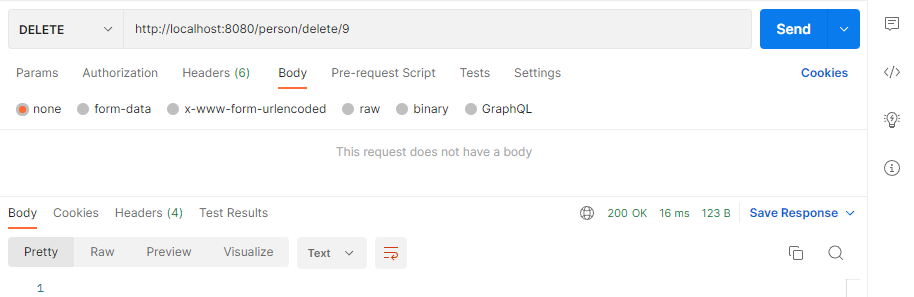
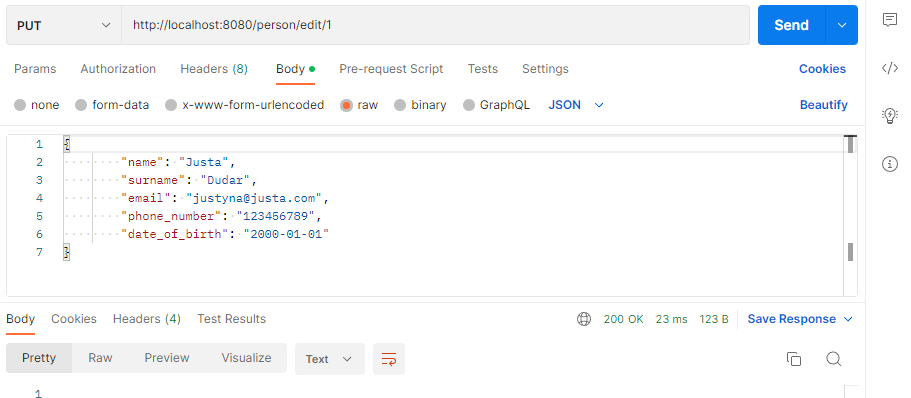
Editing a person, is done by specifying the id in the parameter and sending the body of the edited object:
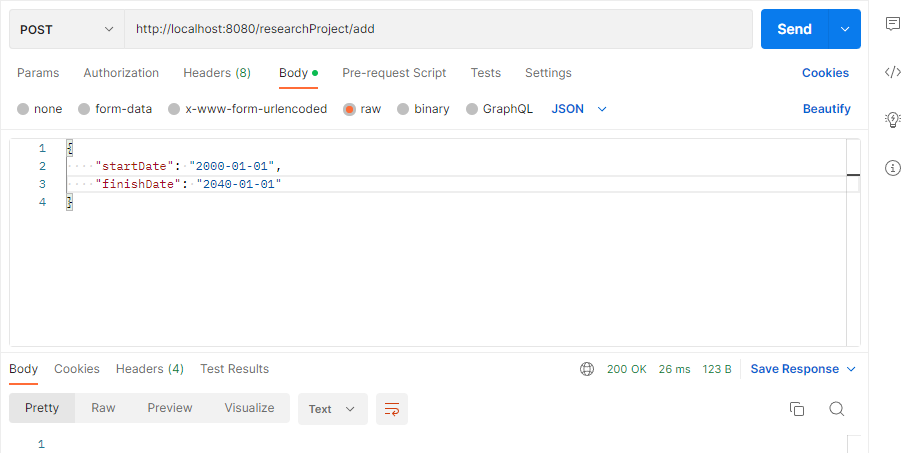
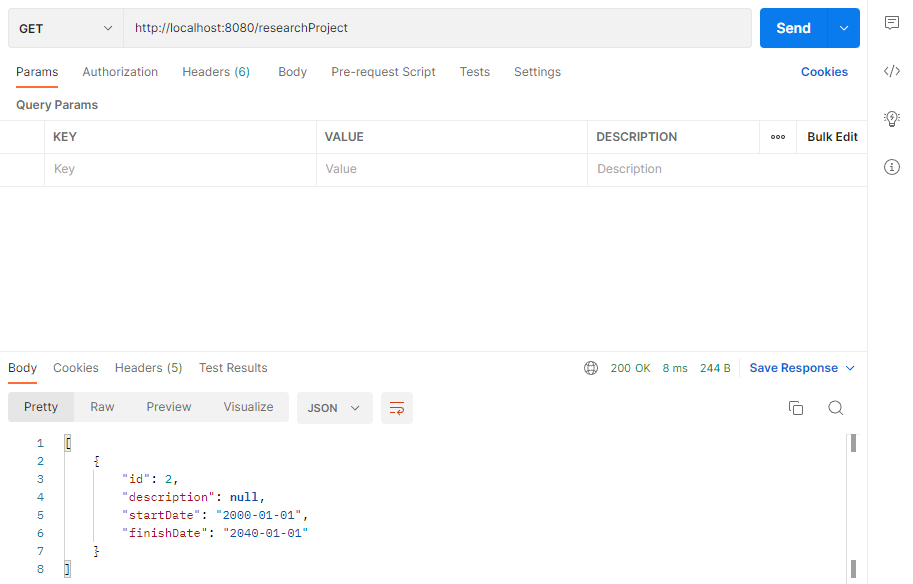
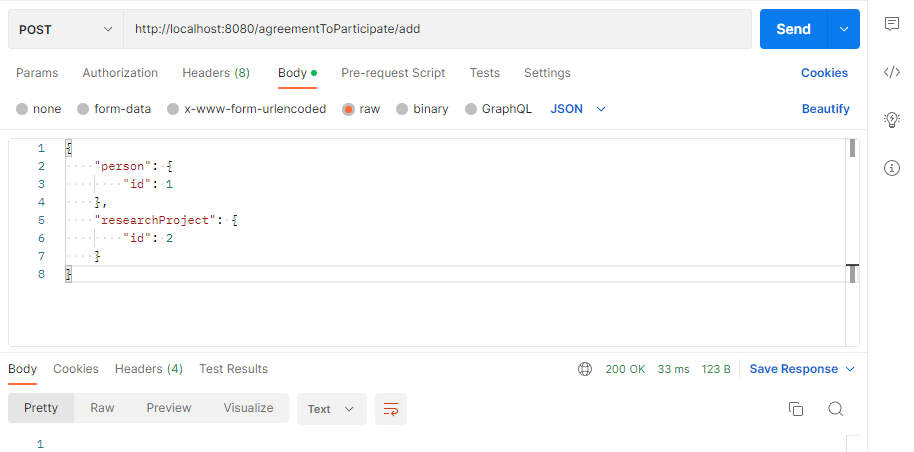
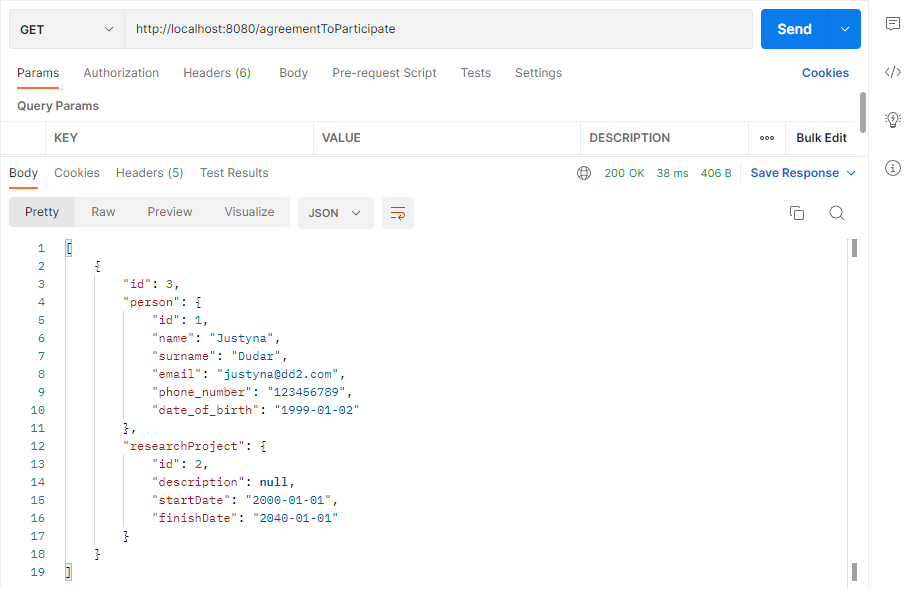
Agreement to participate in a research project, specify the patient to whom the agreement is being given and the project for which the agreement is being given:
Adding orders for laboratory tests, enter the patient, the ordering doctor, the project for which the test is being performed and the date of the test:
If we try to task a patient who is not participating in a particular research project, an error is thrown: