Install Docker
-
Download this repo, open a terminal, and navigate to its location.
-
Build and run the containers
docker-compose up -d- Check everything is ready:
docker ps # should show hadoop-playground and spark-playground up and runningdocker exec -it hadoop-playground /bin/bashdocker exec -it spark-playground /bin/bash- Connect to the container:
docker exec -it jupyter-playground /bin/bash- Copy the server token:
jupyter server list
# Prints something like:
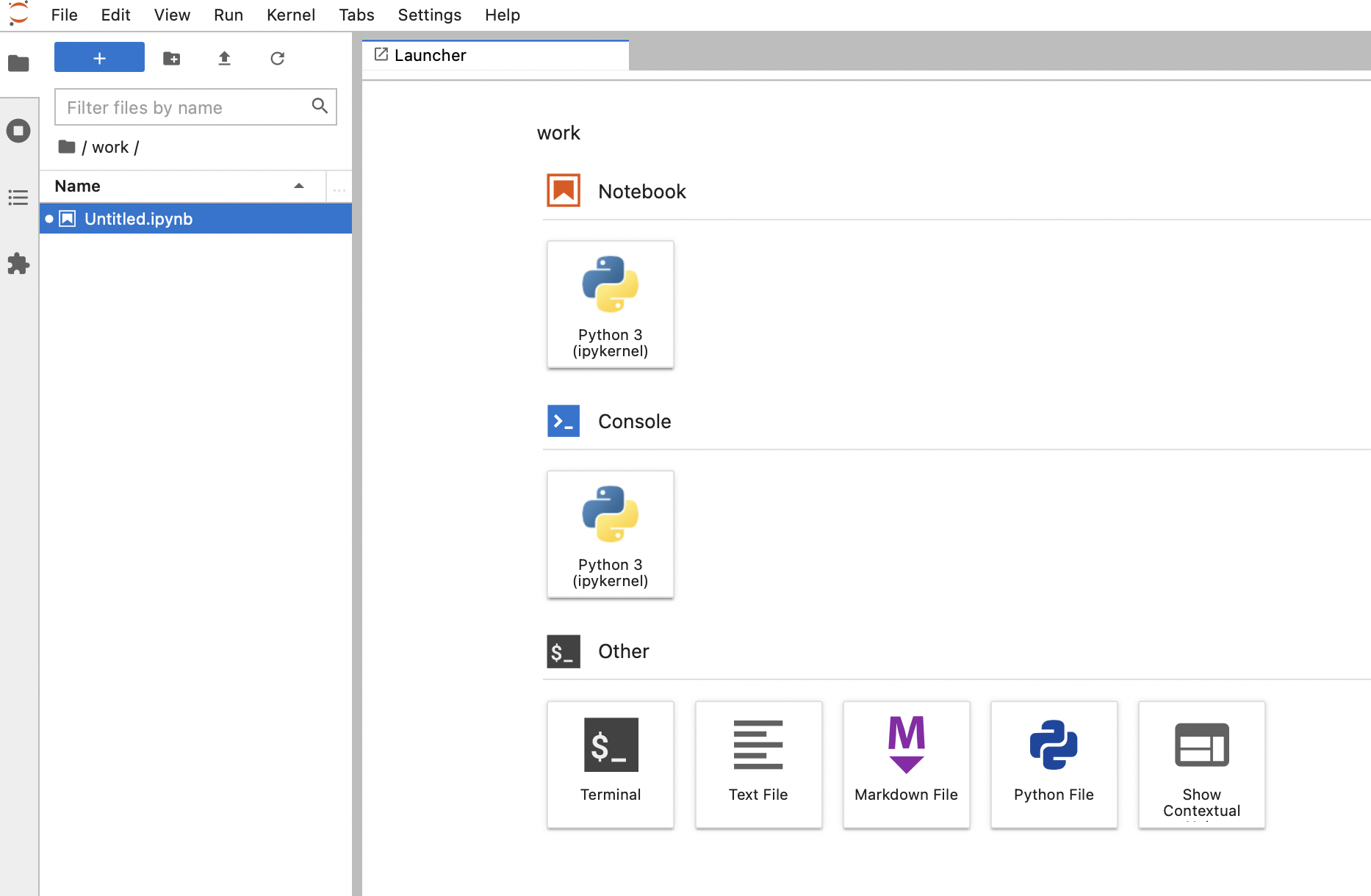
# http://a0542f50464f:8888/?token=d48af4be9f9c9ccc9226d2b69f689374097f1f26244b8f71- Copy the token and load in your browser localhost:8888/?token=d48af...
docker-compose down # Stop and remove containers-
Install Docker
-
Start Docker Daemon (Or just open the Docker app)
-
Create a workbook location (e.g. on your desktop):
mkdir ~/Desktop/pyspark-notebook
- Pull the Jupyter docker image
docker pull jupyter/pyspark-notebook- Runt the image, mapping ports and work folders:
docker run -p 8888:8888 -v ~/Desktop/pyspark-notebook:/home/jovyan/work -d --name notebook jupyter/pyspark-notebook- Connect to the container and find the token
docker exec -it jupyter-playground /bin/bash
jupyter server list
# Prints something like:
# http://a0542f50464f:8888/?token=d48af4be9f9c9ccc9226d2b69f689374097f1f26244b8f71- Copy the token and load in your browser localhost:8888/?token=d48af...