A collection of editable, offline-friendly HTML browser tools designed for experimentation, organization, tracking, and personal workflows.

These are not static mockups or screenshots.
Each template functions like a lightweight browser app:
- editable directly in the browser
- automatically saves changes locally
- works offline
- no signup required
- export your customized version as a standalone HTML file
Built for indie builders, tinkerers, writers, students, researchers, and non-coders experimenting with AI tools.
Changes are automatically saved in your browser using LocalStorage.
Close the file and reopen it later — your edits remain intact.
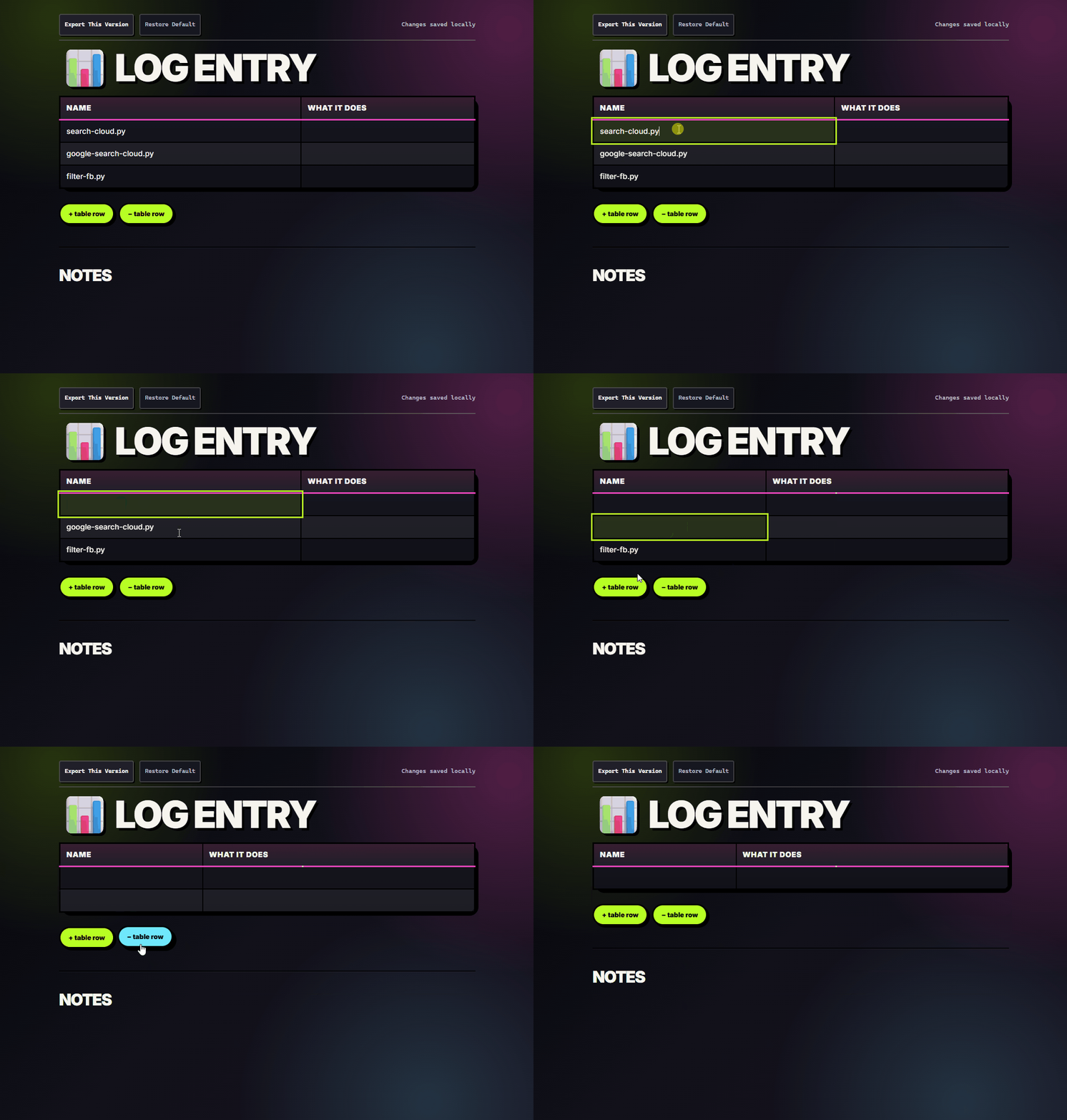
Most templates support:
- editable table cells
- editable headers
- adding rows
- deleting rows
- customizable categories and labels
These templates are designed to be remixed and adapted into your own systems.
Every template includes:
- Export This Version
- Restore Default
Export allows you to download your modified version as a standalone HTML file with your edits preserved. Shared template behavior lives in docs/mm-template-runtime.js so storage, export/reset, toolbar status, and editable table headers can be reused across templates instead of copied into each file.
- No backend.
- No accounts.
- No subscriptions.
- No installation required.
Simply open the HTML file in your browser and use it.
This project was built around a simple idea:
Useful software should allow people to experiment meaningfully before asking for money.
The free version is intentionally functional, portable, and customizable.
- No artificial lockouts.
- No fake “free” tier.
- No forced accounts.
Just editable browser tools you can actually use.
Templates live under docs/TEMPLATES/. Open each pack's index.html for clickable links.
| File | Description |
|---|---|
blank-tables.html |
Blank editable tables for custom trackers |
tasks.html |
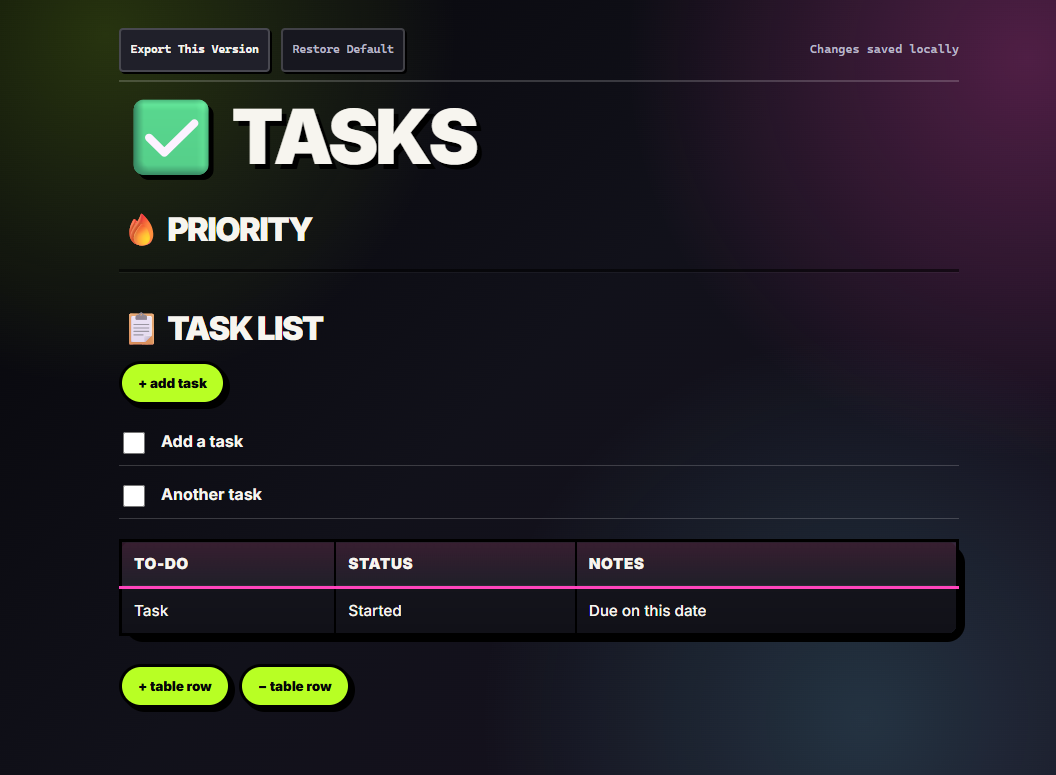
Checkbox task list and notes table |
project.html |
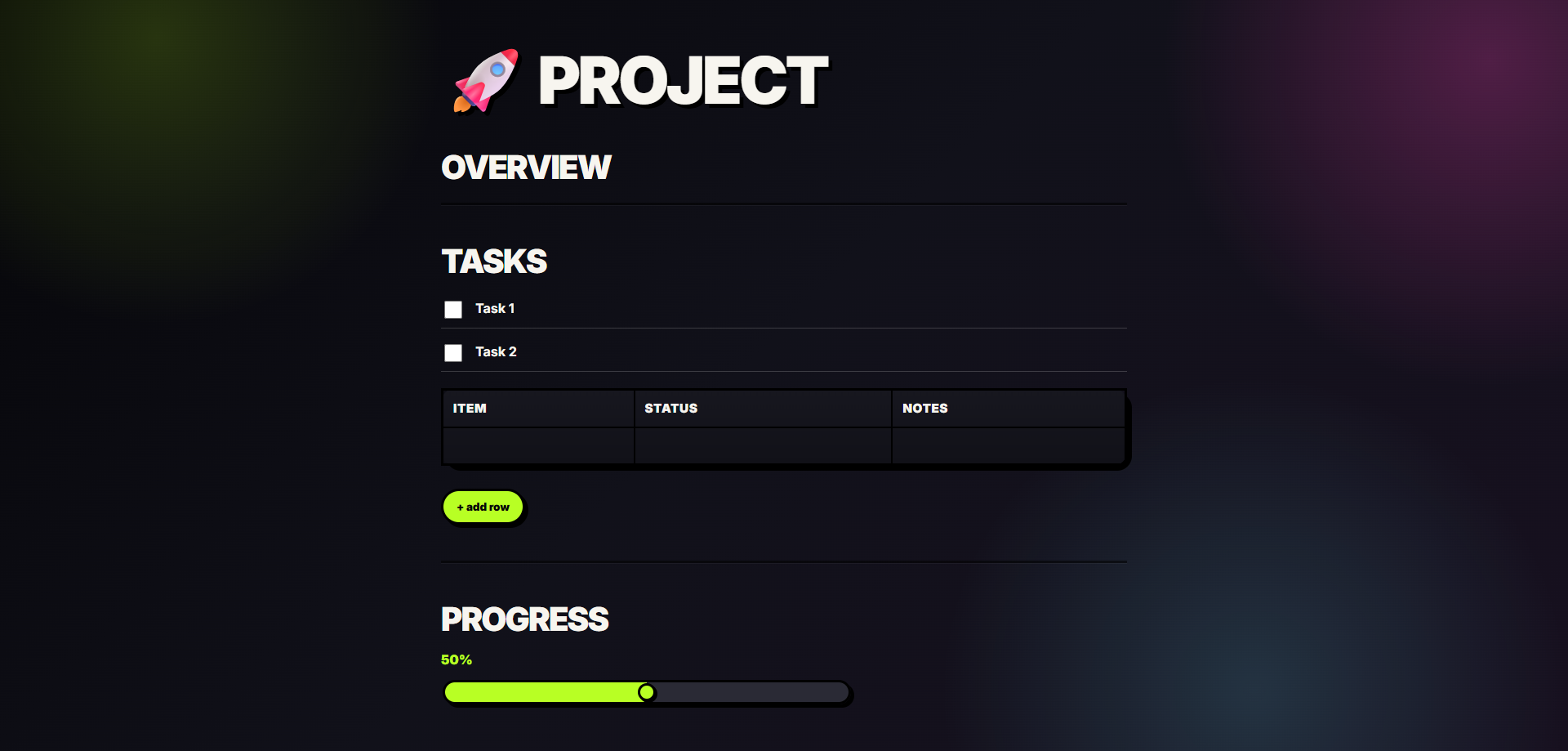
Project hub with tasks, table, and progress slider |
progress.html |
Multi-item progress tracker |
expenses.html |
Expense log with totals |
log.html |
Script or tool log |
symptoms.html |
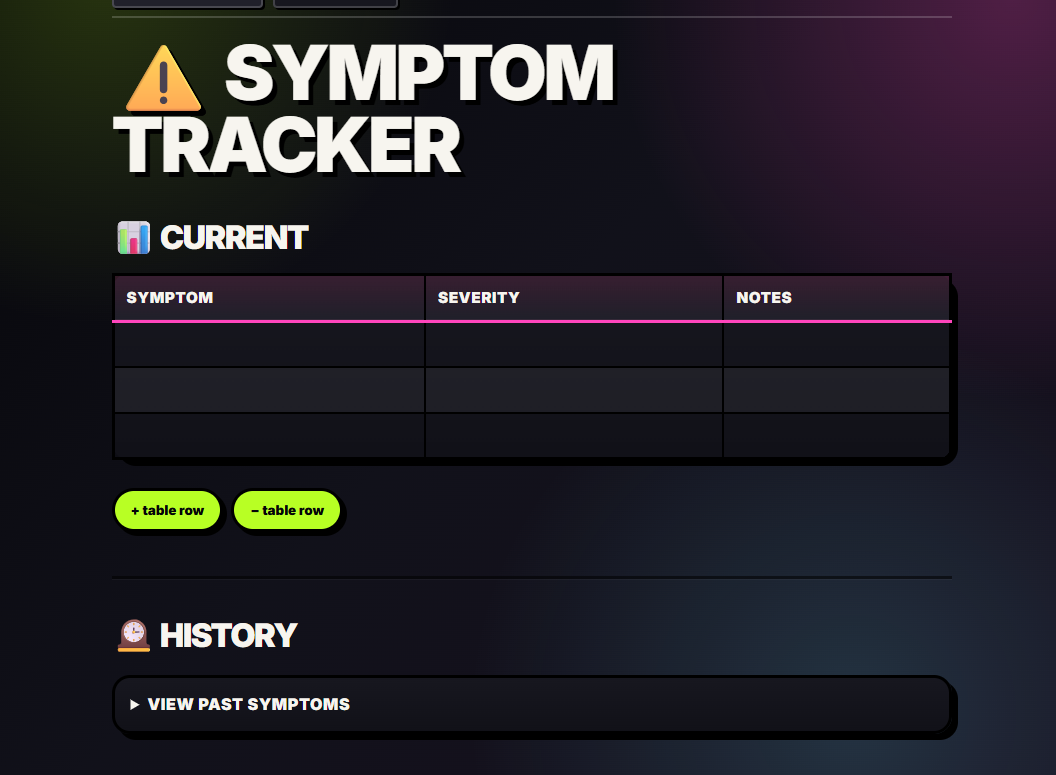
Symptom tracker with history |
quote-log.html |
Quote collection |
knowledge-map.html |
Tabular knowledge graph |
episode-template.html |
Podcast / show episode tracker |
important-documents.html |
Vital-records checklist with local attachments |
topic-cluster.html |
Simple radial mind map |
activity-tracker/activity-tracker.html |
Daily activity counter with export |
See also: docs/TEMPLATES/STARTER/README.md
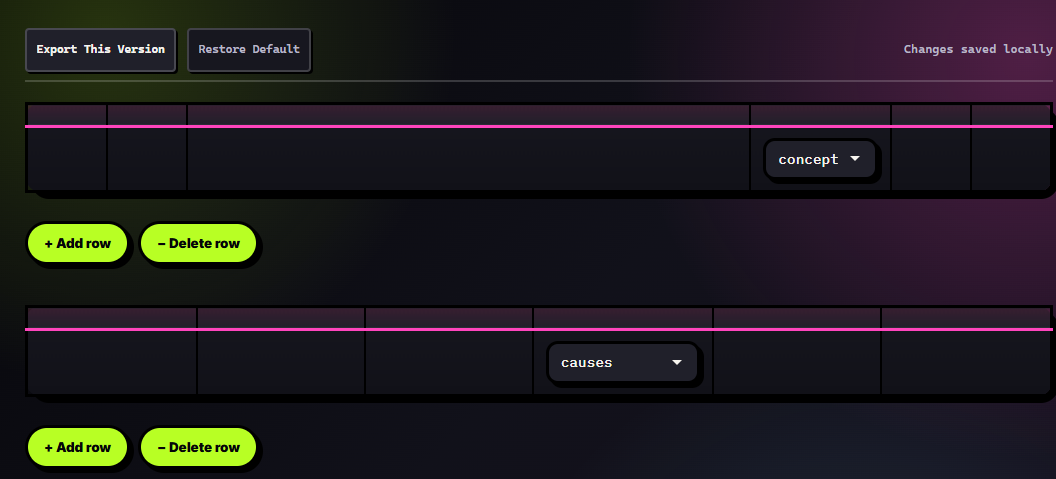
Blank Tables — editable table scaffold
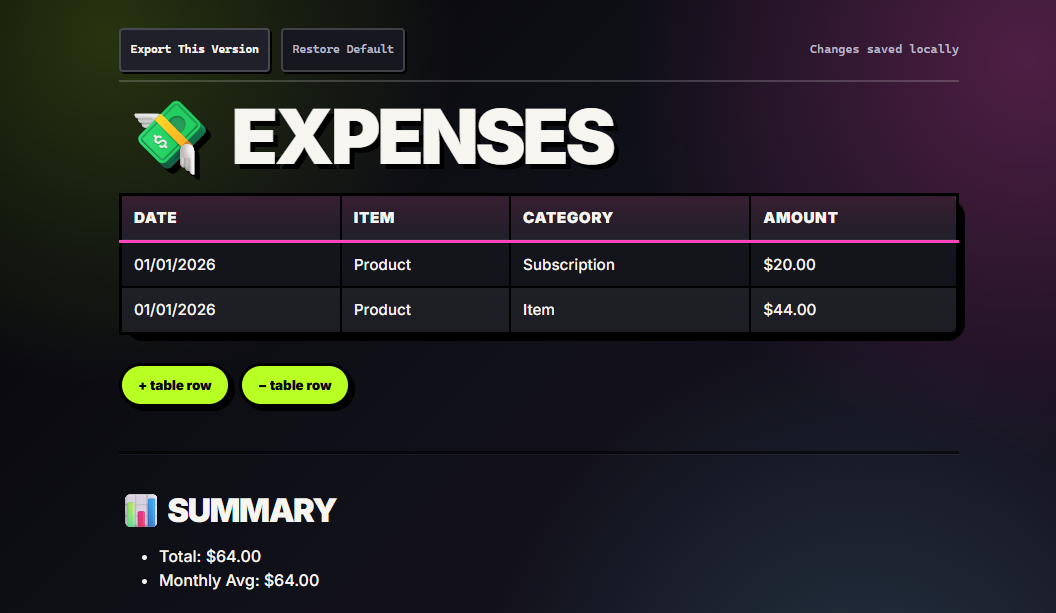
Expenses — budget tracker with local saving
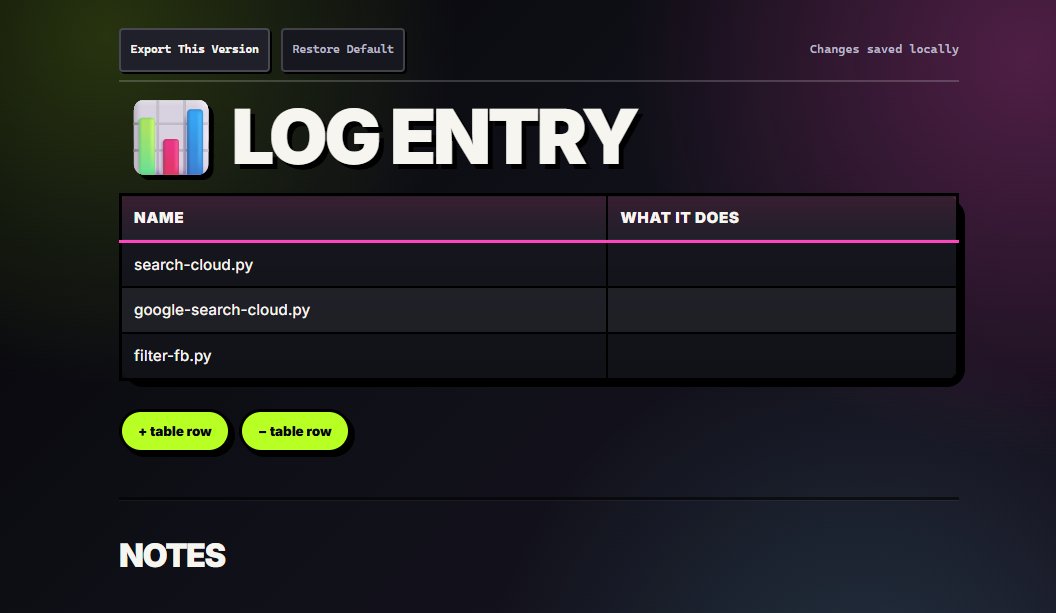
Log — flexible logging table
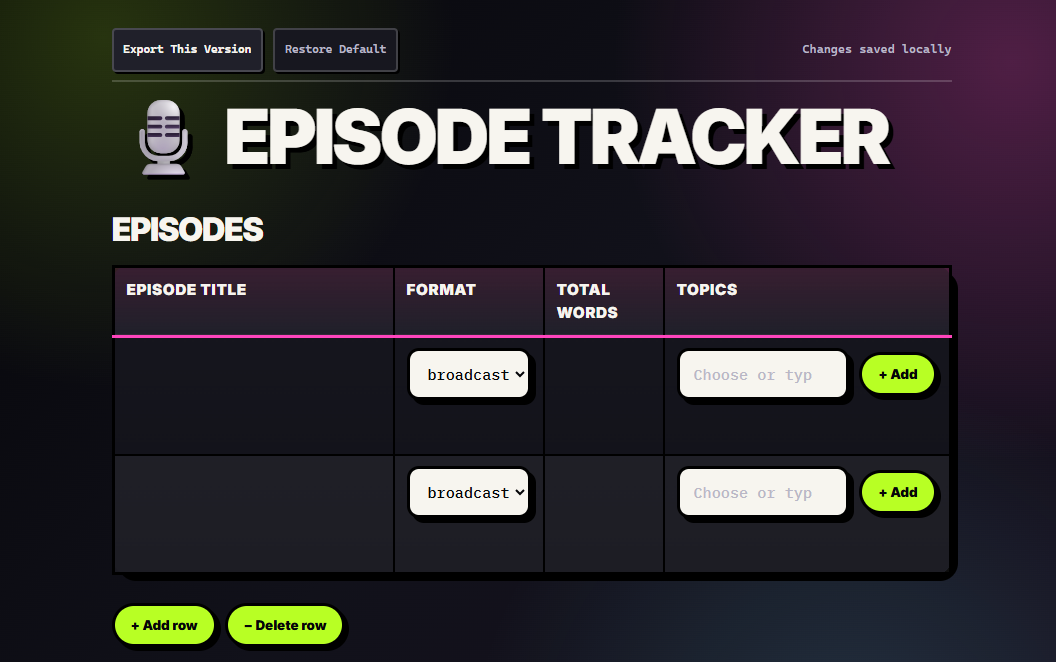
Episode tracker — podcasts and serialized content
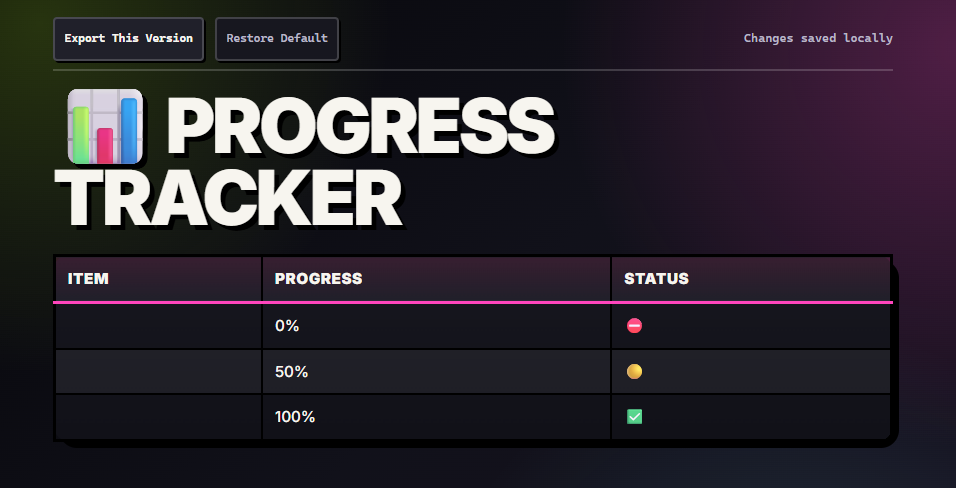
Progress — goals and milestones
Project — lightweight project management
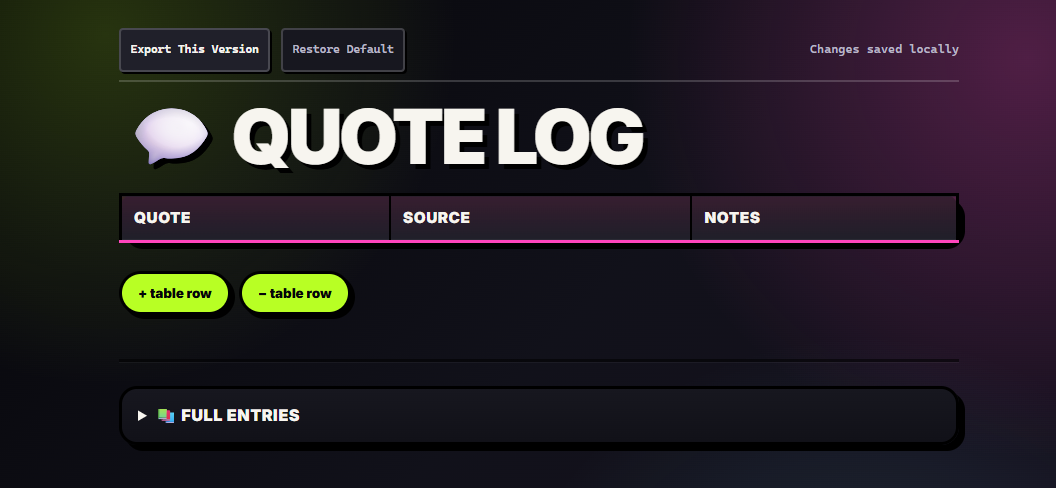
Quote Log — quotes and research snippets
Symptoms — health logging
Tasks — task manager
| File / folder | Description |
|---|---|
calendar.html |
Editable month calendar |
kanban.html |
Drag-and-drop Kanban board |
worksheet.html |
Printable worksheet and workshop tracker |
masonry-gallery.html |
Masonry gallery builder with export |
mindmap.html |
Pan/zoom mind map |
offline-GPT.html |
Offline chat archive viewer |
email-viewer.html |
Single-file MBOX viewer |
activity-tracker/ |
Premium activity tracker copy |
dashboard/ |
Dashboard shells and widget collection |
dashboard/widgets/ |
Generators: FAQ, CSV→SQL, fake data, regex explainer, quiz builder, quote images, scratch-off cards, pixel art, table generator, and more |
sticker-sheet/ |
GIF/PNG sticker grids with export |
mbox-viewer/ |
Multi-file MBOX viewer |