All steps are done:
- Creating test cases (happyflow/negativeflow)
- Execute by automation test cases from point 1
- Activate account with Email and SMS text.
Framework created with Java Selenium and Cucumber BDD tool
Framework designed following POM model with Page Factory. In TransfermateTests.class I'm using @Ignore because I'm assuming you will run the test by Cucumber, and I don't want the test to be run twice from command-line.
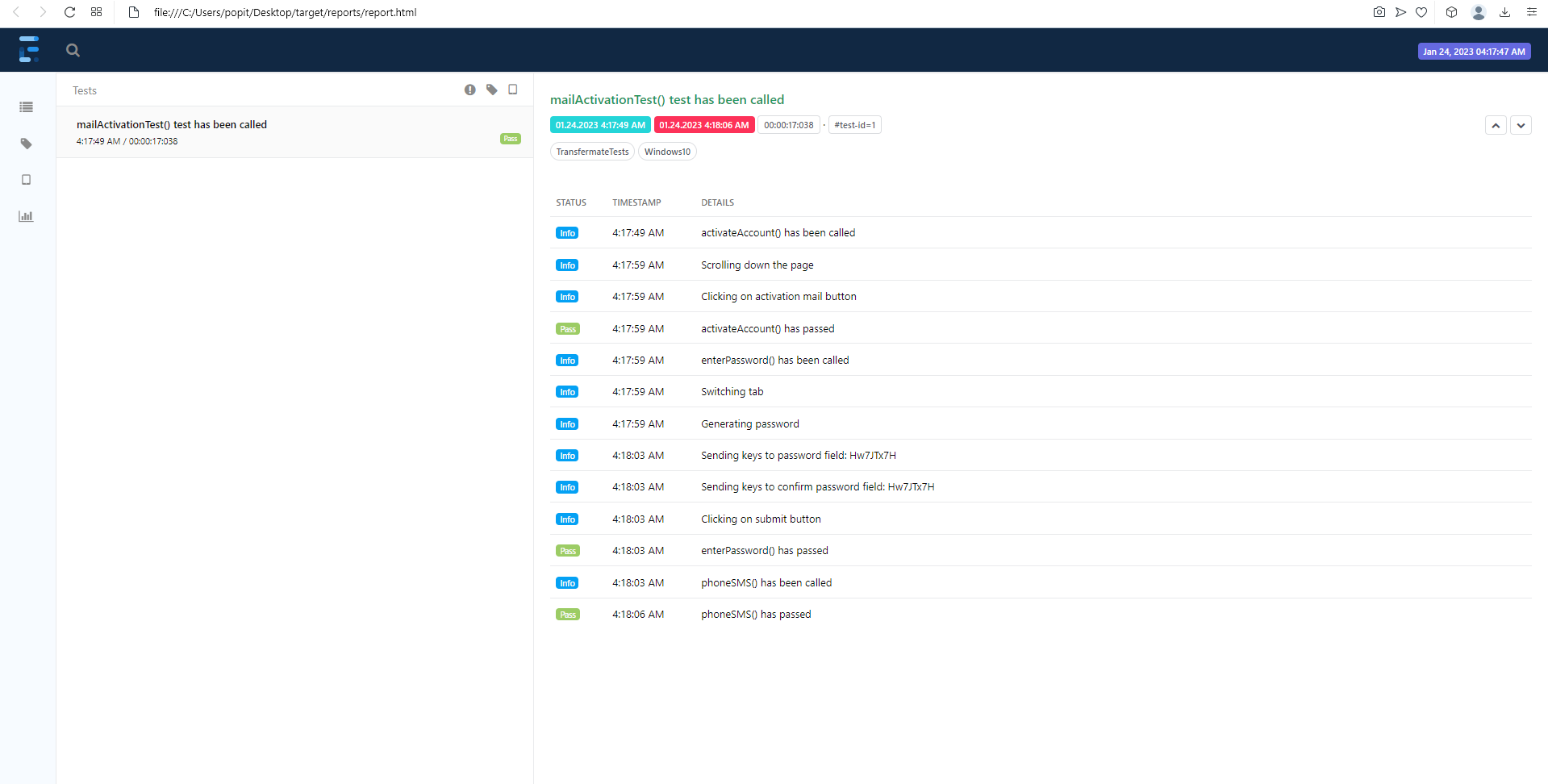
ExtentReport will generate reports with screeenshot on fail, only if you run the the tests from TransfermateTests.class
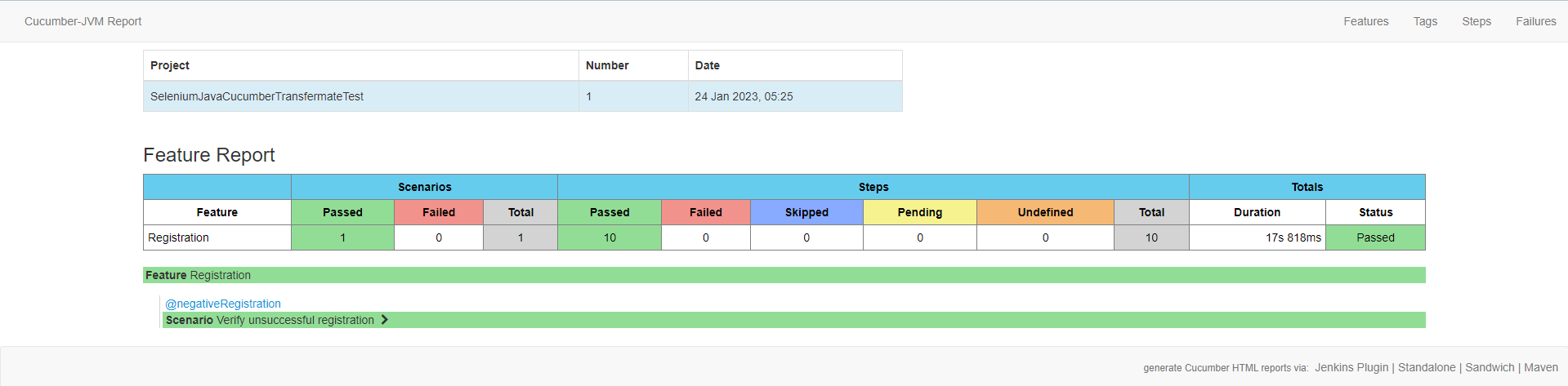
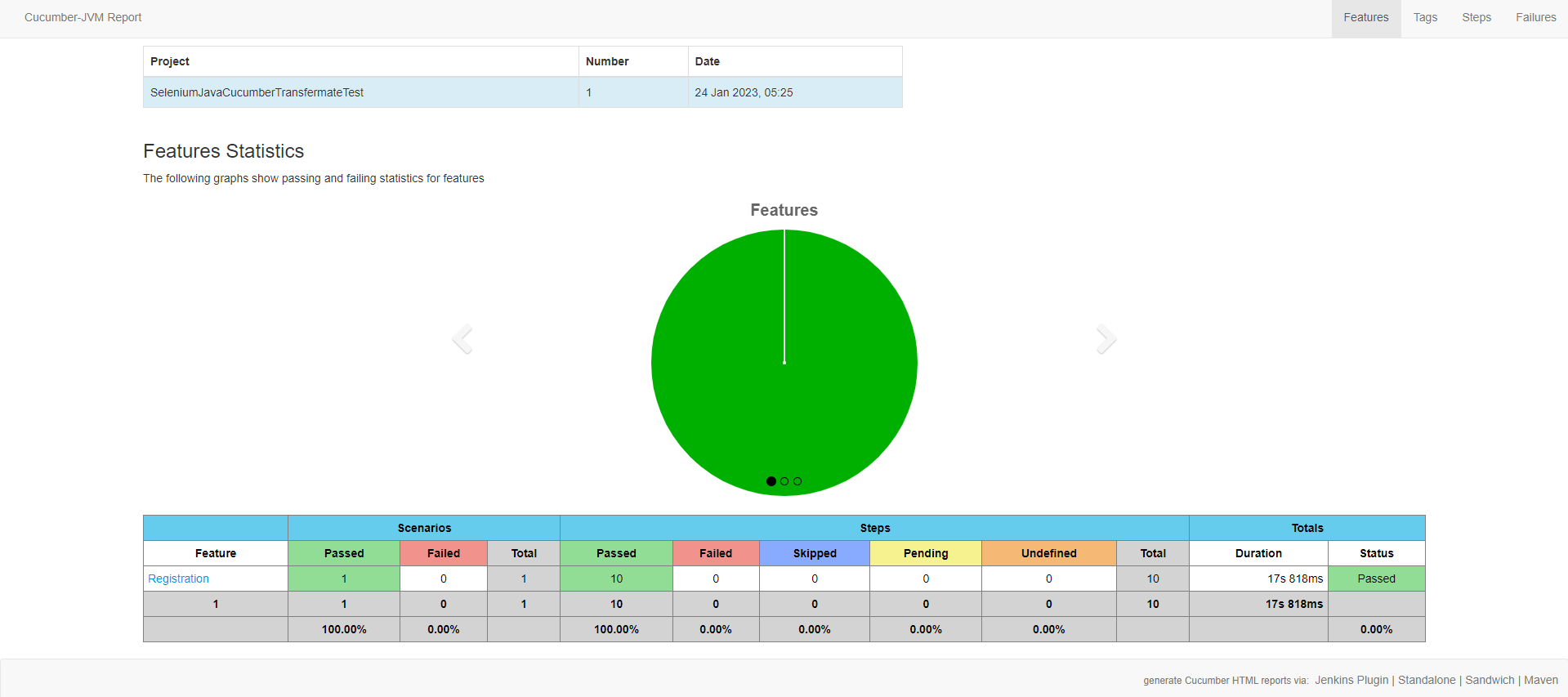
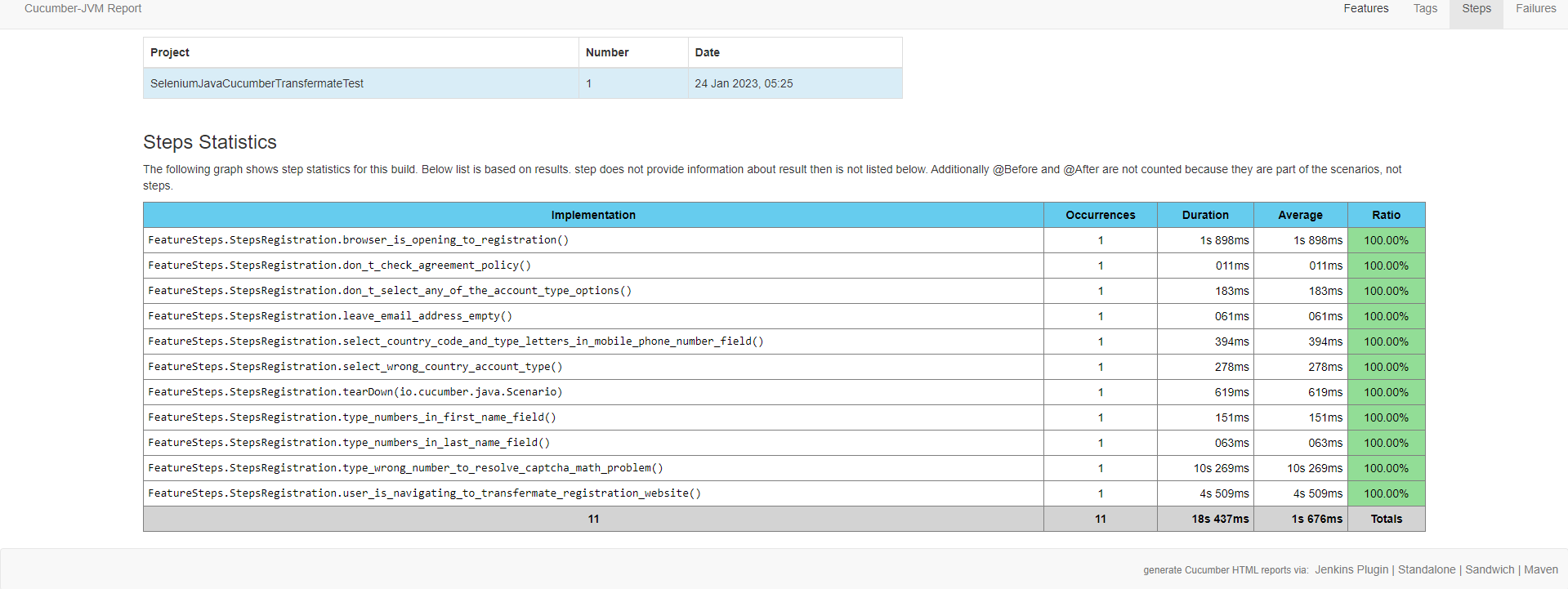
Cucumber reports will generate reports with screenshot on fail, if you run it from TestRunner and the Registration.feature
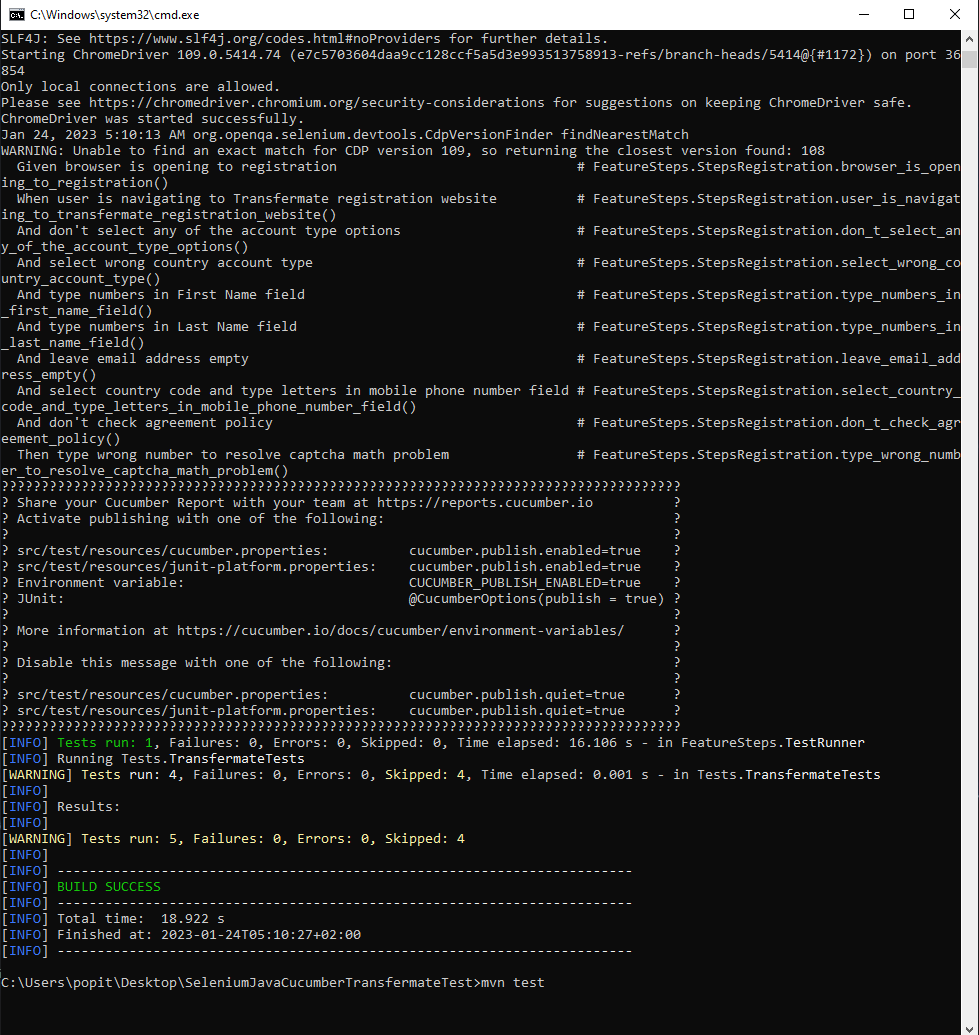
Framework also supports command line execution for cucumber and also the Transfermate.class
-> Open cmd and type cd /path/to/project type: mvm clean test type: mvn verify -DskipTests
And it will generate a more detailed report for Cucumber tests like in the pictures below: