




Set up a Ratatui application, using bevy to manage the update loop, handle input events, draw to the buffer, etcetera.
cargo add bevy_ratatui ratatui crossterm
use bevy::prelude::*;
use bevy::app::ScheduleRunnerPlugin;
use bevy_ratatui::{RatatuiContext, RatatuiPlugins};

fn main() {
    let frame_time = std::time::Duration::from_secs_f32(1. / 60.);

    App::new()
        .add_plugins((
            MinimalPlugins.set(ScheduleRunnerPlugin::run_loop(frame_time)),
            RatatuiPlugins::default(),
        ))
        .add_systems(Update, draw_system)
        .run();
}

fn draw_system(mut context: ResMut<RatatuiContext>) -> Result {
    context.draw(|frame| {
        let text = ratatui::text::Text::raw("hello world");
        frame.render_widget(text, frame.area());
    })?;

    Ok(())
}
To read user input, you can listen for the crossterm input messages forwarded by this crate:
use bevy::app::AppExit;
use bevy_ratatui::event::KeyMessage;
use crossterm::event::KeyCode;

fn input_system(mut messages: MessageReader<KeyMessage>, mut exit: MessageWriter<AppExit>) {
    for message in messages.read() {
        if let KeyCode::Char('q') = message.code {
            exit.write_default();
        }
    }
}
...or use the enable_input_forwarding option in RatatuiPlugins which will
map crossterm input events to normal bevy input messages.
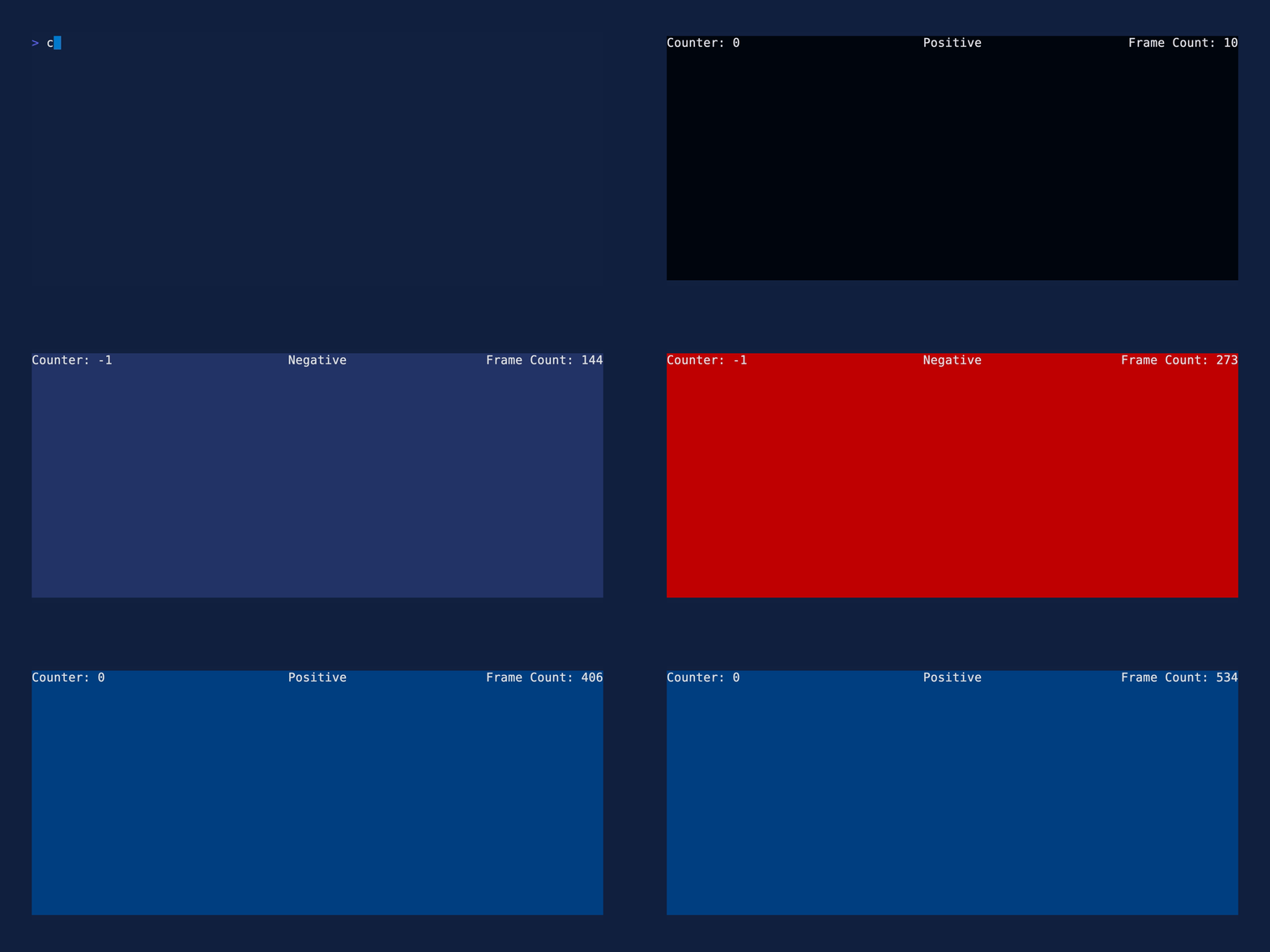
See the demo example for the code and more information. For splitting the terminal into regions with Ratatui layouts, see the layout example, and the layout stress test for nested layouts, every constraint and flex mode, and every widget. For a larger multi-file game example, see the snake example. For several systems drawing one frame, see the multi_draw example.
-
windowed: Render your ratatui application in a window instead of the terminal buffer. Reference thedemoexample for how to set up a Bevy project to handle either mode, windowed_fonts for custom font assets and sizing onTerminalRenderConfig, windowed_mouse for the cell under the mouse (WindowedCursor), or windowed_system_fonts withbevy/system_font_discoveryfor OS font discovery. Rendered on the GPU via bevy_terminal; enables the Bevy features the windowed backend needs (windowing, rendering, text withdefault_font, andbevy_ui) and a set of platform defaults (X11 and Wayland, WebGL2, multithreading). The default font has a single face, so bold and italic text render as regular until you set bold and italic faces onTerminalRenderConfig.The context is a
Terminal<RatatuiBackend>(it was soft_ratatui'sSoftBackend, whose pixmap methods are gone), which is a breaking change for code naming the backend. The grid starts at 80×24 and follows the primary window. Configure the terminal through theTerminalRenderConfigcomponent on the context, inStartupor later; seebevy_ratatui::windowed. Draw inUpdate(or inPostUpdatebeforeTerminalSystems::Sync, whenbevy_terminalreads the grid); drawing inLastshows one frame late.Because Cargo features are additive and unified across the dependency graph, enabling
bevy_ratatui/windowedanywhere in a build switchesRatatuiContextandRatatuiPluginsto the windowed backend for the entire build, andRatatuiPluginsthen ignores its three crossterm flags (enable_kitty_protocol,enable_mouse_capture,enable_input_forwarding). Libraries should leave enablingwindowedto the application. -
scrolling-regions: Enable Ratatui's scrolling regions for every backend. Use this rather thanratatui/scrolling-regions, which leaves the windowed backend without the methods Ratatui then requires.
- bevy: A refreshingly simple data-driven game engine built in Rust.
- ratatui: A Rust crate for cooking up terminal user interfaces (TUIs).
- egui_ratatui: A ratatui backend that is also an egui widget. Deploy on web with WASM or ship natively with bevy, macroquad, or eframe. Demo at https://gold-silver-copper.github.io/.
- bevy_ratatui_camera: Print a bevy scene to the terminal. Provides a ratatui widget that converts a bevy camera's rendered image to text and draws it to the terminal with ratatui.
- widgetui: A wrapper for ratatui that reduces boilerplate and handles the update loop. Uses an approach similar to bevy systems.
- bevyterm: A bevy crossterm integration that uses bevy systems to set up a terminal application.
| bevy | bevy_ratatui |
|---|---|
| 0.20 | 0.13.0–0.14.0 (upcoming) |
| 0.19 | 0.11.2–0.12.0 |
| 0.18 | 0.11.0–0.11.1 |
| 0.17 | 0.10 |
| 0.16 | 0.9 |
| 0.15 | 0.7 |
| 0.14 | 0.6 |
| 0.13 | 0.5 |
Copyright (c) Josh McKinney Copyright (c) Cooper Jax Reiff
This project is licensed under either of
- Apache License, Version 2.0 (LICENSE-APACHE or http://www.apache.org/licenses/LICENSE-2.0)
- MIT license (LICENSE-MIT or http://opensource.org/licenses/MIT)
at your option.
The fonts under assets/fonts are used by the examples only, are not part of the published crate, and keep their own licenses, which sit beside them.
Unless you explicitly state otherwise, any contribution intentionally submitted for inclusion in the work by you, as defined in the Apache-2.0 license, shall be dual licensed as above, without any additional terms or conditions.