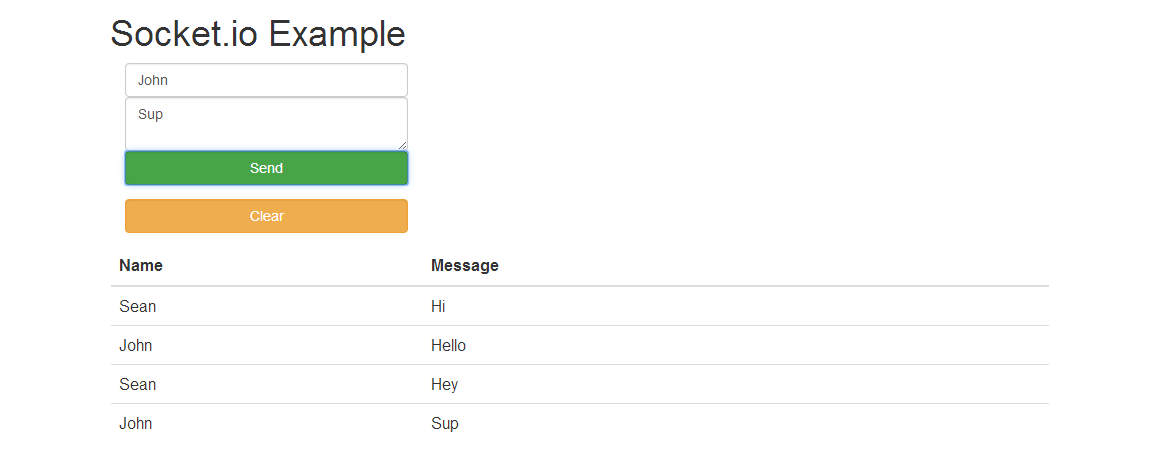
An example Node.js application demonstrating socket.io with MongoDB.
##Setup
- Download and install Eclipse http://eclipse.org/downloads/
- Download and install Git http://git-scm.com/downloads
- Open Eclipse and create a workspace
- Click Help -> Install New Software.. in the
Work withfield enterhttp://www.nodeclipse.org/updates/ - Install nodeclipse
- Navigate to the workspace folder (terminal or cmd) and run the Git command
git clone https://github.com/seana7a7/node-socket.io-mongodb-example.git - Click File -> Import -> General -> Existing Project into Workspace
- Click Browse navigate to the workspace and select the
node-socket.io-mongodb-examplefolder - Click finish
##Database Setup (Linux)
- Download and install MongoDB http://www.mongodb.org/downloads
- Start the MongoDB service
sudo service mongodb restart
##Database Setup (Windows)
- Download and install MongoDB http://www.mongodb.org/downloads
- Create the following folder
C:\data\db - If MongoDB has not been installed as a service run the MonogoDB demon
mongod.exe
##Deploy
- Right click on the
app.jsfile Run As -> Node Application