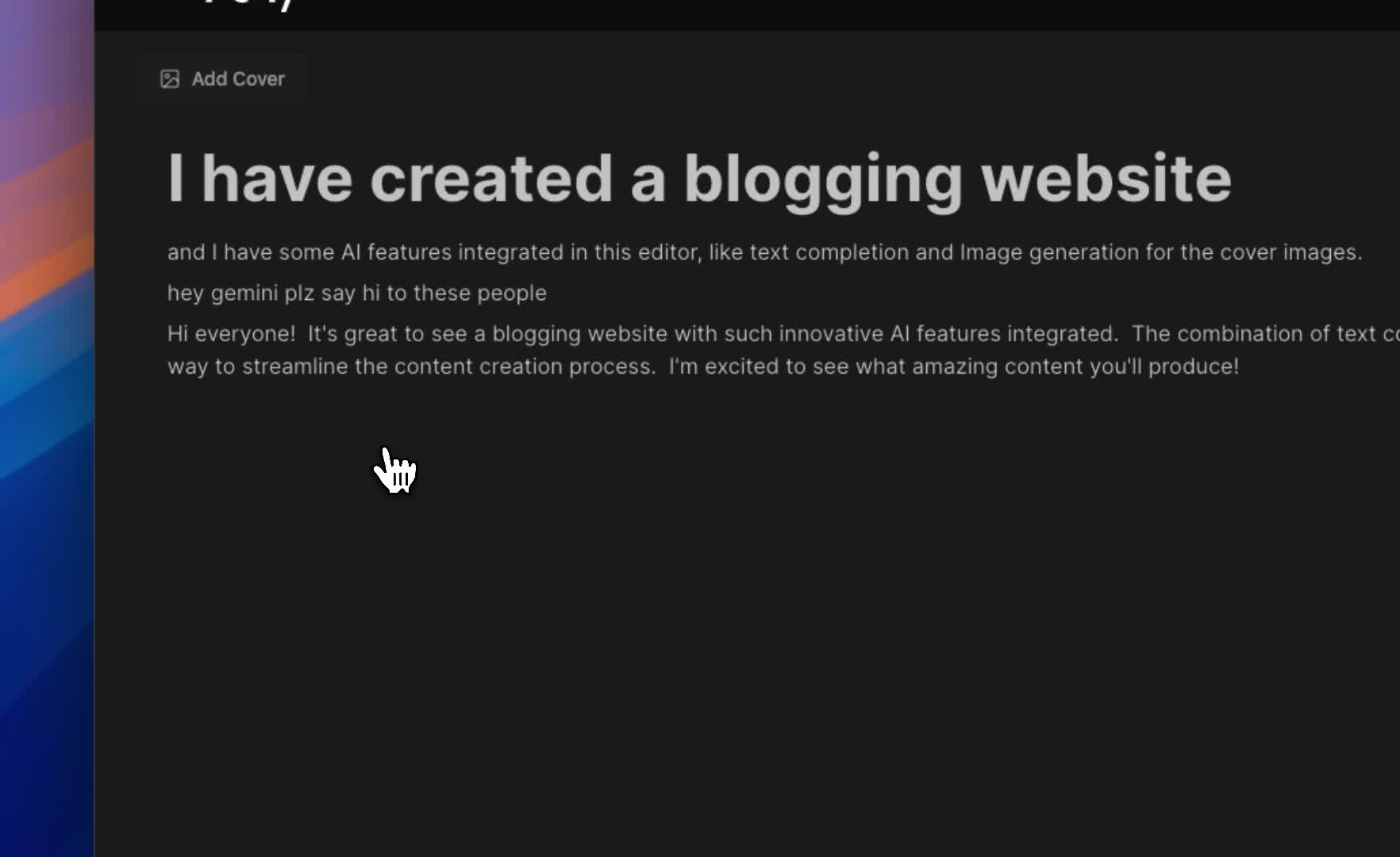
Welcome to V-shy Blogs, an open-source blogging platform built with Next.js. Whether you're a developer looking to host your own blog or a contributor eager to improve the project, this guide will help you get started!


Follow these steps to set up V-shy Blogs locally.
- Node.js: >= 16.x
- npm or yarn: For package management
- Database: PostgreSQL (recommended)
-
Clone the Repository:
git clone https://github.com/yourusername/v-shy-blogs.git cd v-shy-blogs -
Install Dependencies:
npm install # or yarn install -
Set Up Environment Variables:
Create a
.envfile in the root directory and populate it using the following template:DATABASE_URL=your-database-url AUTH_SECRET=your-auth-secret AUTH_GOOGLE_ID=your-google-client-id AUTH_GOOGLE_SECRET=your-google-client-secret EDGE_STORE_ACCESS_KEY=your-edge-store-access-key EDGE_STORE_SECRET_KEY=your-edge-store-secret-key GOOGLE_GENERATIVE_AI_API_KEY=your-gemini-api-key
-
Run Database Migrations:
If you're using Prisma:
npx prisma migrate dev
-
Start the Development Server:
npm run dev
# or
yarn dev
The application should now be running at http://localhost:3000.
We welcome contributions from the community! To contribute:
- Fork the repository.
- Create a feature branch:
git checkout -b feature-name - Commit your changes:
git commit -m "Add feature" - Push to the branch:
git push origin feature-name - Open a pull request.
Check out the live version of the site at: https://vishay-blogs.vercel.app/
Happy blogging! 🌱