a new browser, designed to be very simple conceptually, easily extensible by humans and LLMs
similar to qutebrowser but more minimal, Unix-y, and language-agnostic
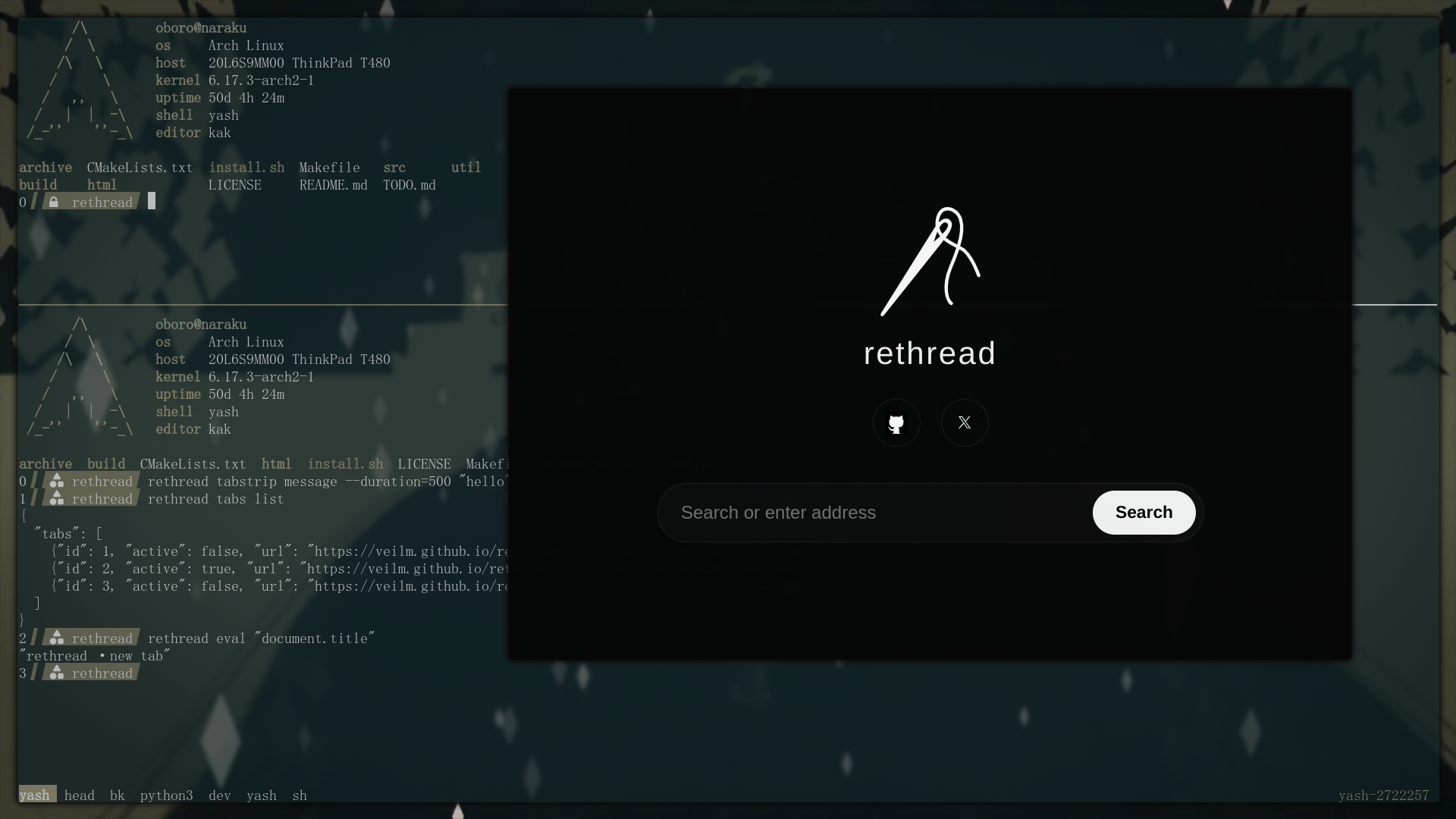
(there's nothing of note. because the UI is minimal and usually non-existent, as it should be. this is just a website open, not any special new tab page)
requirements: Linux, Qt 6 with Web Engine (on Arch: sudo pacman -S qt6-base qt6-webengine)
git clone --depth 1 https://github.com/veilm/rethread
cd rethread

# configure + build (Makefile wraps CMake)
make

# install utils. TODO better build/install process
./install.sh

# launch the browser UI
./build/rethread browser --help
The rethread binary is a light CLI wrapper. Use rethread browser ... to
launch the UI and rethread tabs ... to talk to a running instance without
reloading the Qt stack each time. After startup, the browser automatically runs
$XDG_CONFIG_HOME/rethread/startup.sh (override with --startup-script=PATH)
so you can pre-register keybindings or tweak state declaratively.
rethread tabs open inserts the new tab immediately after the active tab; add
--at-end to append to the end of the strip when you need the old behavior.
TODO better docs, this Codex output is messy a lot of it is just wrong or misleading too. not highest prior right now though
Bindings now live inside the browser—no external handler required. Register one with the CLI and it stays in memory until you quit:
# Alt+J / Alt+K cycle tabs without touching Python
rethread bind --alt --key=j -- rethread tabs cycle 1
rethread bind --alt --key=k -- rethread tabs cycle -1

rethread bind --ctrl --key=t --no-consume -- "notify-send 'new tab'"
Each binding accepts modifier flags (--alt, --ctrl, --shift,
--command/--meta), a --key=<value>, optional --no-consume, and the shell
command to run after --. Commands execute via /bin/sh -c ..., so any shell
snippet works. Drop the same lines into
$XDG_CONFIG_HOME/rethread/startup.sh to have them applied automatically on launch.
Use rethread unbind [mods] --key=... to clear a binding and fall back to the
browser's default behavior for that key combo.
Move tabs without leaving the keyboard. Relative offsets wrap around the strip:
# move the active tab left / right
rethread tabs swap -1
rethread tabs swap +1

# swap two explicit positions
rethread tabs swap 1 4
Right clicks follow the same in-memory model. Bind the handler once and rethread will reuse it until exit:
# invoke the sample handler installed by install.sh
rethread bind --context-menu "$XDG_CONFIG_HOME/rethread/right-click-handler.py"
Any shell snippet works; it runs via /bin/sh -c ... with your profile exported
just like the keyboard bindings. When the handler executes, the browser sets a
few environment variables so the script knows what was under the cursor:
RETHREAD_CONTEXT_PAYLOADreproduces the raw newline-delimited payloadRETHREAD_CONTEXT_TYPE_FLAGS,RETHREAD_CONTEXT_X,RETHREAD_CONTEXT_Y,RETHREAD_CONTEXT_EDITABLERETHREAD_CONTEXT_SELECTION,RETHREAD_CONTEXT_LINK_URL,RETHREAD_CONTEXT_SOURCE_URL,RETHREAD_CONTEXT_FRAME_URL,RETHREAD_CONTEXT_PAGE_URL,RETHREAD_CONTEXT_MEDIA_TYPE
The helper installed at $XDG_CONFIG_HOME/rethread/right-click-handler.py
copies RETHREAD_CONTEXT_SOURCE_URL to the clipboard via wl-copy, so you can
right-click media to grab its URL instantly. util/startup.sh wires it up
automatically when present.
Use rethread rules to load newline-delimited hostname lists. Each rule accepts
either a --whitelist (deny everything else) or --blacklist (allow
everything else) flag.
Disable JavaScript on specific hosts:
cat hosts_to_block_js.txt | rethread rules js --blacklist
Block or allow third-party iframes to kill most popup hijacks:
cat iframe_blocklist.txt | rethread rules iframes --blacklist
Drop the same commands into your startup script (with input redirection) to populate the in-memory lists at launch. Tabs consult the rules whenever they navigate, so changes apply immediately without restarting the browser.
Need to tack on more hosts later without flushing the old list? Pass
--append and the rules manager will merge them when the mode matches:
cat ad_networks.txt | rethread rules js --blacklist --append
Switching from blacklist to whitelist (or the other way around) while using
--append automatically replaces the previous entries, so you never end up
with mixed modes in memory.
Use rethread scripts to manage Greasemonkey-style userscripts per profile.
Scripts live under $XDG_DATA_HOME/rethread/PROFILE/scripts/<id>.user.js.
They are only active for the current browser session unless you call
rethread scripts add again after restarting (the CLI keeps the files around
so you can re-register them later).
# add or replace a script (reads stdin)
cat foo.js | rethread scripts add --id=my-script --match='*://example.com/*'

# inject CSS via the helper wrapper
cat tweaks.css | rethread scripts add --id=my-style --stylesheet --match='*://*/*'

# inspect everything currently active
rethread scripts list

# remove a script by id
rethread scripts rm --id=my-style
When stdin already starts with // ==UserScript==, the CLI preserves it and
ignores --match, --run-at, and --stylesheet. Otherwise it generates the
header automatically, fills in the provided --match, and defaults to
@run-at document-end (use --run-at=document-start|document-end|document-idle
to override it). Passing --stylesheet treats stdin as CSS and wraps it in a
<style> injector that defaults to document-start.
Open the inspector for the active tab at any time:
rethread devtools open
It spawns a standard Qt WebEngine DevTools window (one per tab) so you can keep working from the CLI and still reach the familiar debugging tools.
The tab strip overlay starts hidden. Use the CLI to control it at runtime:
# show / hide / toggle visibility
rethread tabstrip show
rethread tabstrip hide
rethread tabstrip toggle

# briefly show it for 400ms, then auto-hide
rethread tabstrip peek 400

# switch to next/previous tab, then peek for 750ms
rethread tabs cycle 1 && rethread tabstrip peek 750
rethread tabs cycle -1 && rethread tabstrip peek 750

# flash arbitrary text (read from stdin here) for half a second
printf 'Copied URL' | rethread tabstrip message --duration=500 --stdin
rethread tabstrip message --duration=1200 "Pinned tab saved"
peek always shows the overlay immediately and schedules a hide after the given
duration (milliseconds). Any manual show/hide/toggle commands cancel pending
peek hides. tabstrip message piggybacks on the same overlay to display one or
more lines of text for the duration you specify, so bindings can provide inline
status toasts without building extra UI.
Use rethread eval to run JavaScript inside a tab without leaving the terminal.
By default the active tab receives the snippet:
rethread eval "window.location.href"
Read scripts from stdin with --stdin (handy for multi-line snippets) and
target specific tabs with either an id or 1-based index:
cat snippet.js | rethread eval --stdin --tab-index=2
rethread eval --tab-id=7 "({title: document.title, url: location.href})"
The command prints the JSON-encoded return value (strings stay quoted, objects
and arrays render as expected). If your snippet returns a Promise, rethread
waits for it to settle before printing the resolved value (or propagating the
rejection). Errors bubble up as ERR ... lines. Snippets execute inside a
function body, so return the value you need (e.g.
rethread eval "console.log(1); return 5;") and use await freely—the helper
will treat async/sync code the same way.
open a GitHub issue or ping me on twitter. I'd be happy to answer any possible question
MIT